Ready-to-Use
Business Intelligence for
Microsoft Dynamics 365
1000+ Enterprises of all sizes and industries trust BI4Dynamics
for rapid implementation of advanced BI solutions
- Any Industry
- Any Size
- Full Support During Trial
- Ready in Hours
Secure. Scalable. Ready.
Secure integration, scalable automation, and ready-made analytics for your Dynamics 365
✅ 1 Million lines of code generated (T-SQL, DAX)
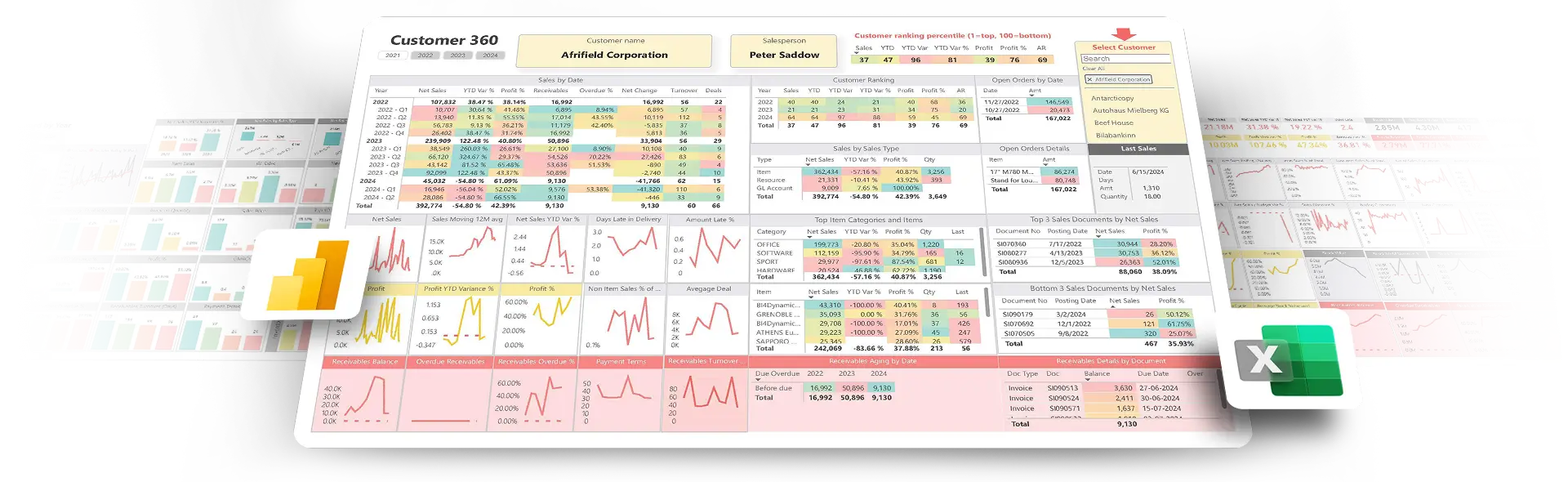
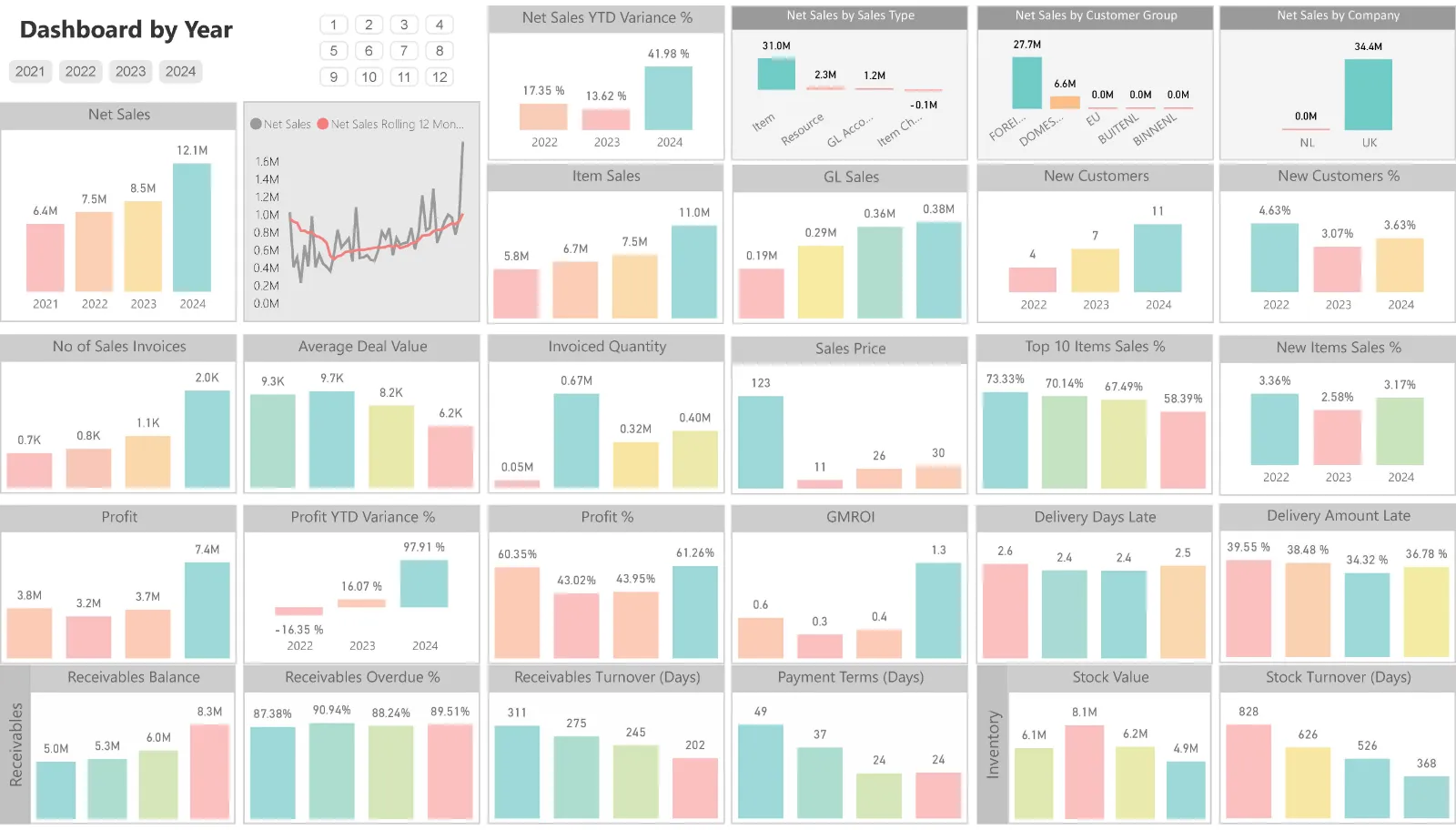
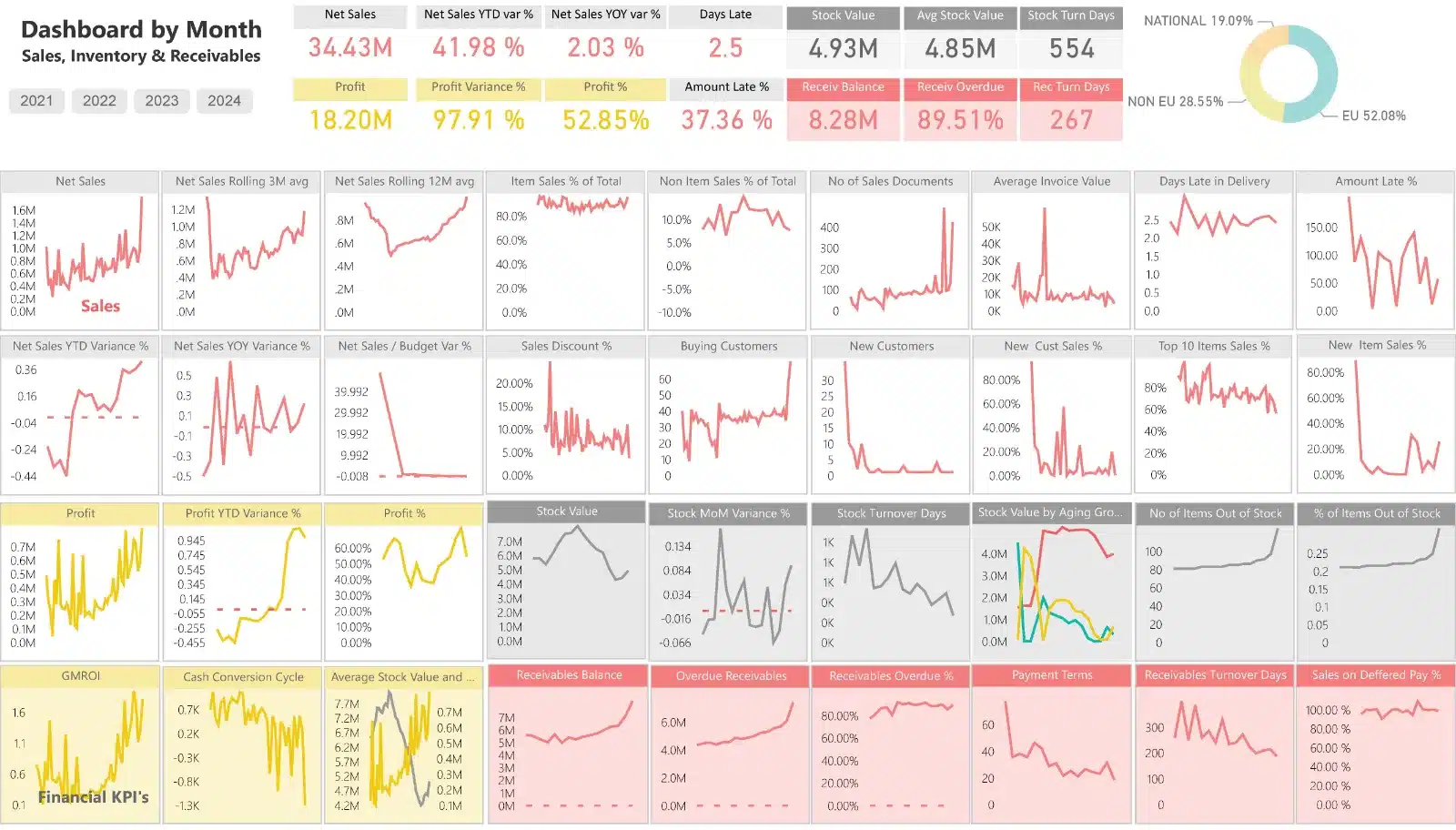
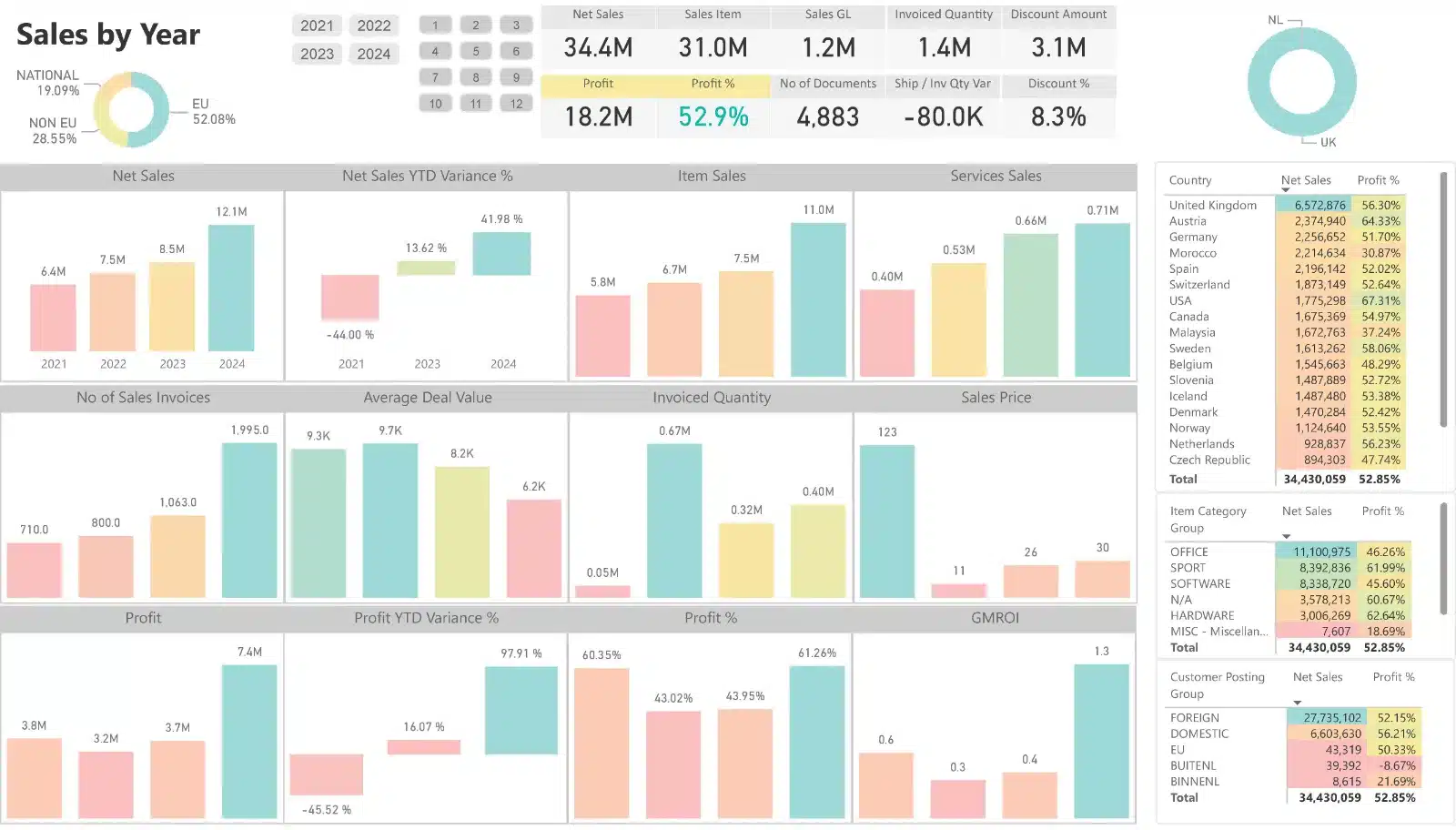
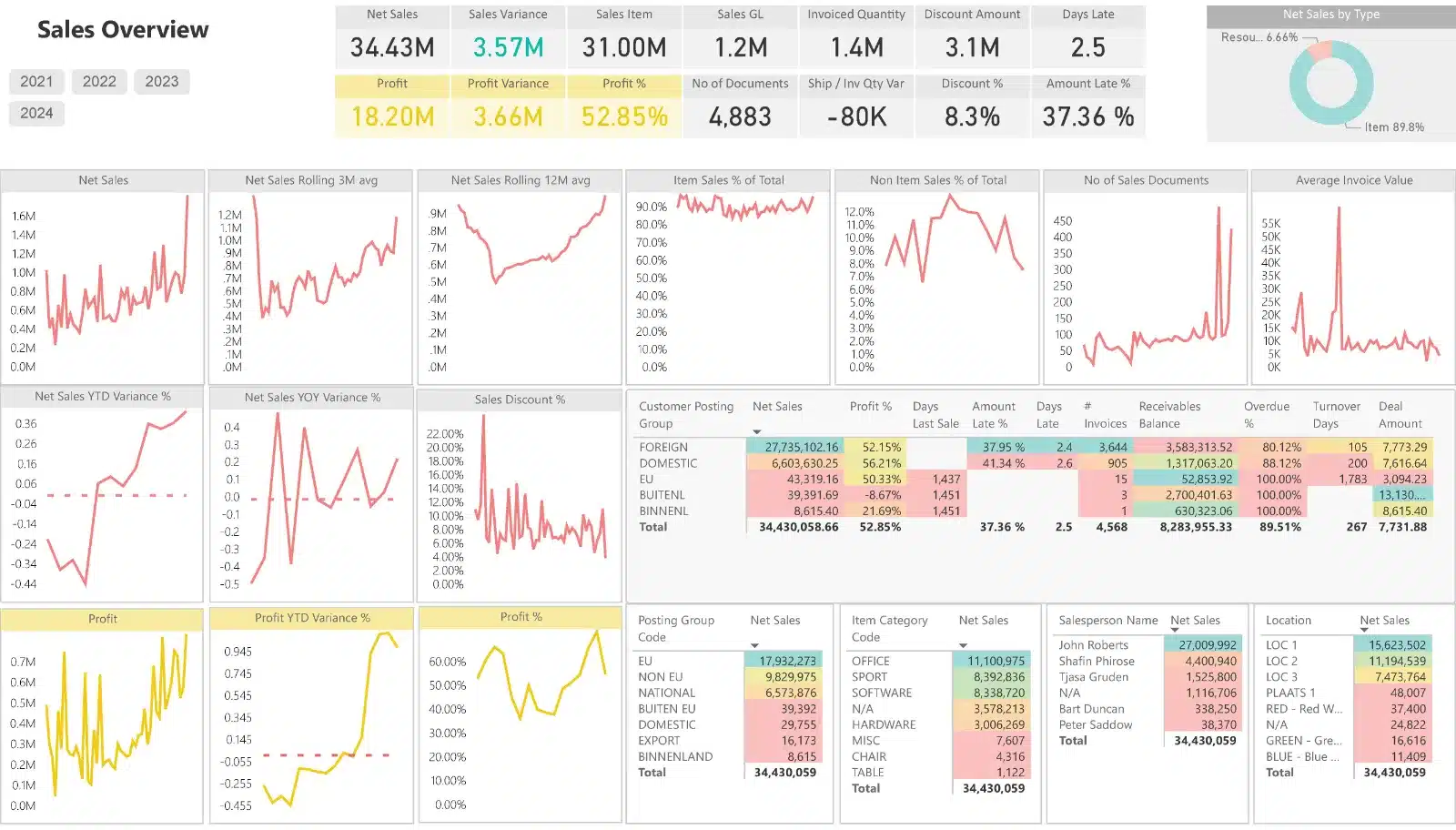
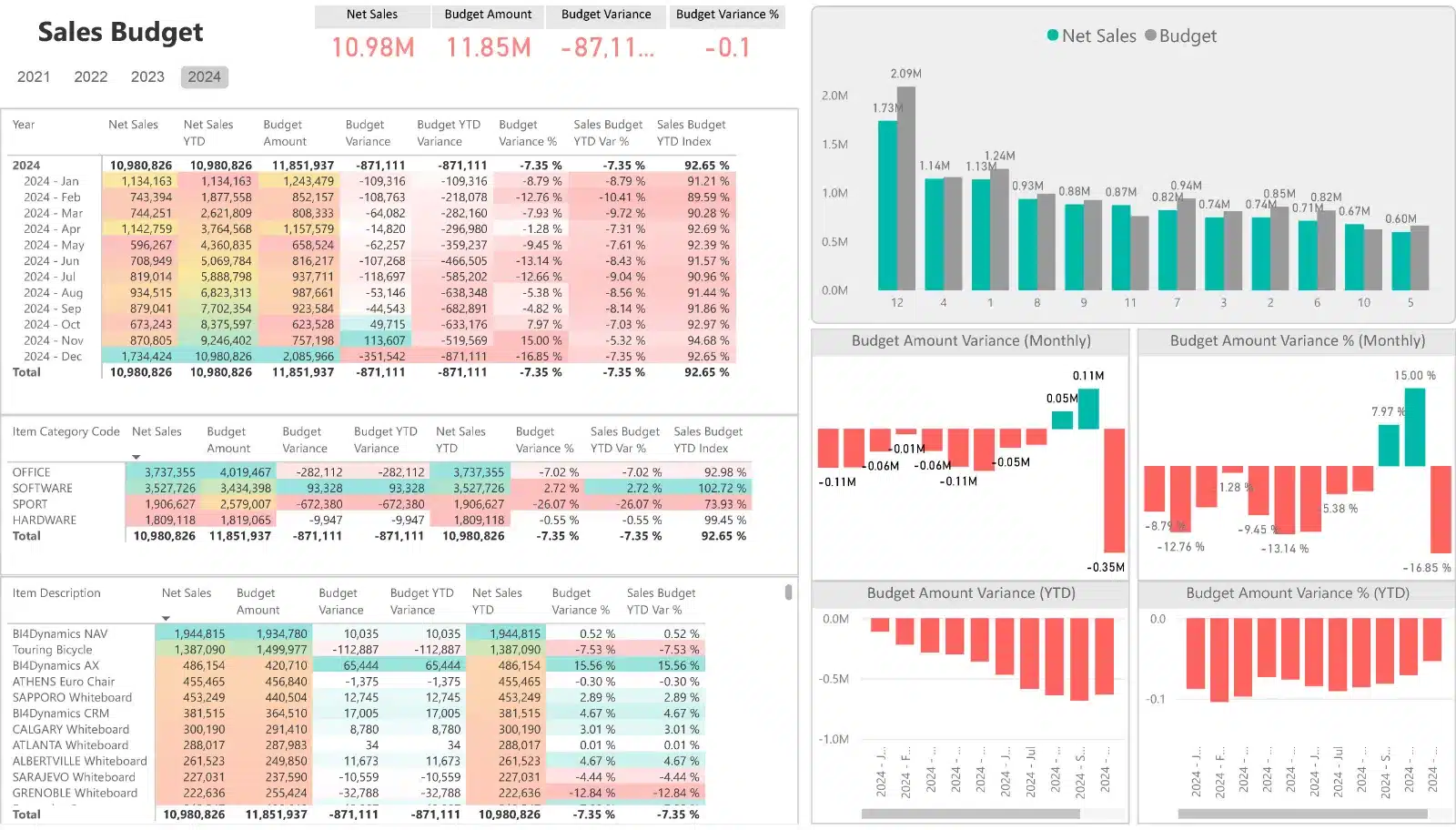
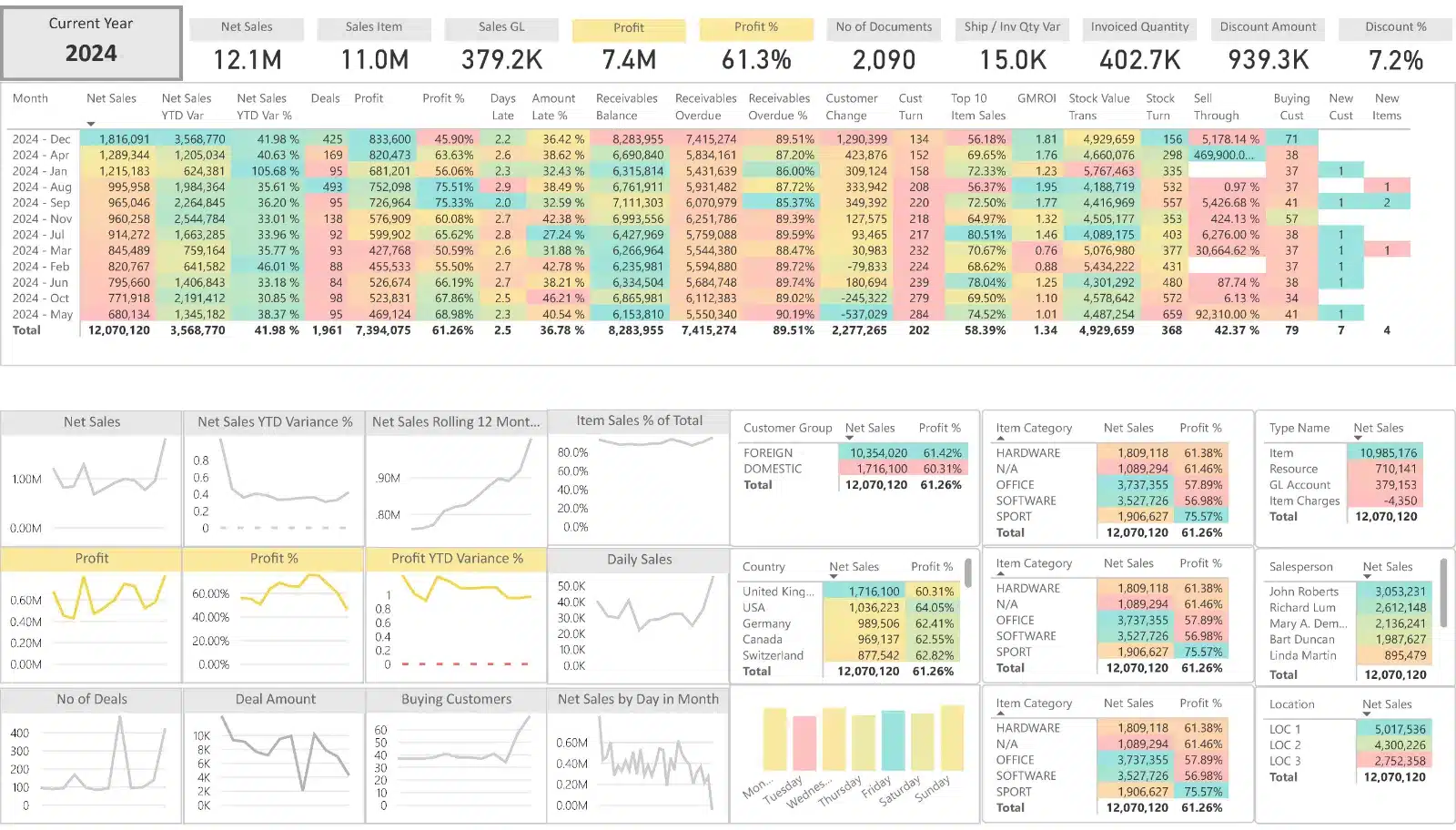
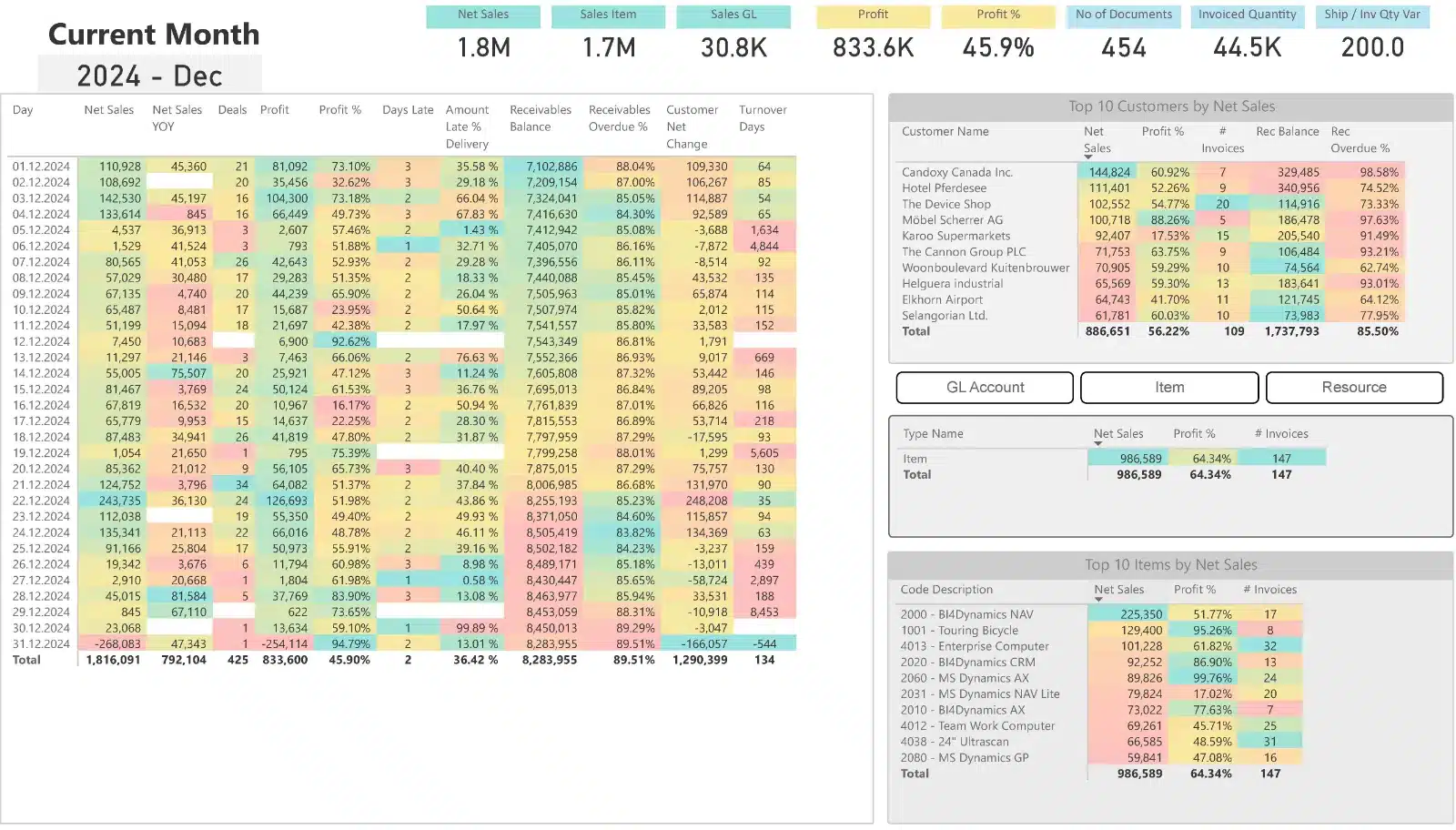
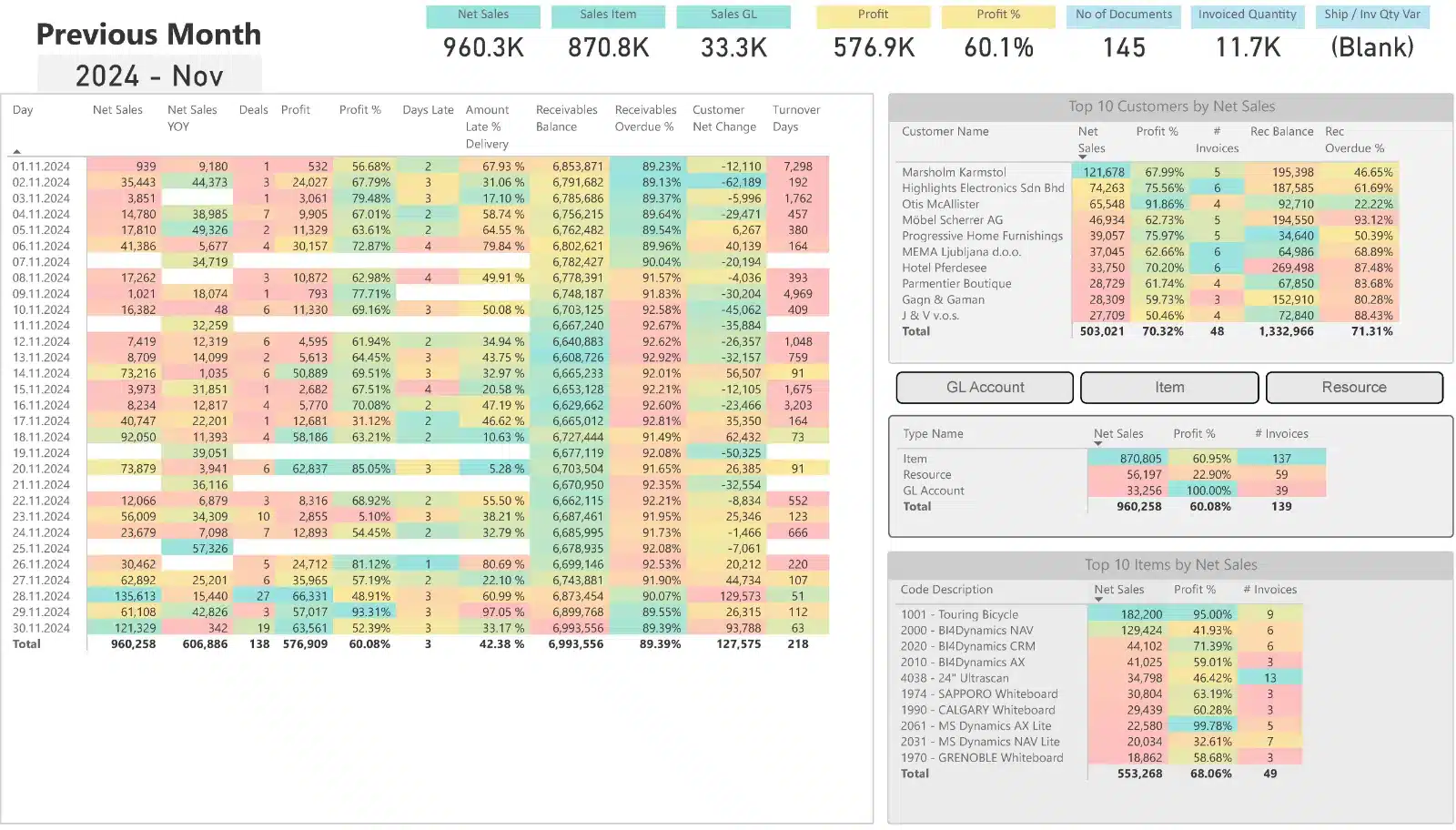
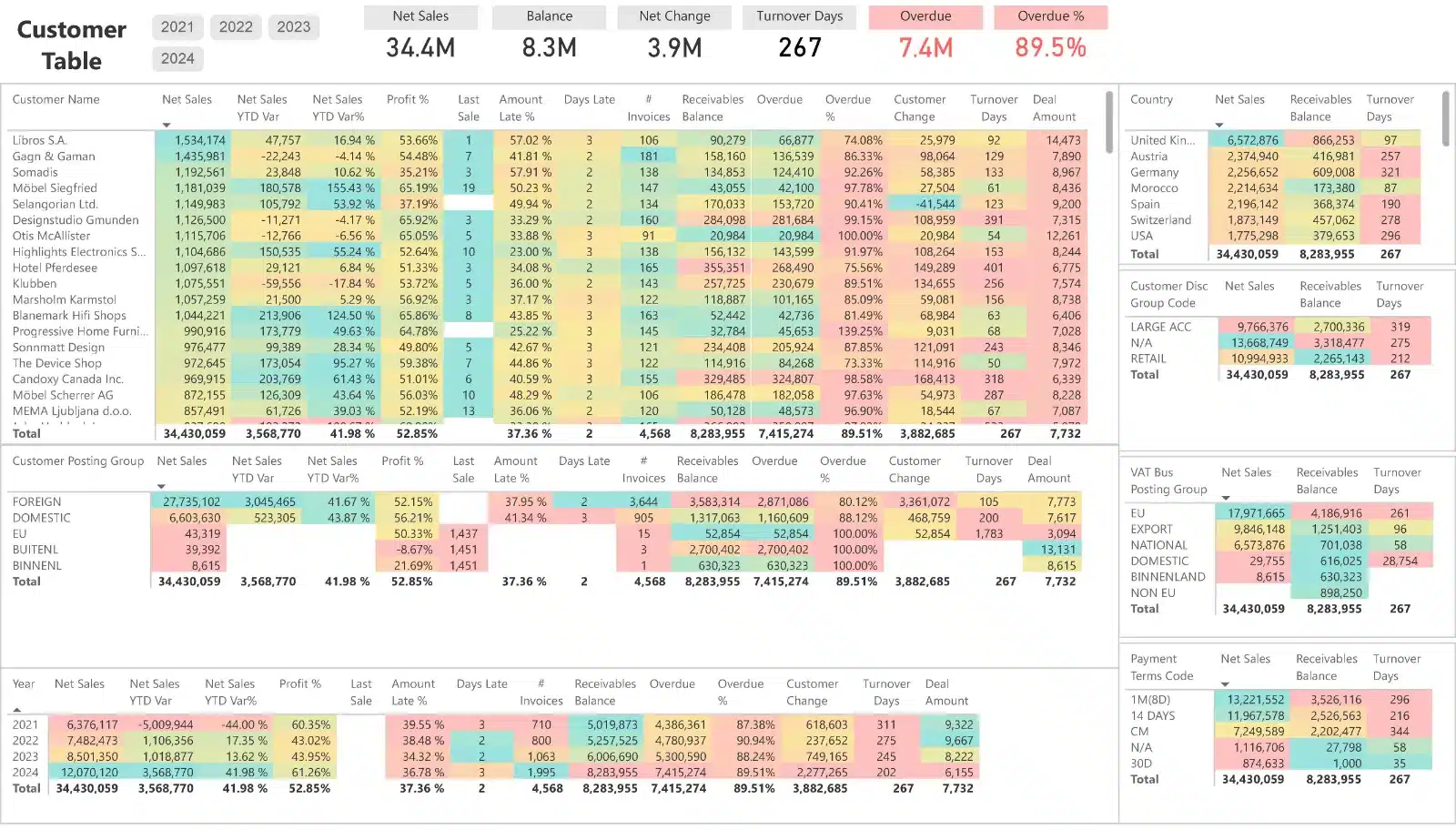
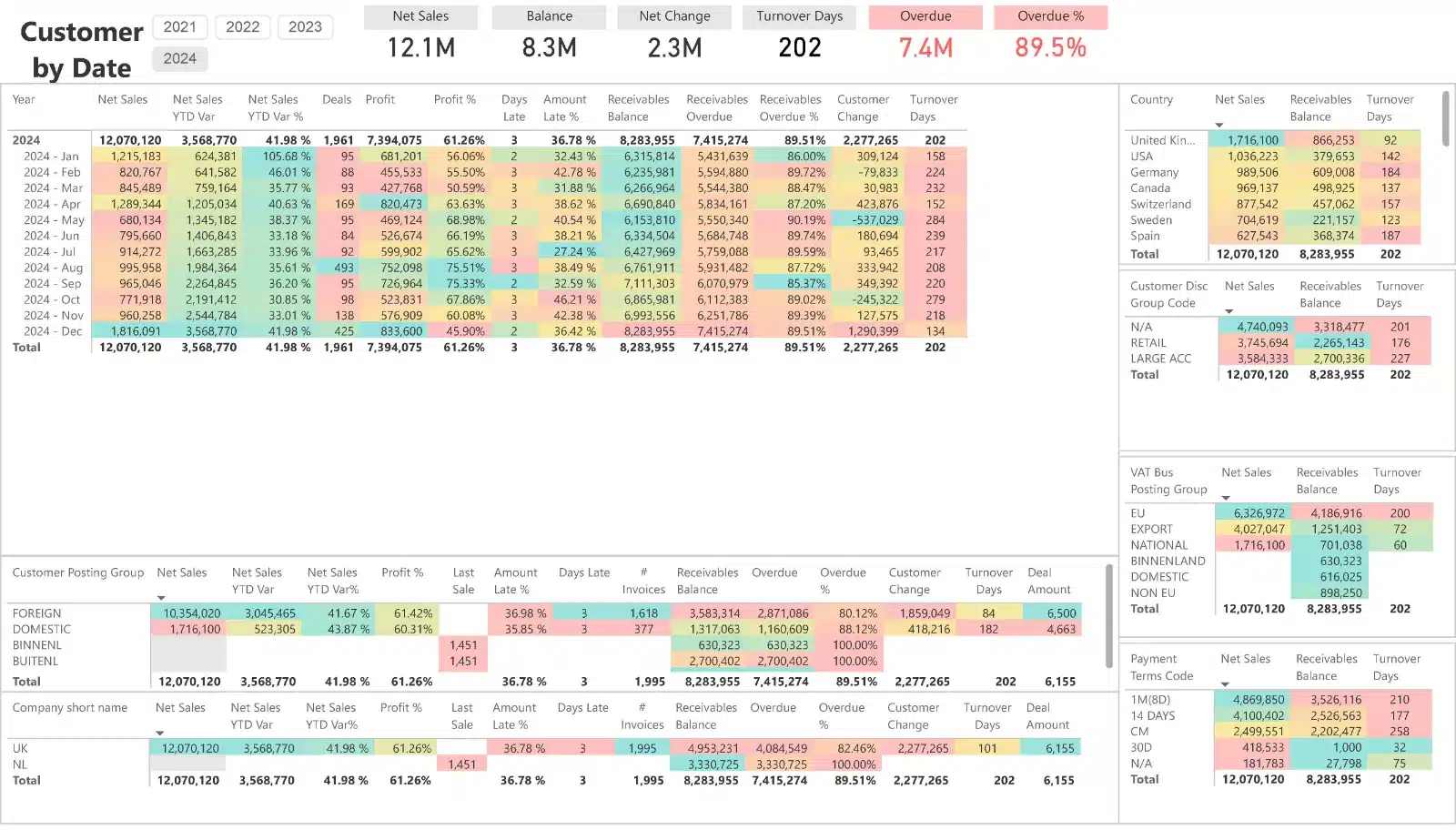
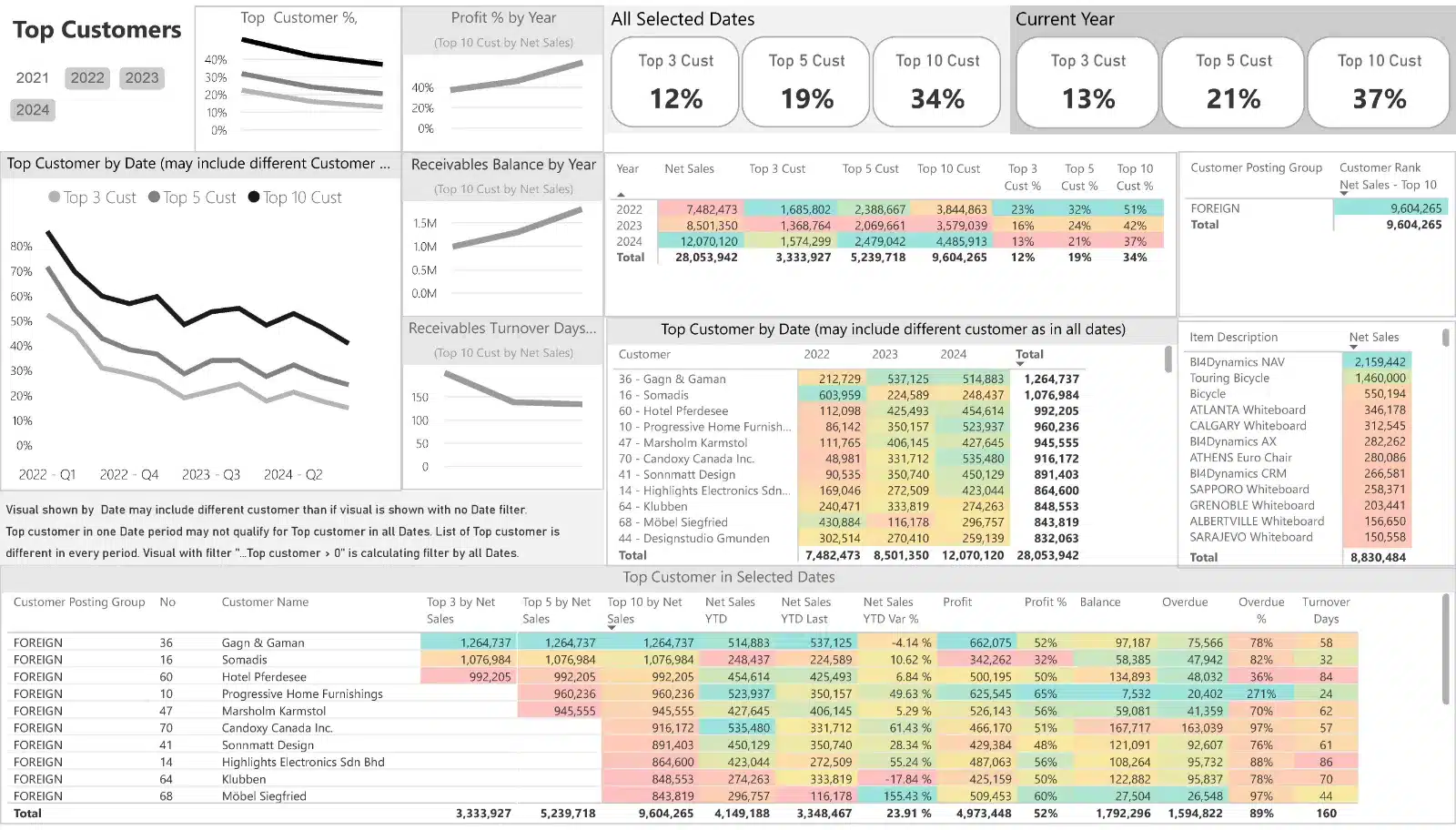
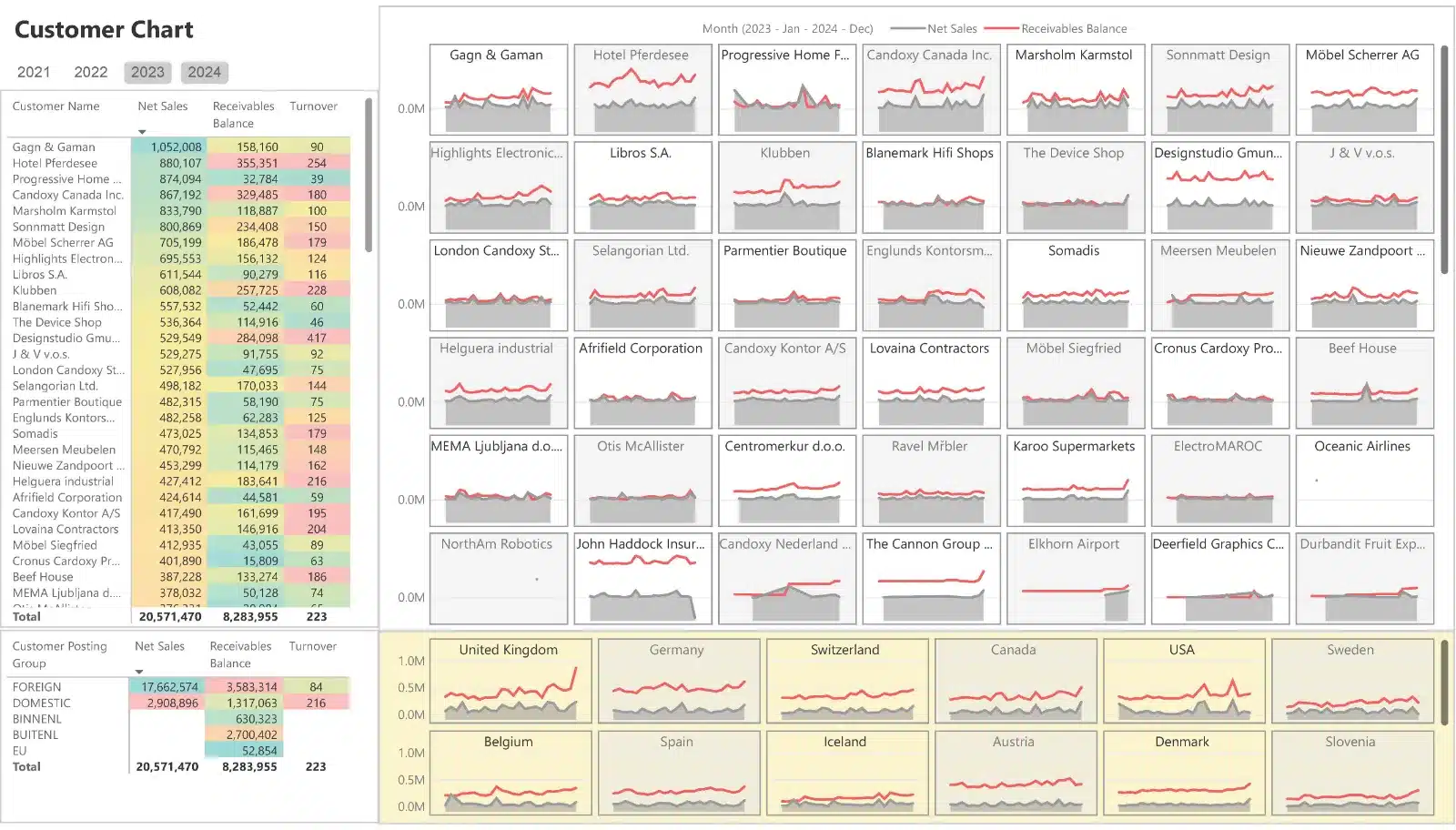
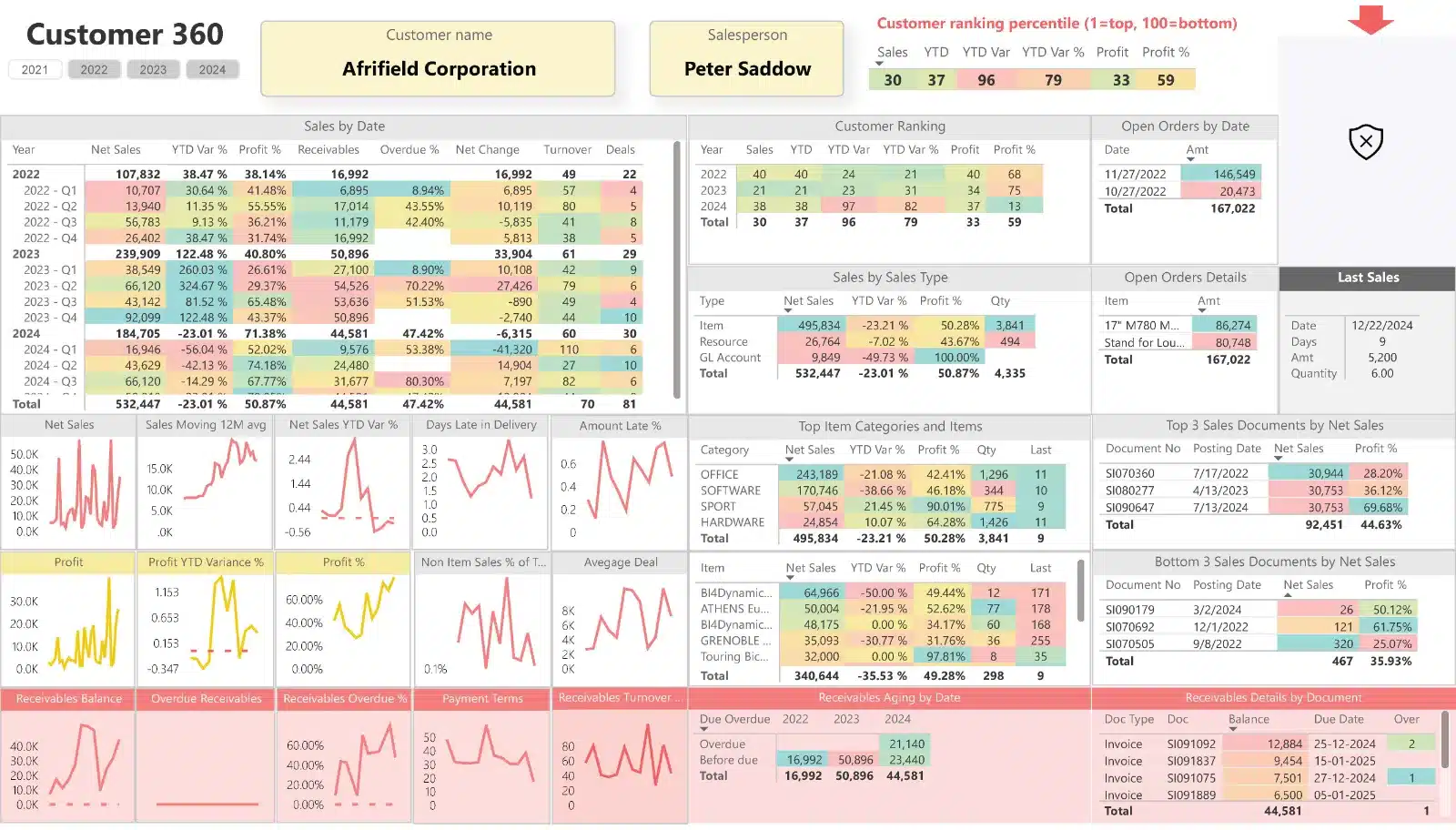
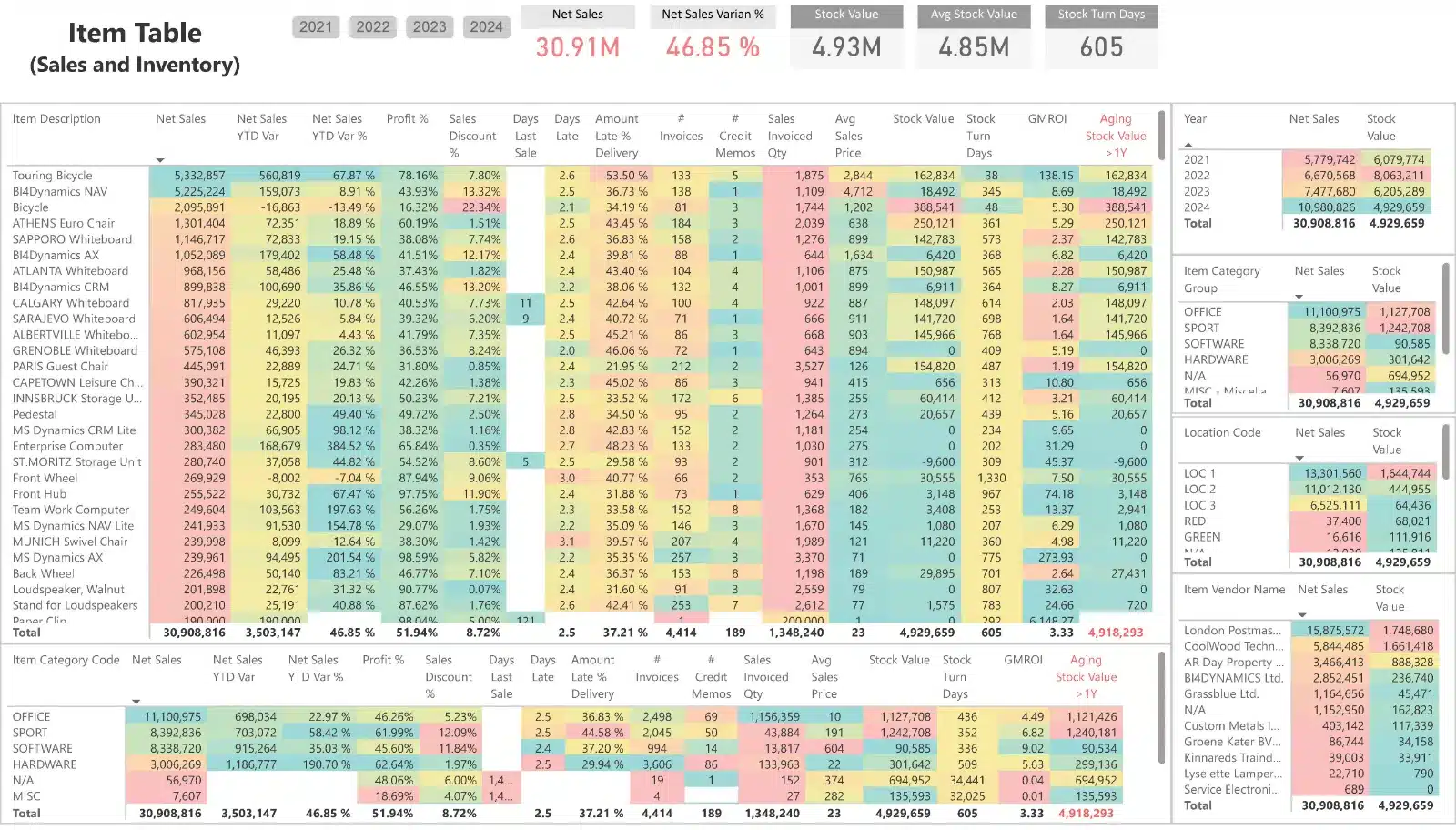
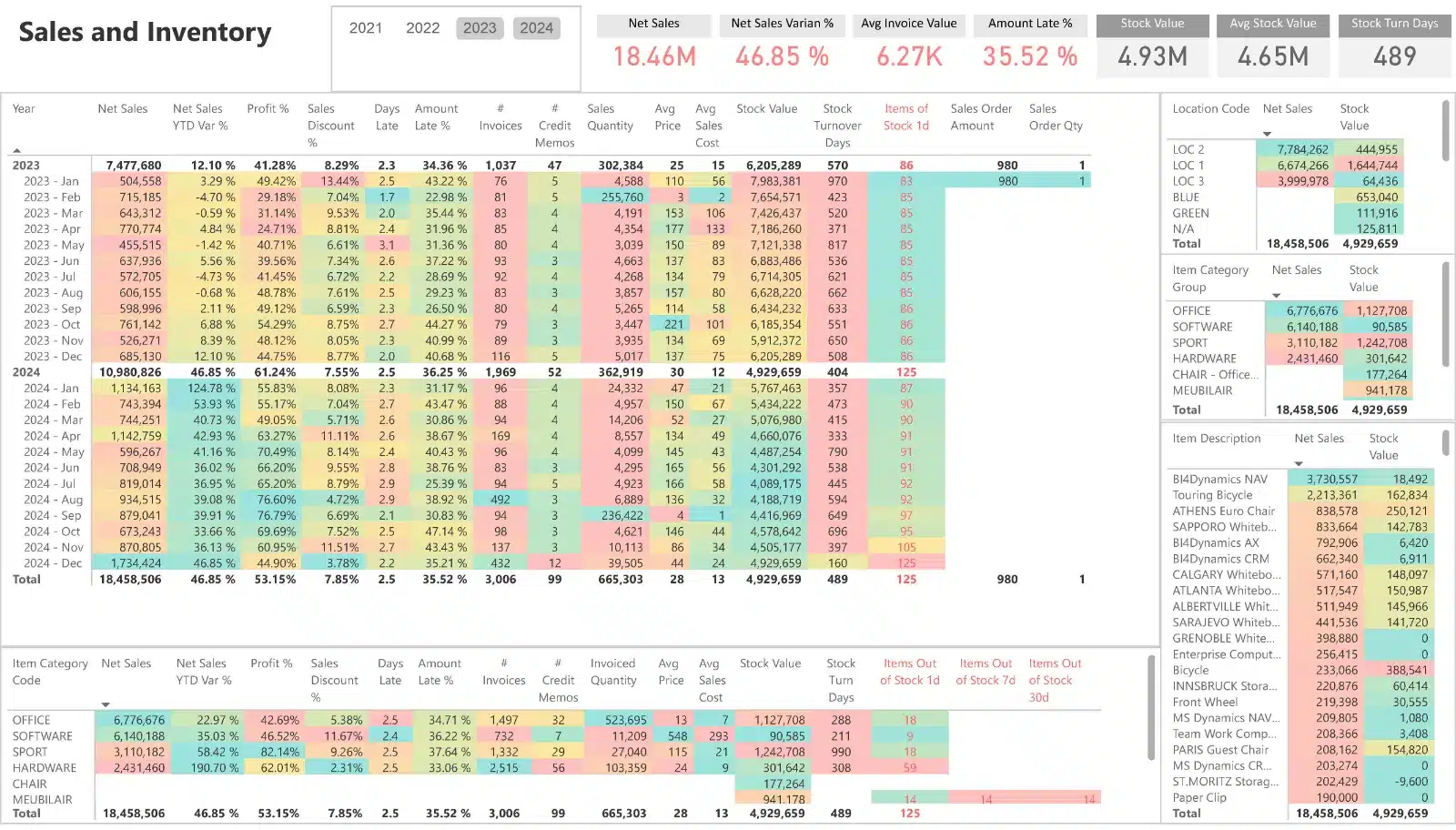
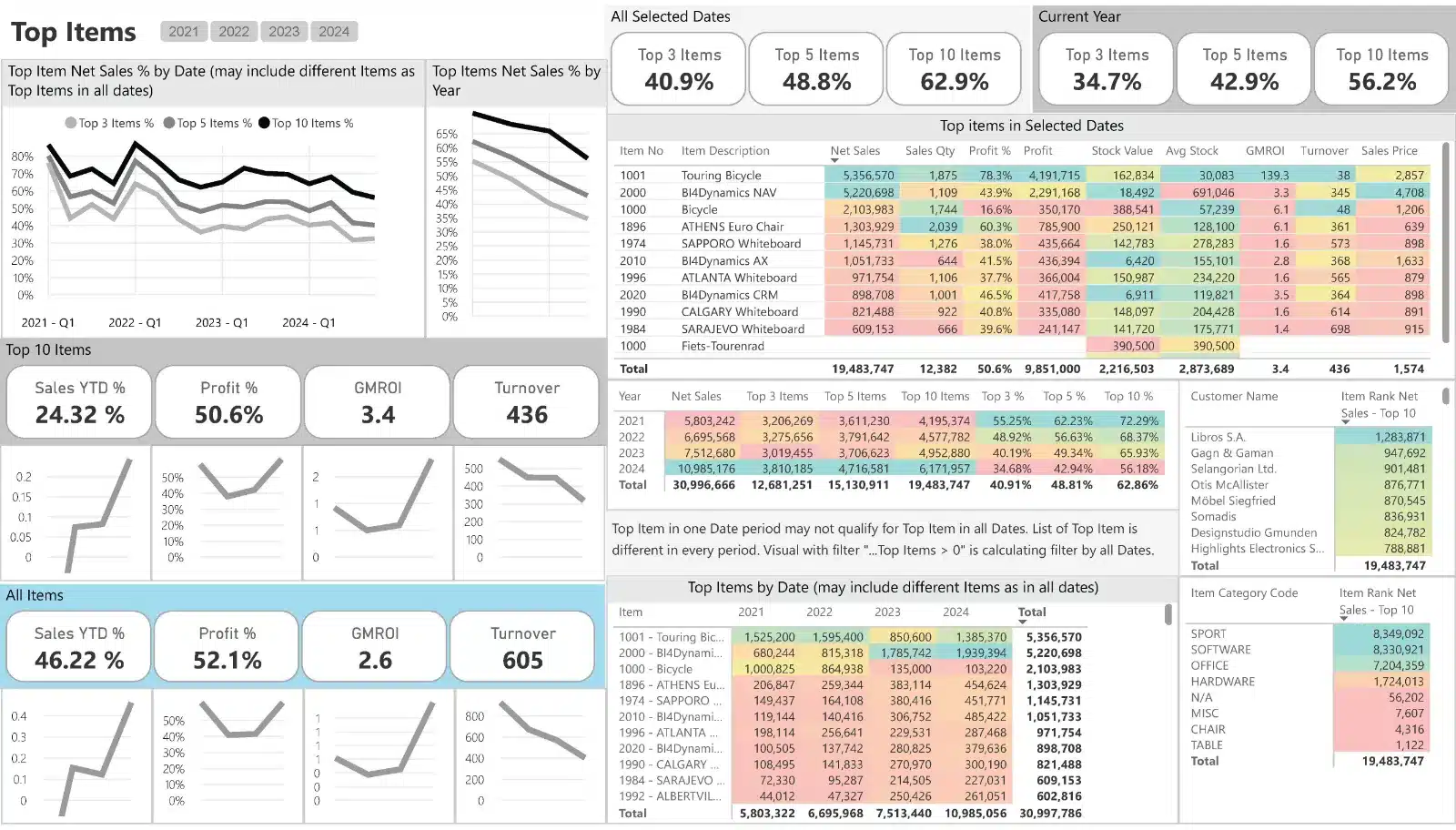
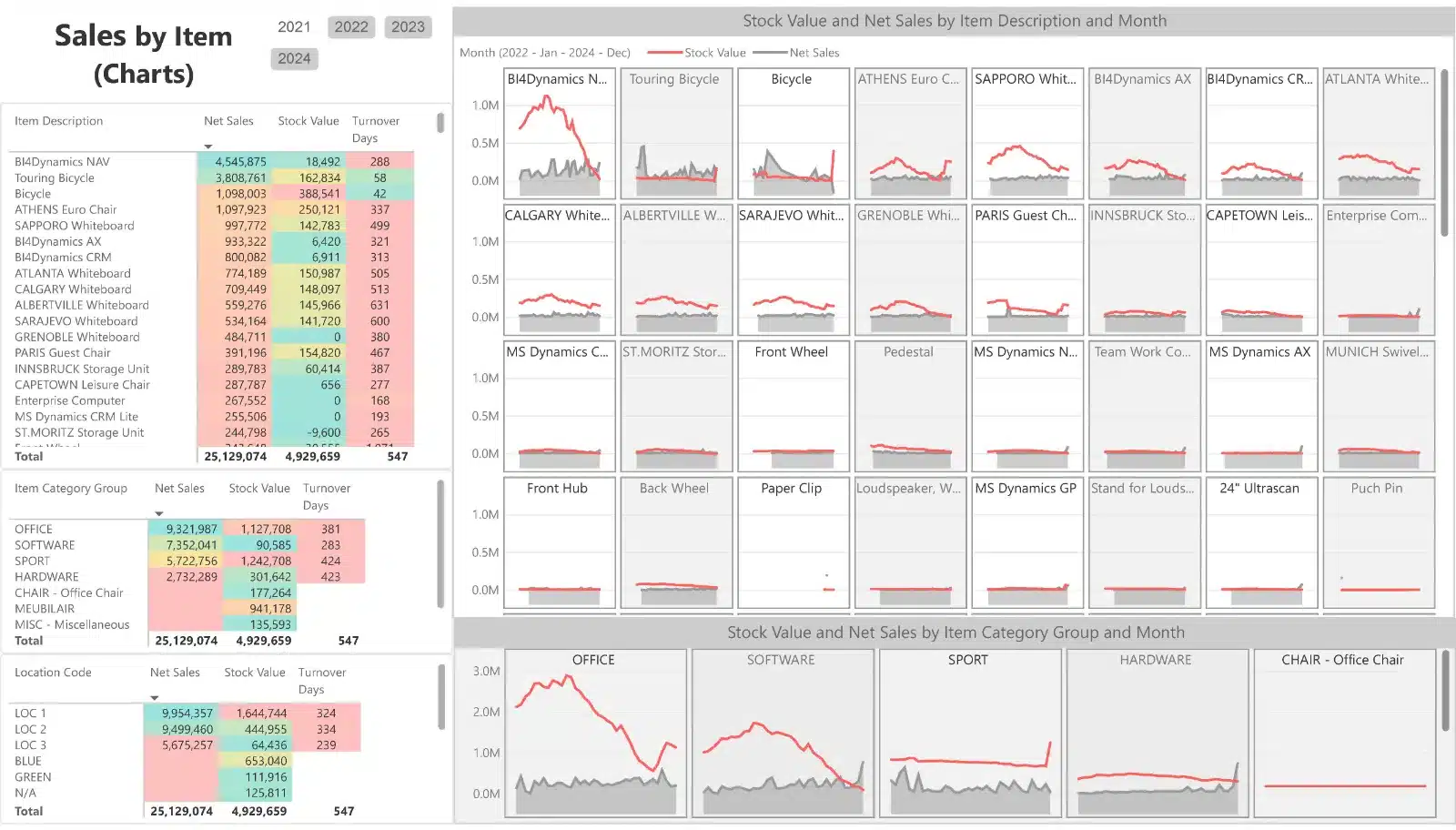
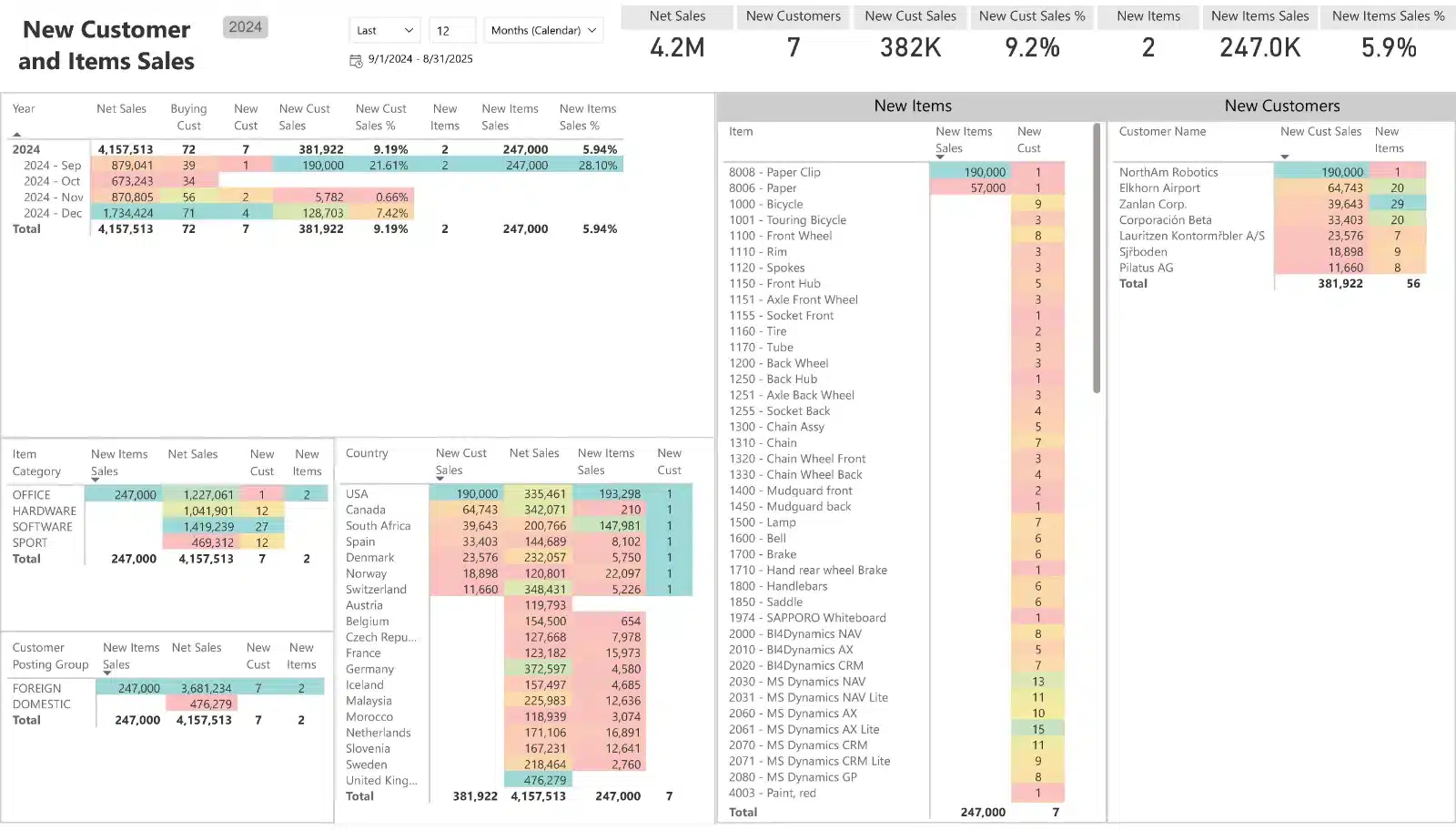
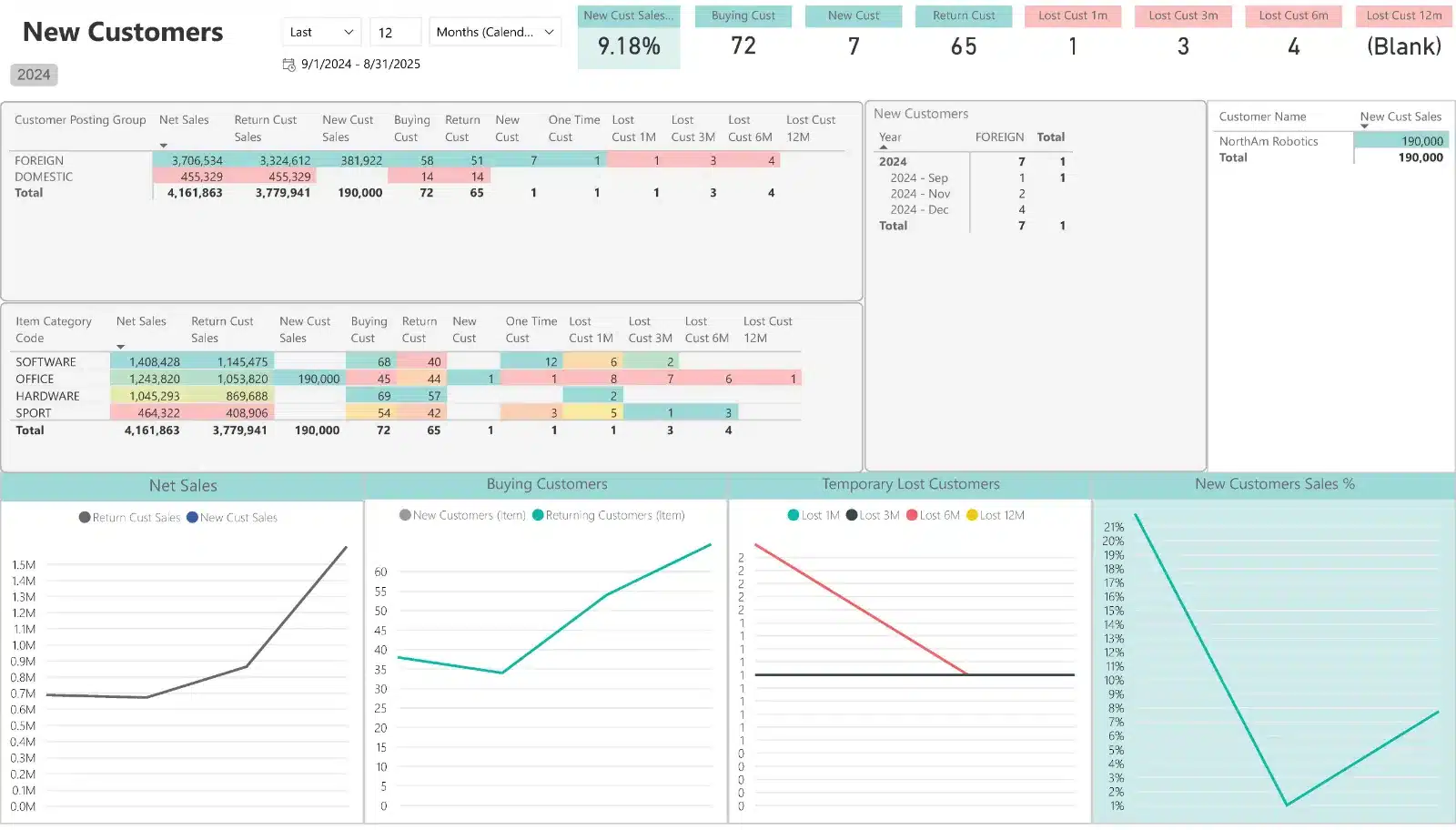
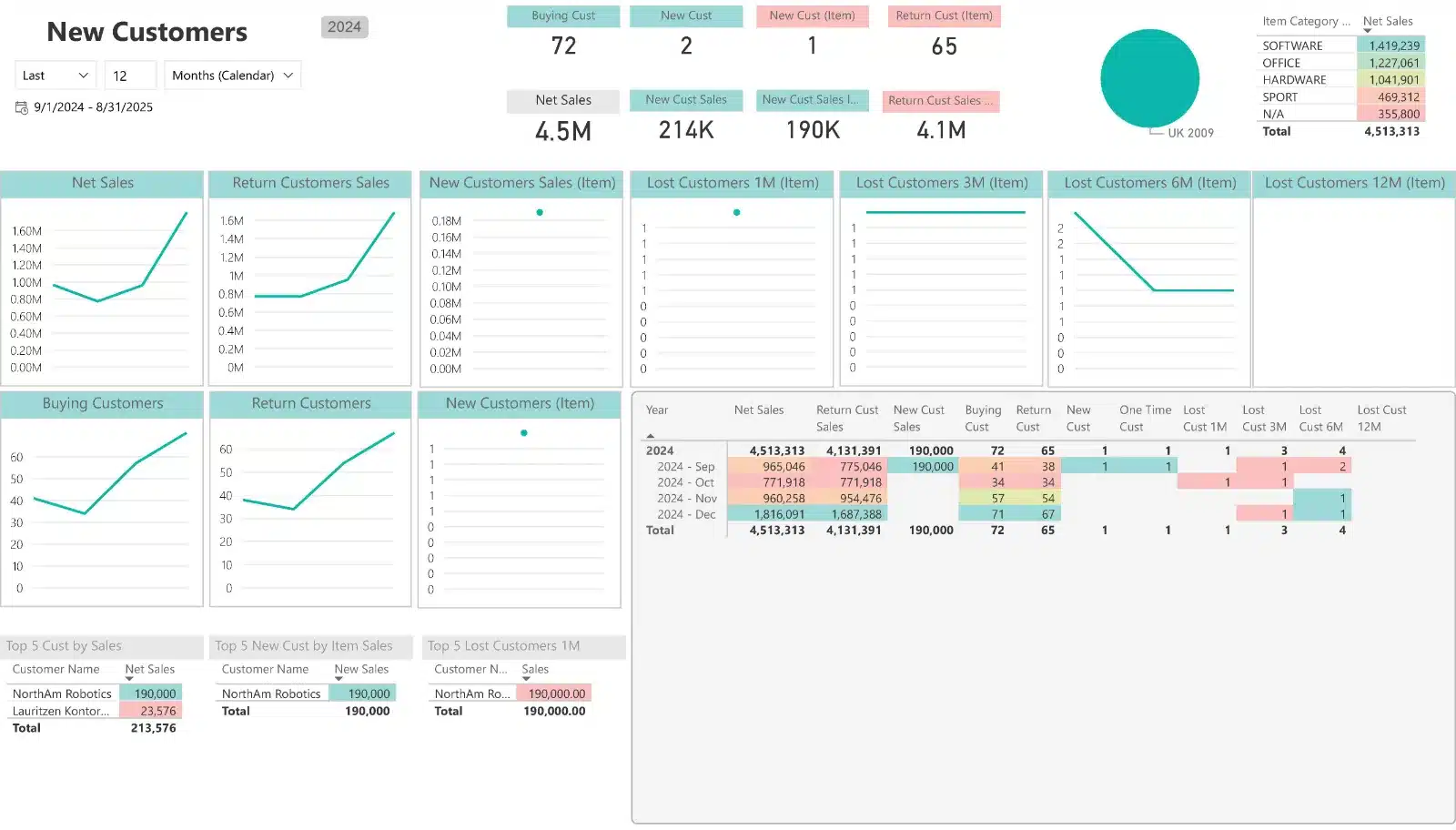
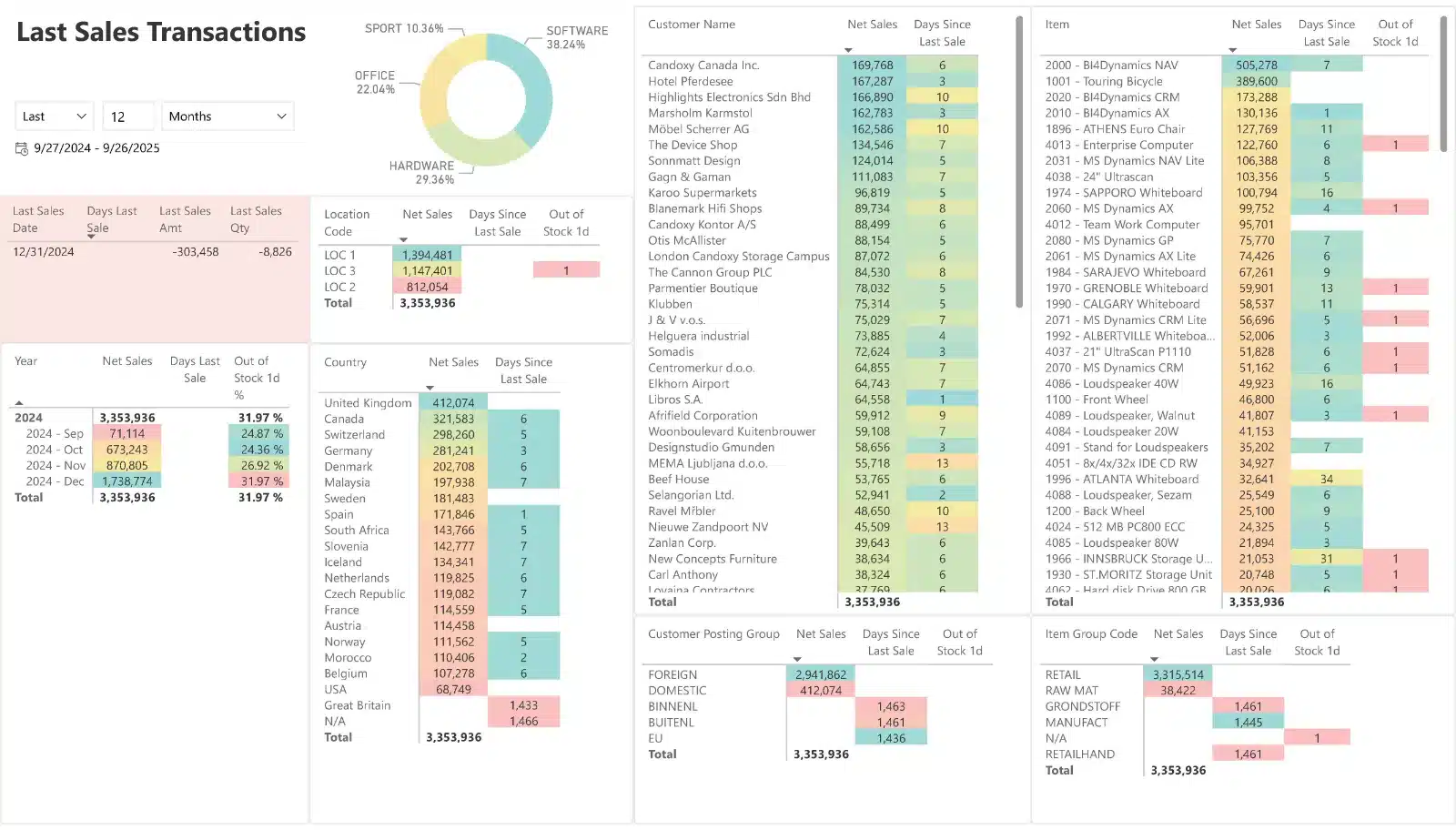
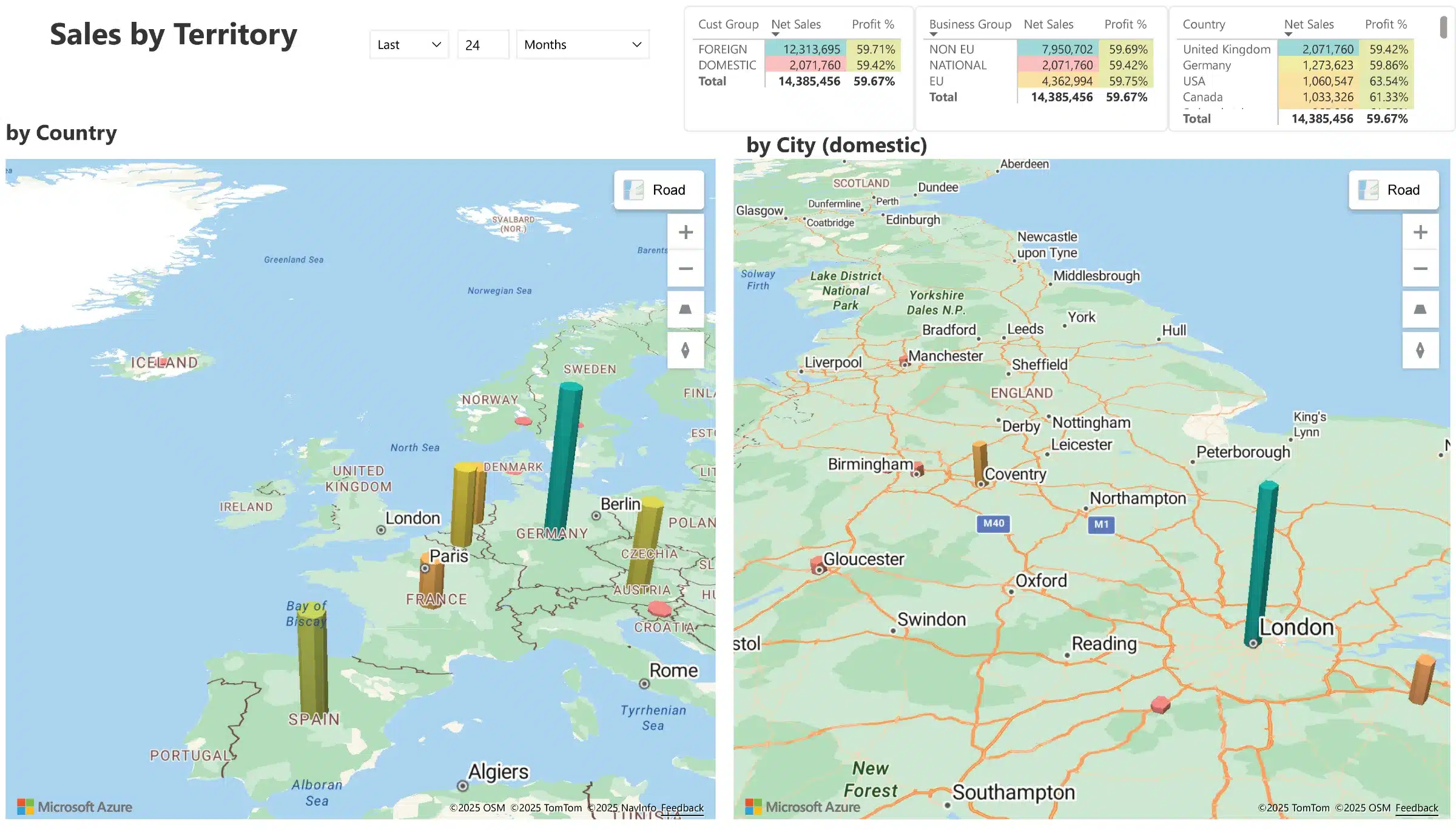
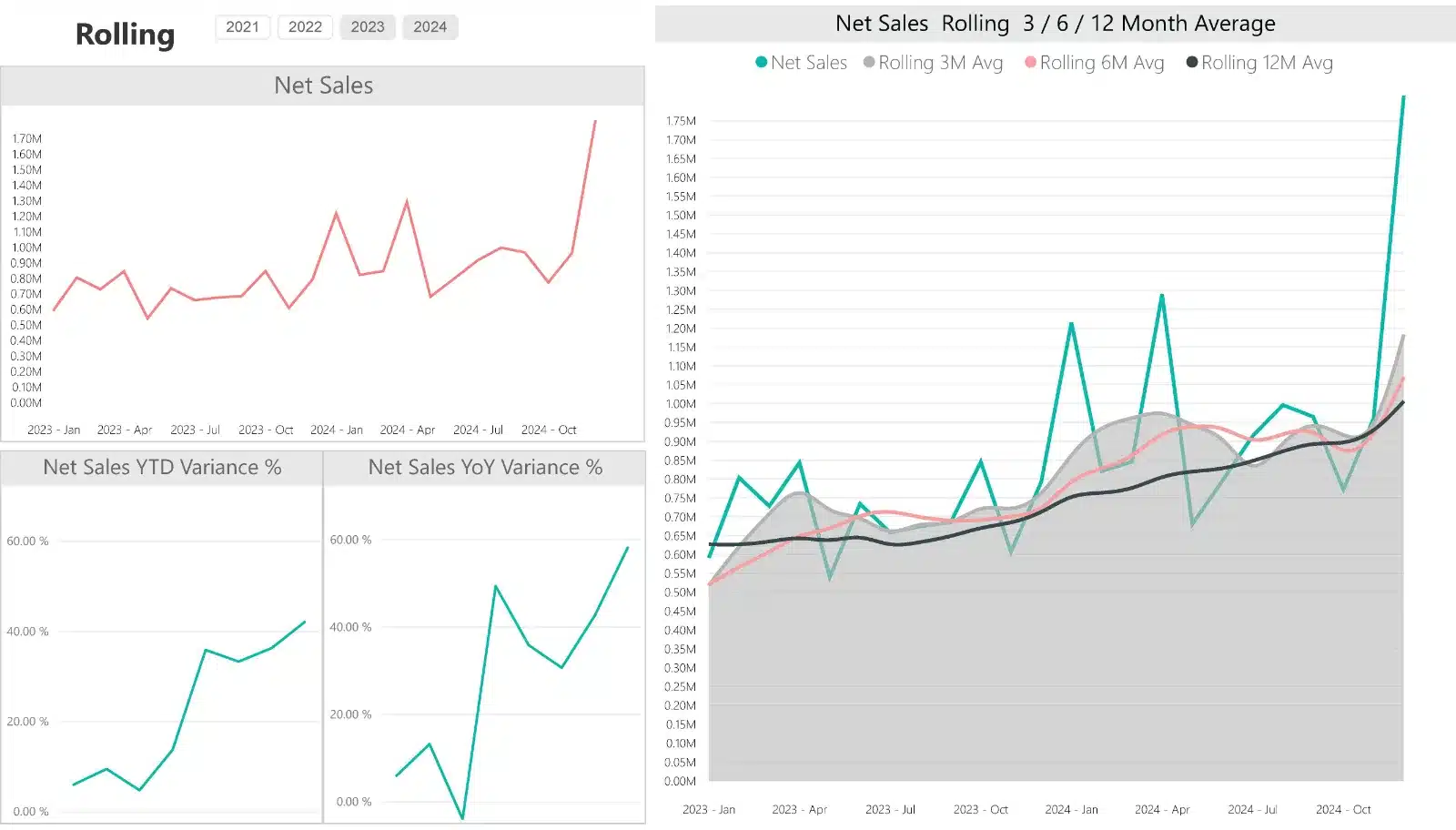
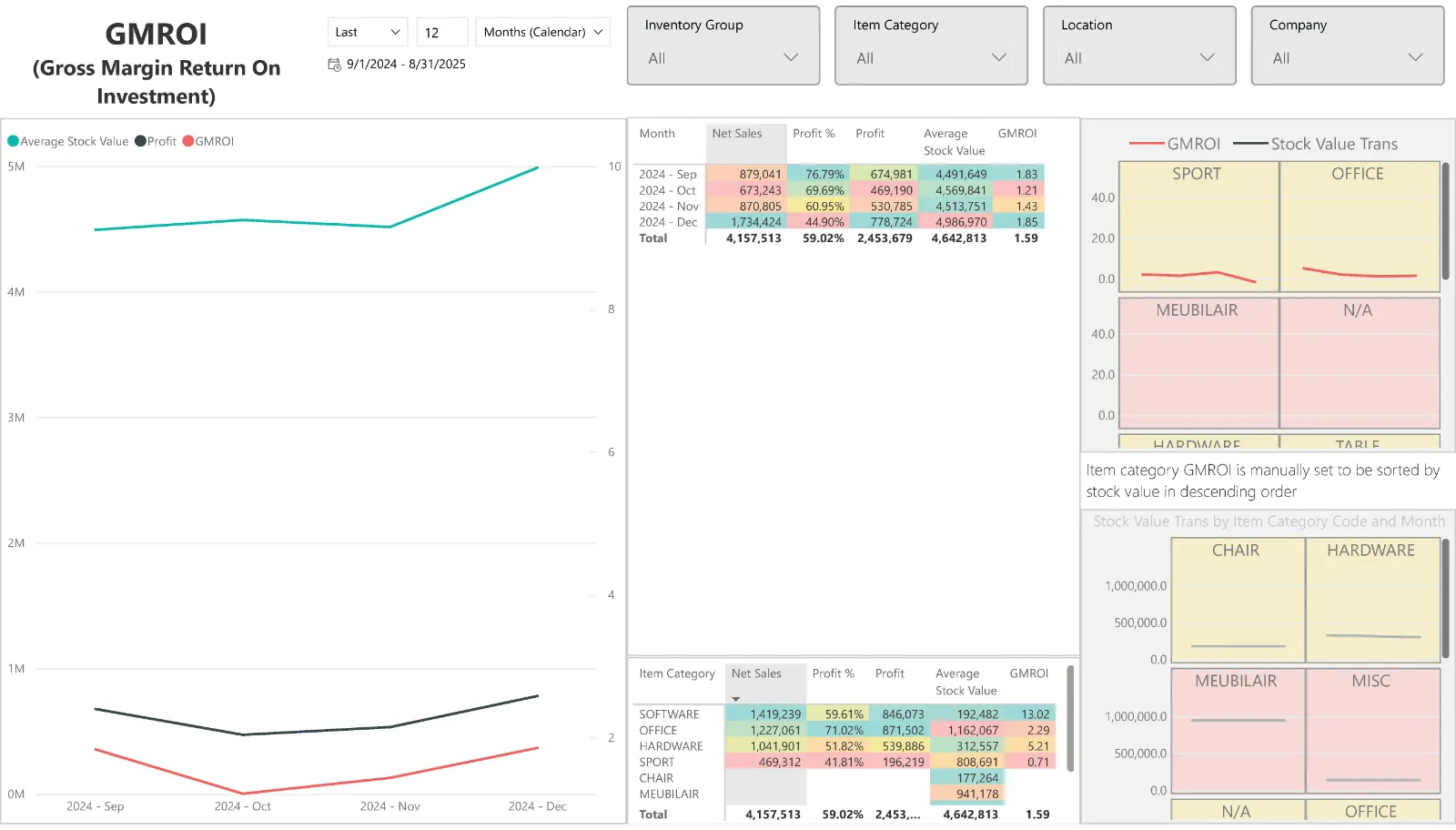
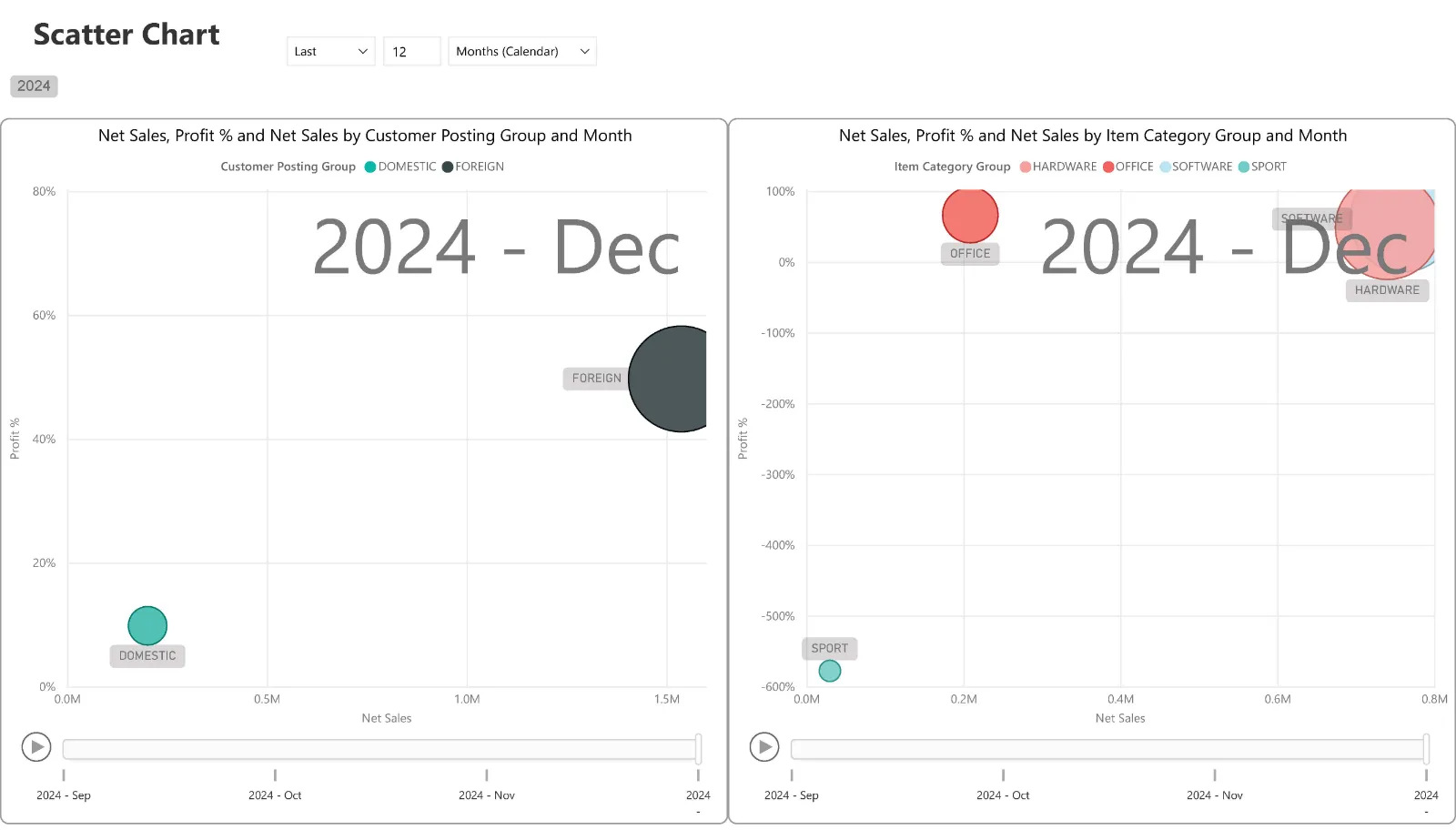
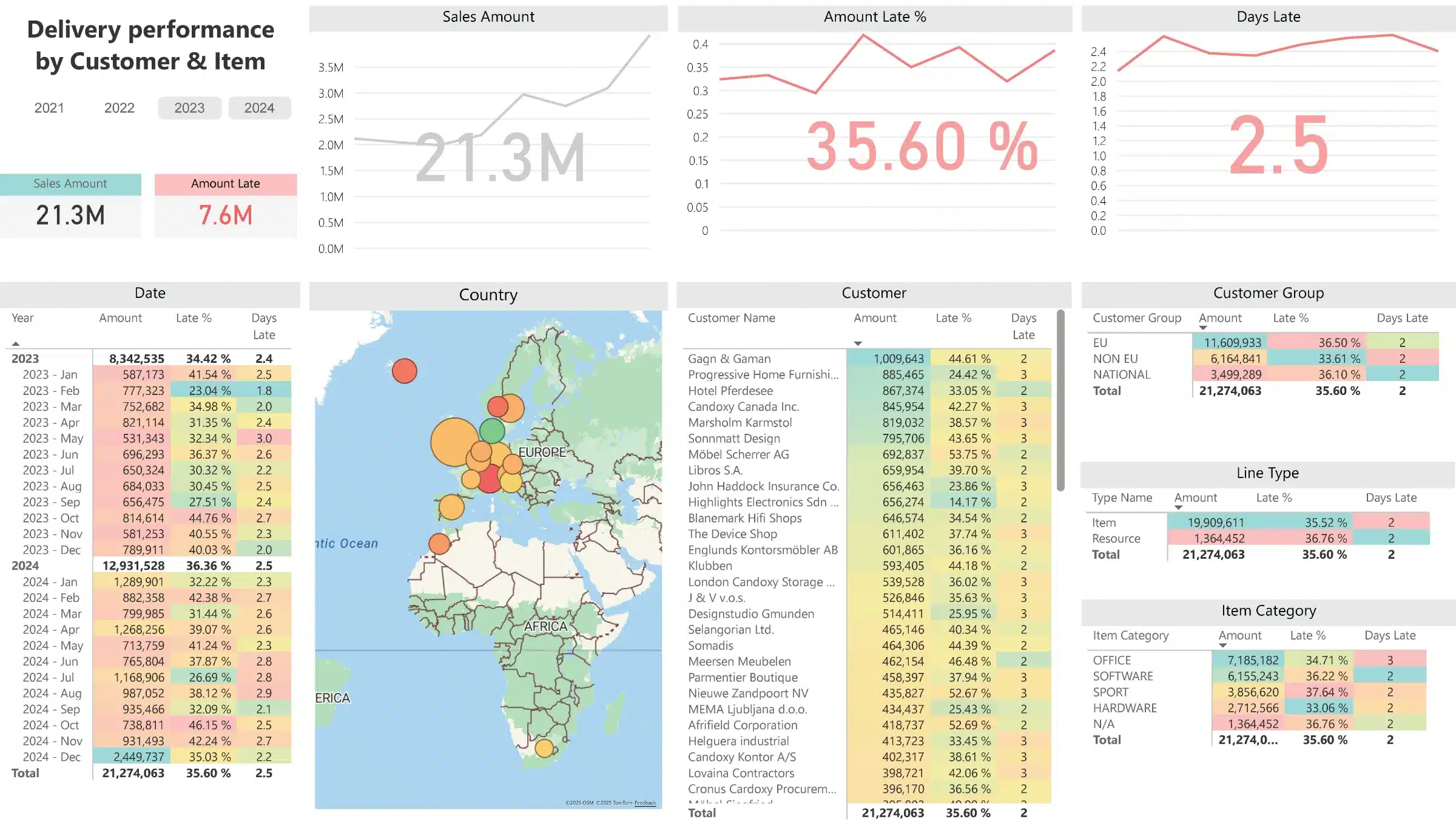
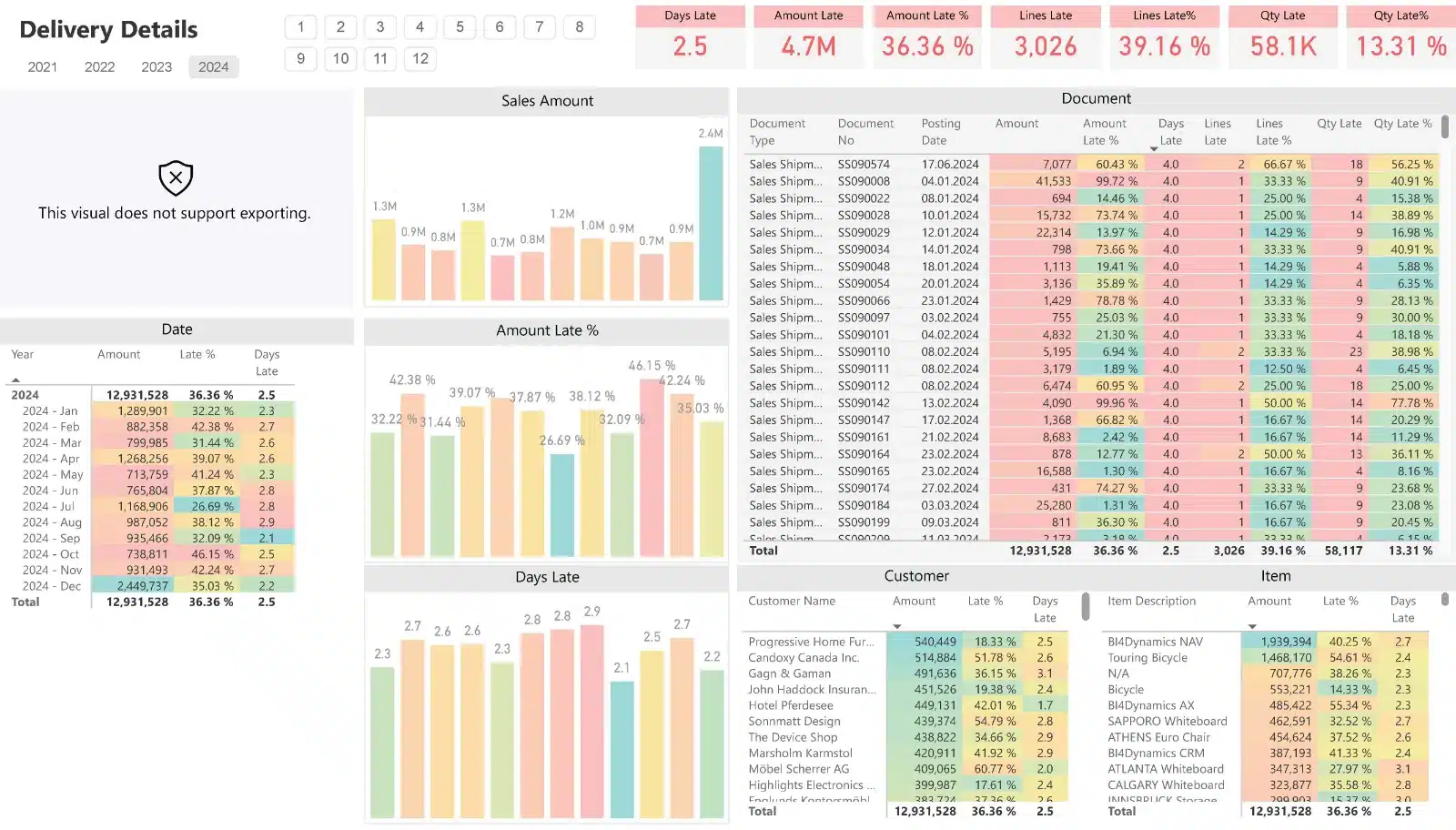
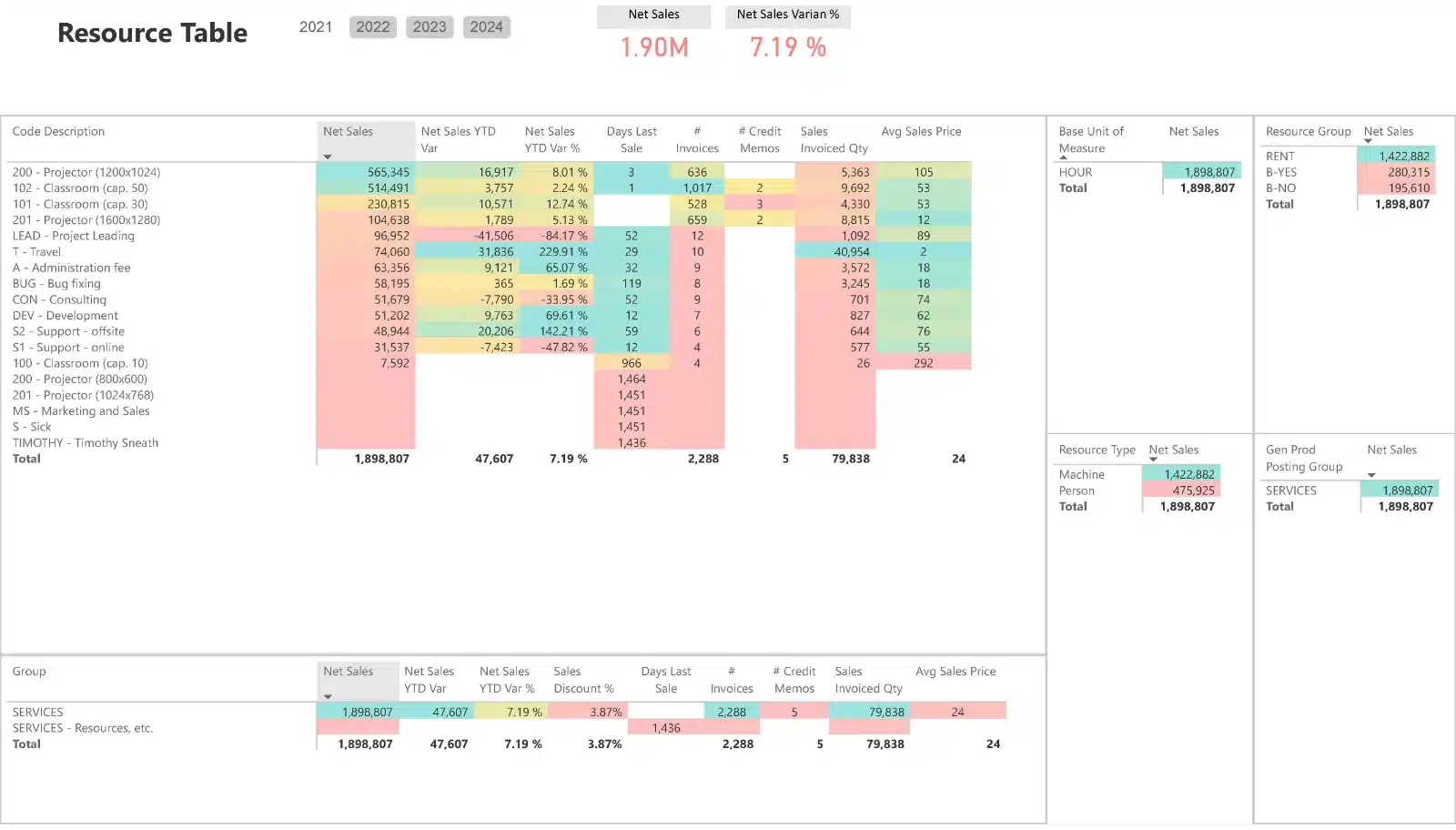
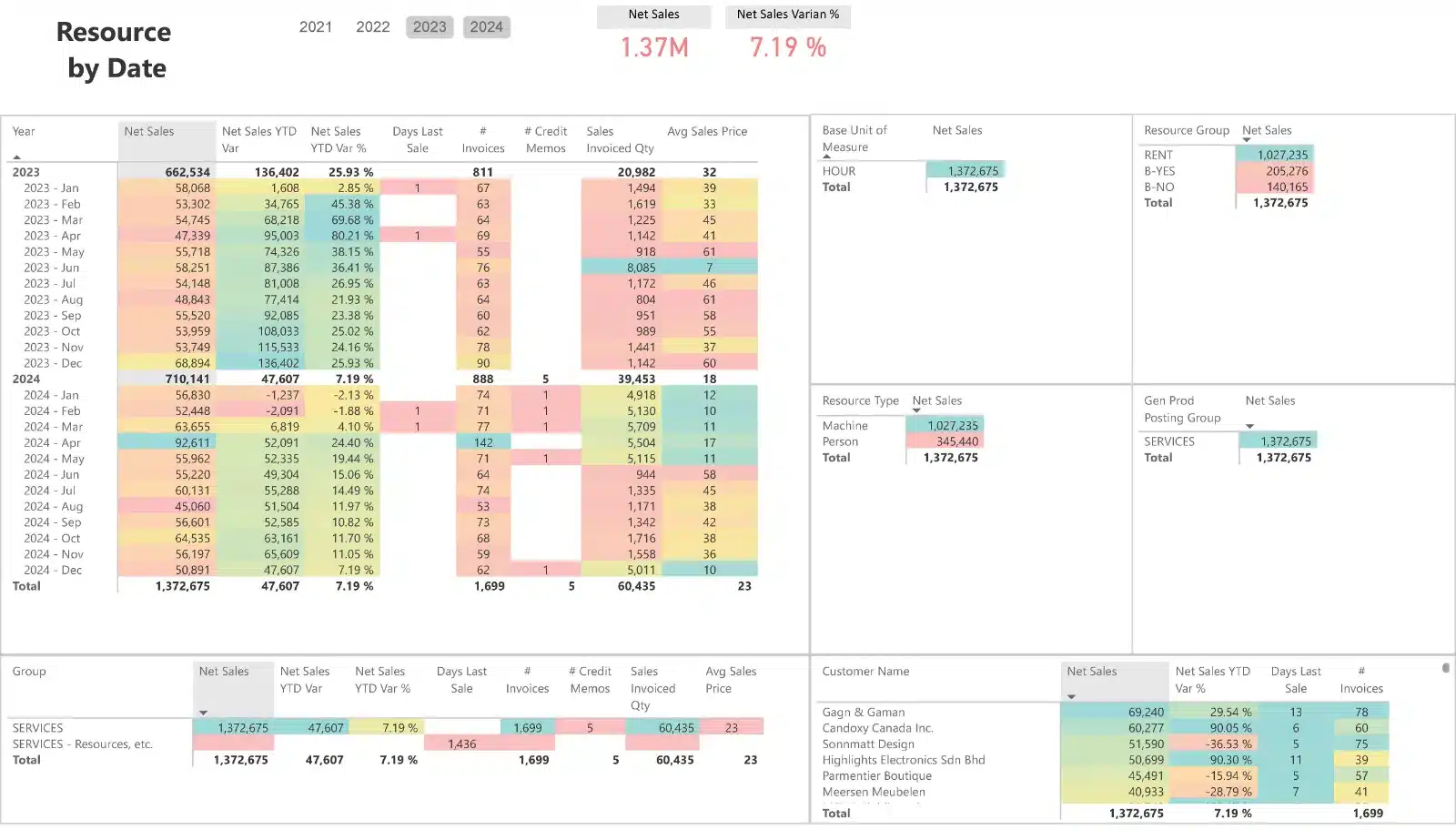
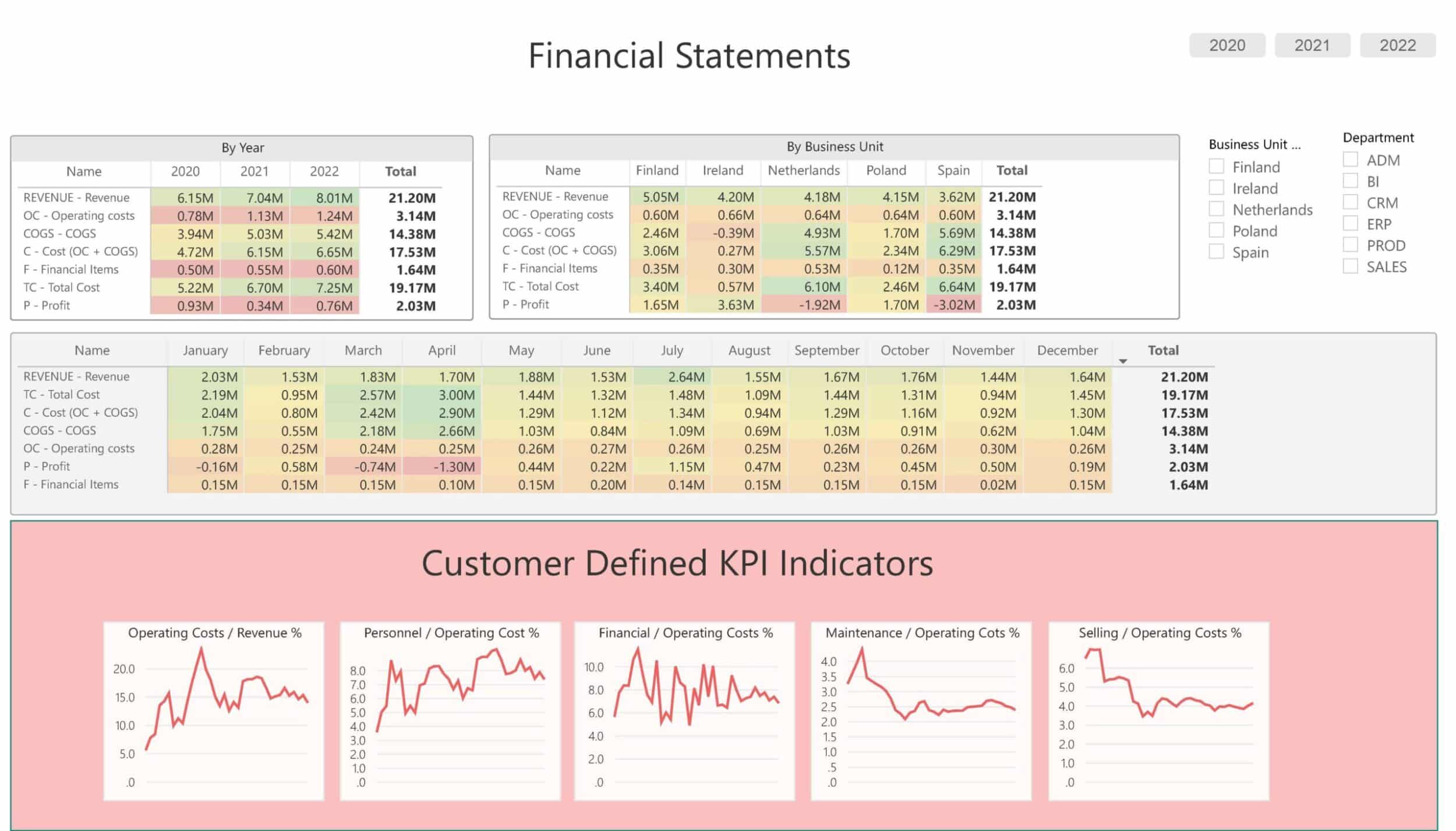
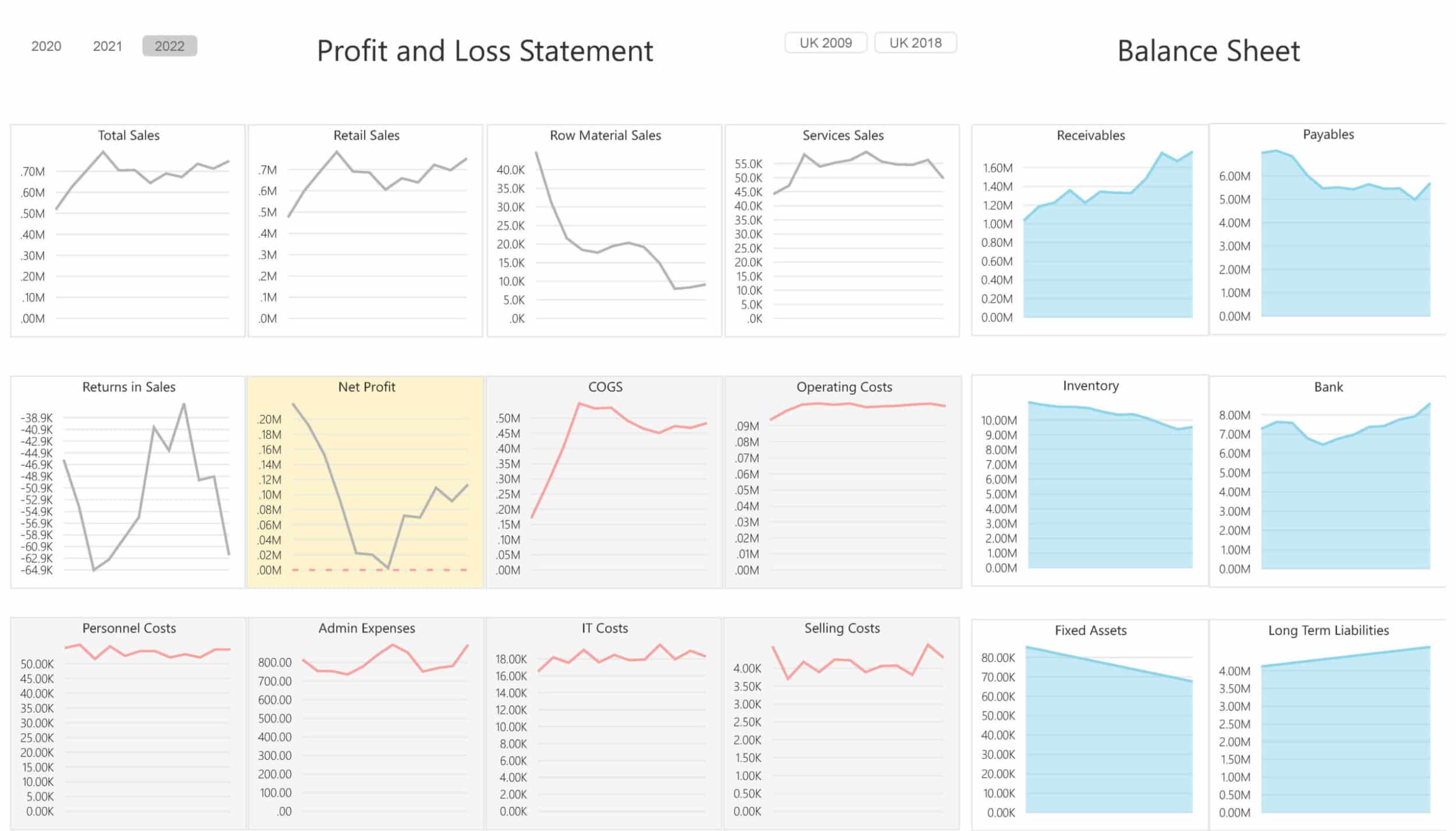
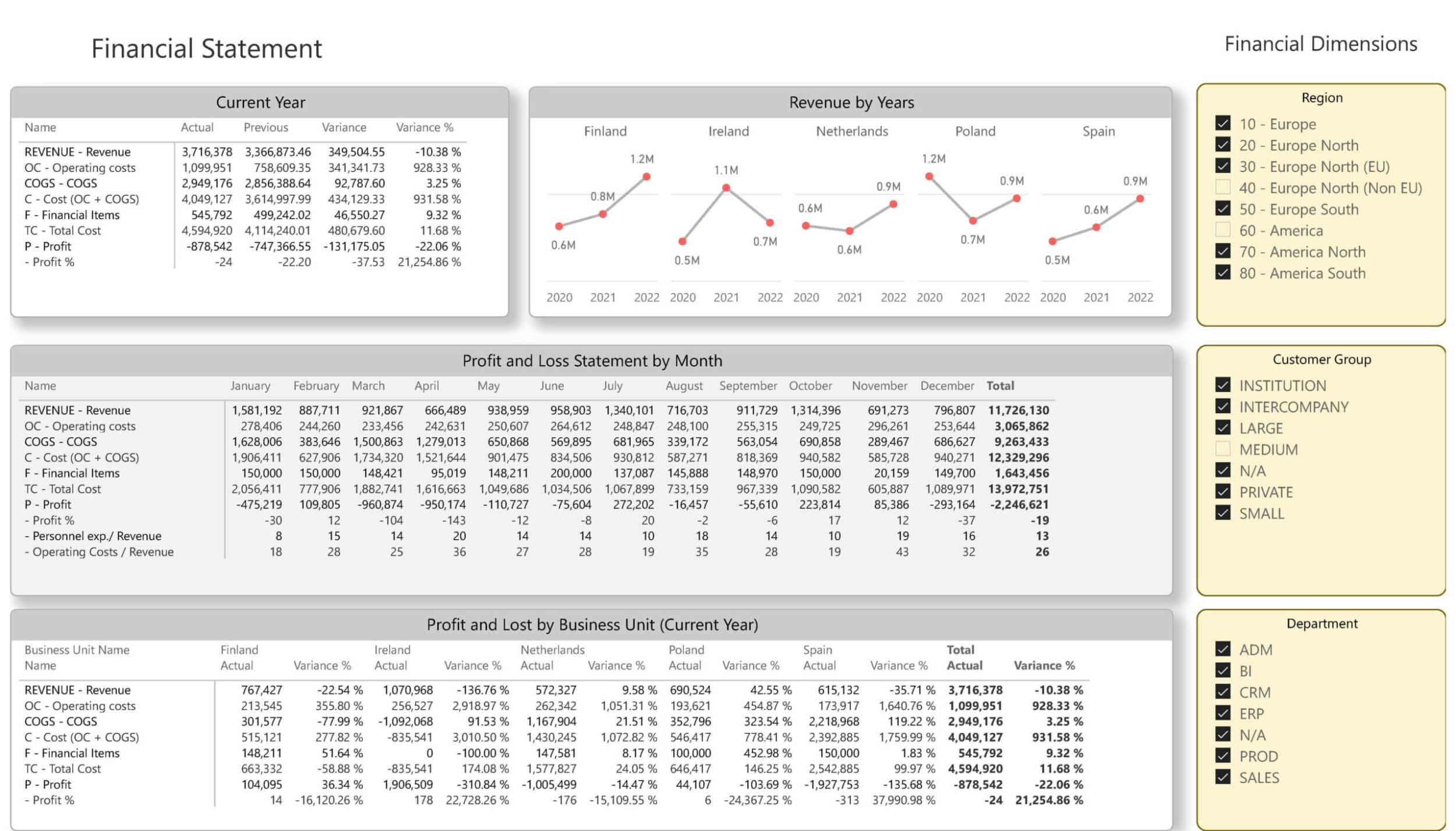
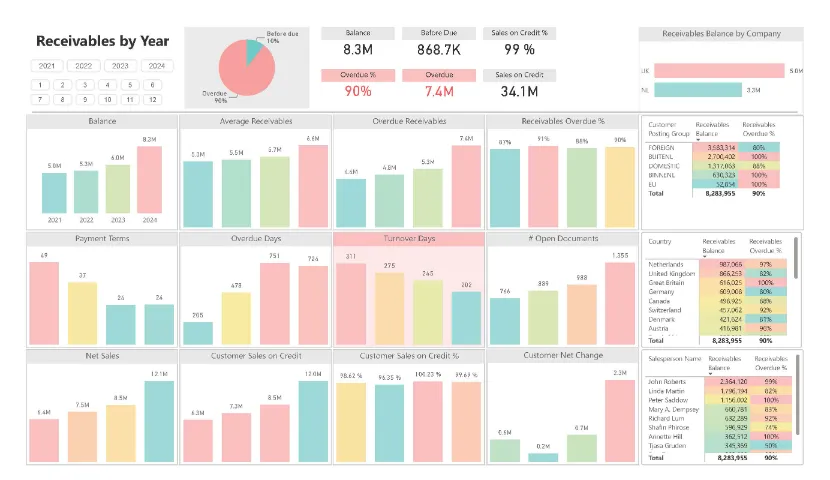
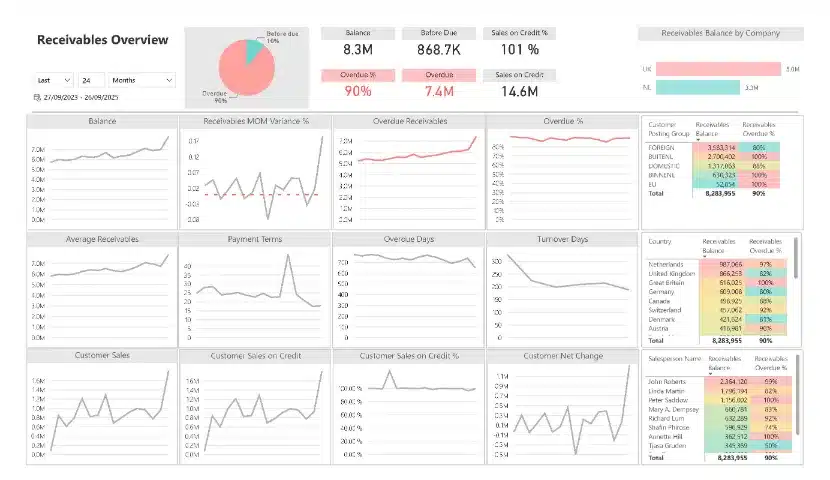
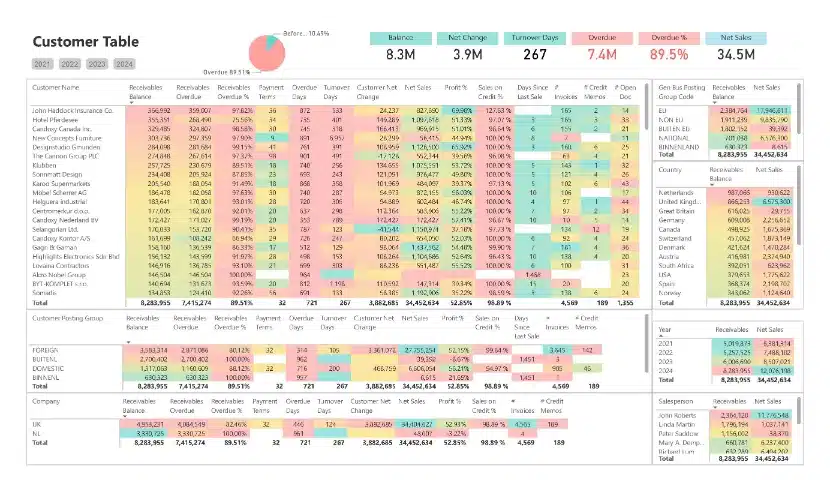
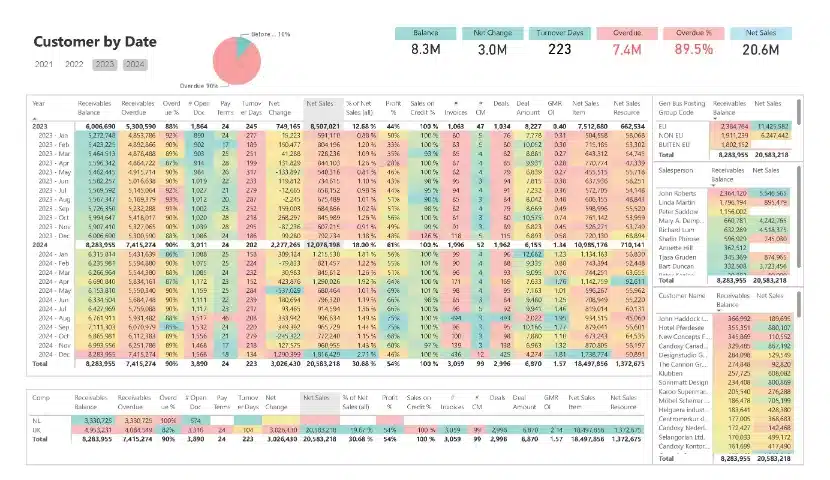
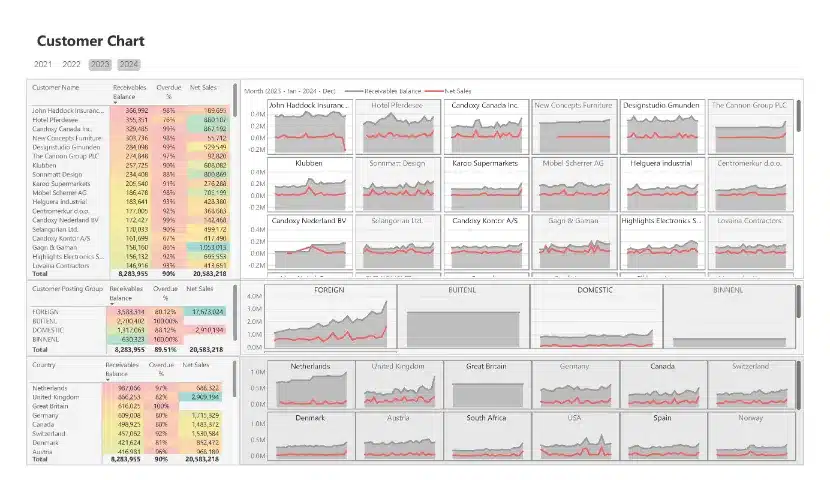
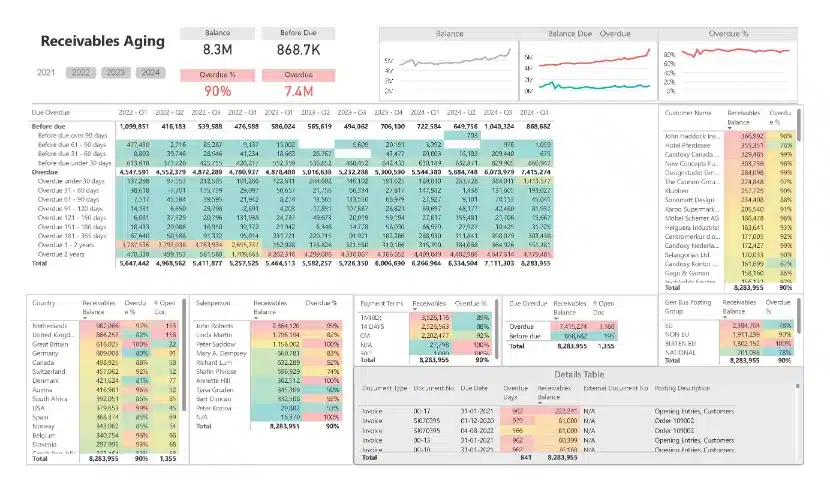
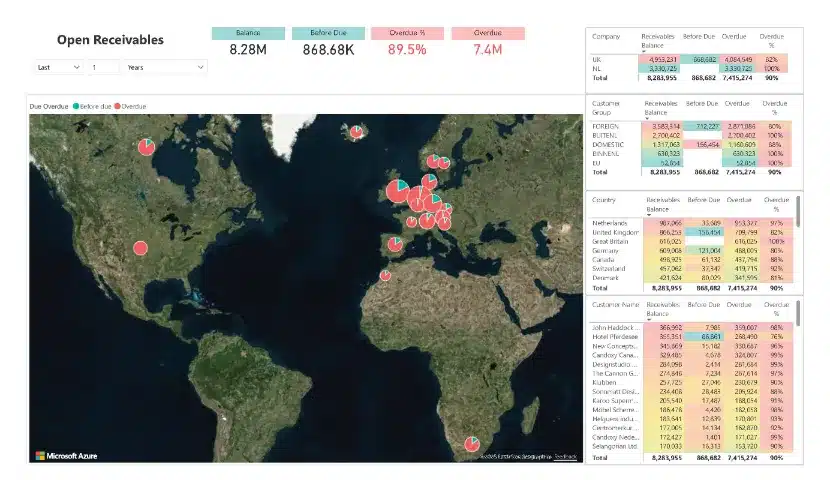
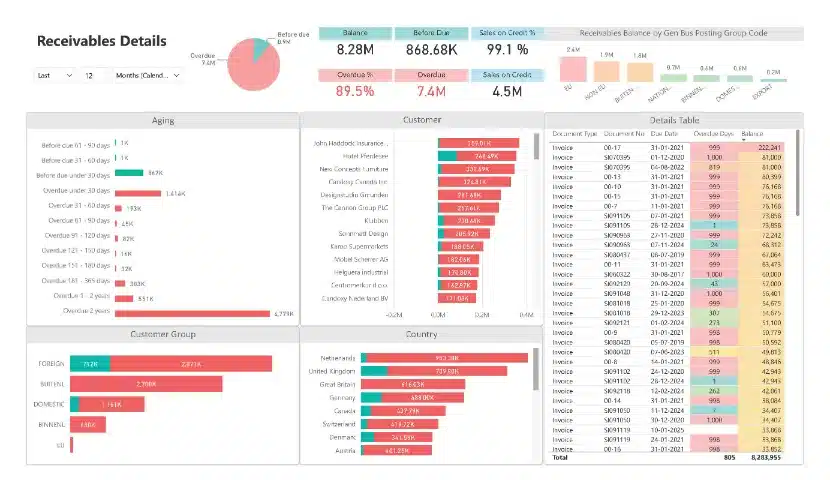
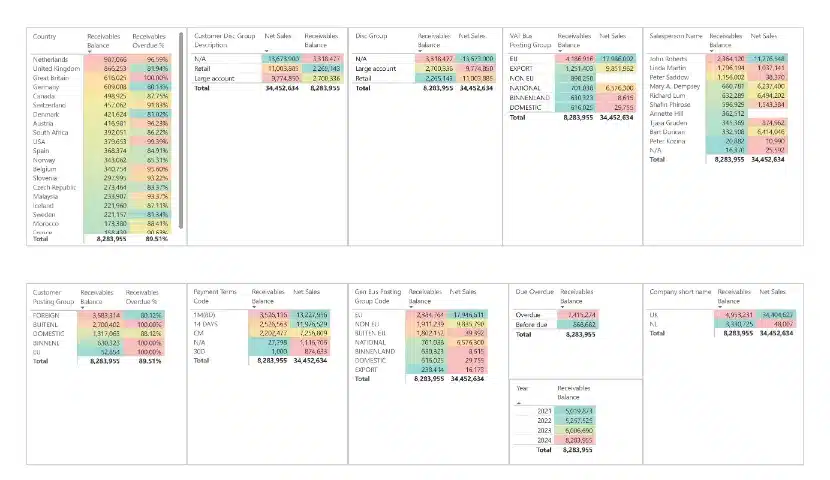
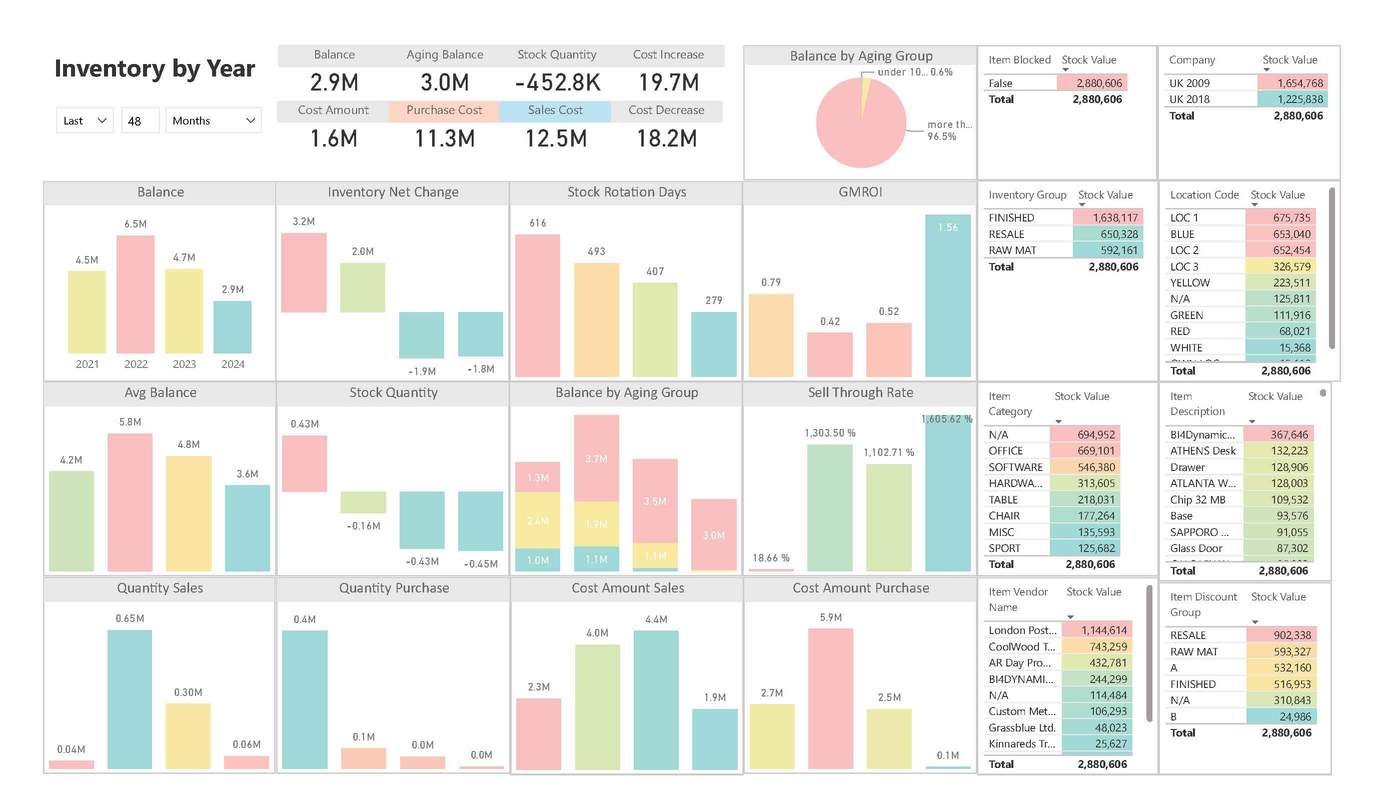
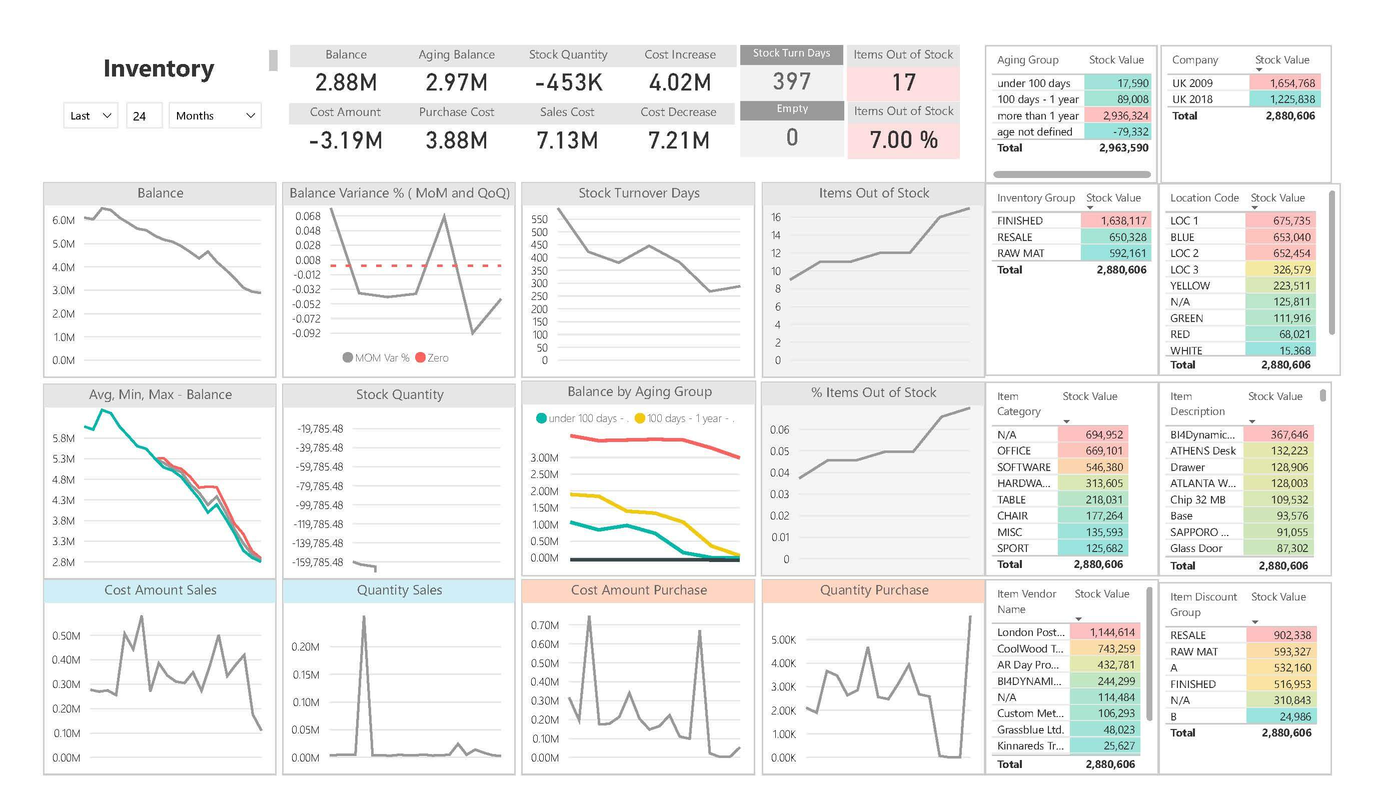
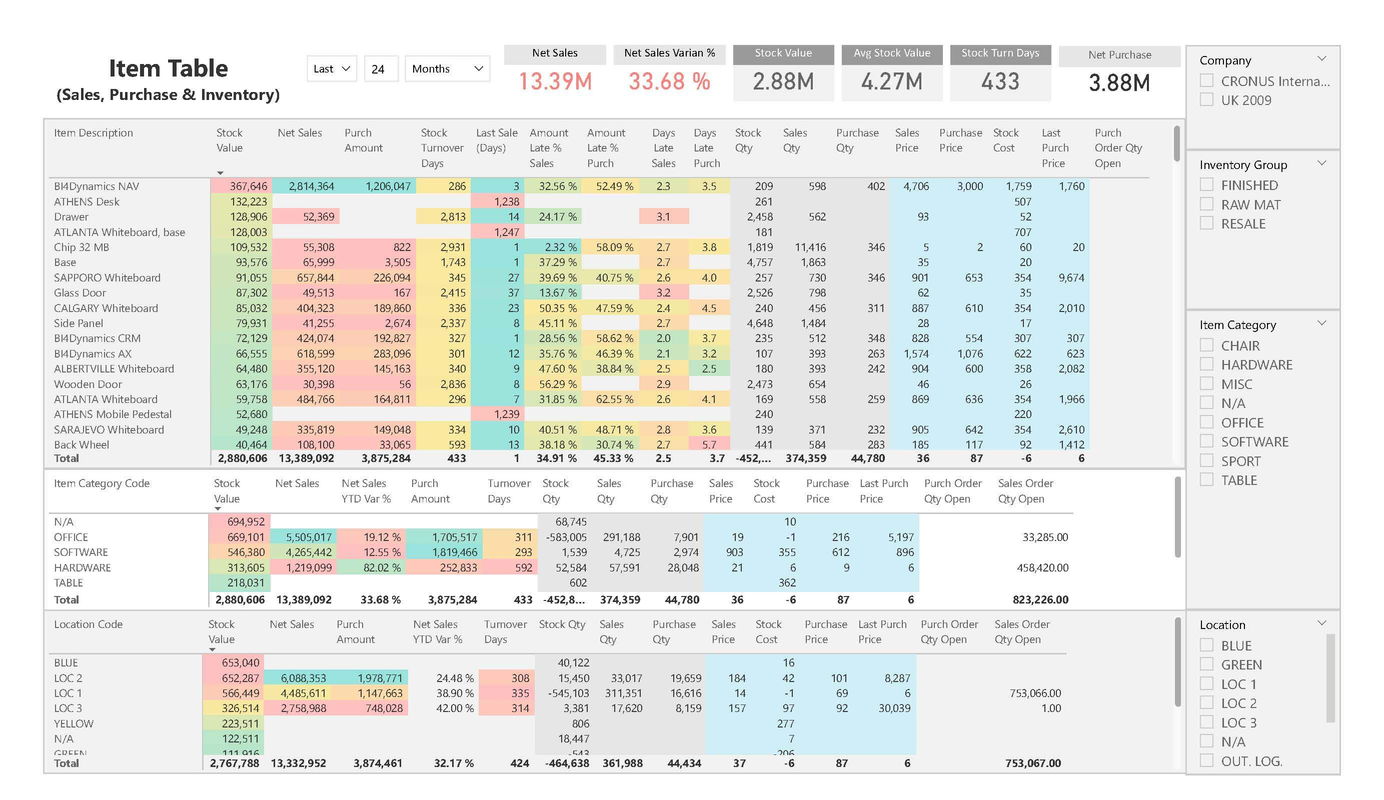
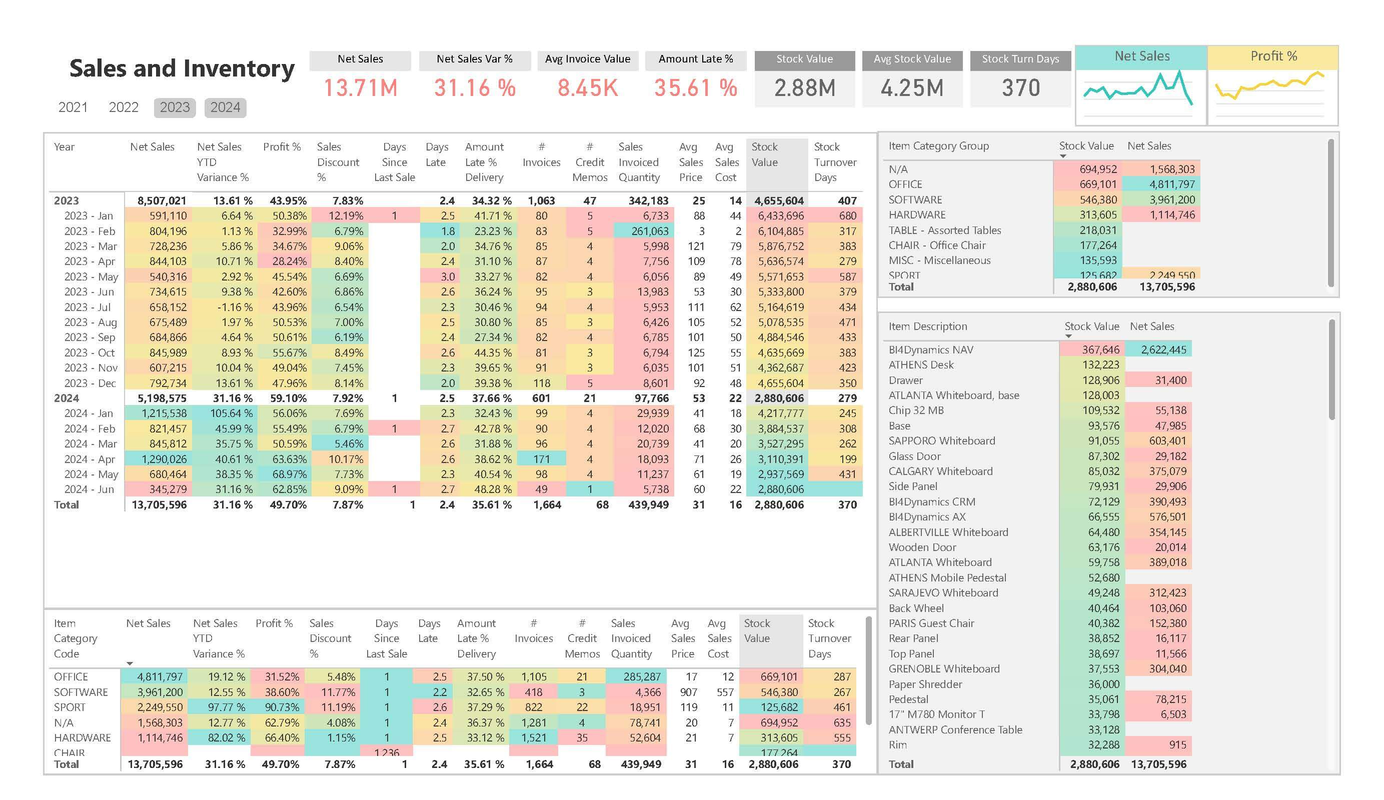
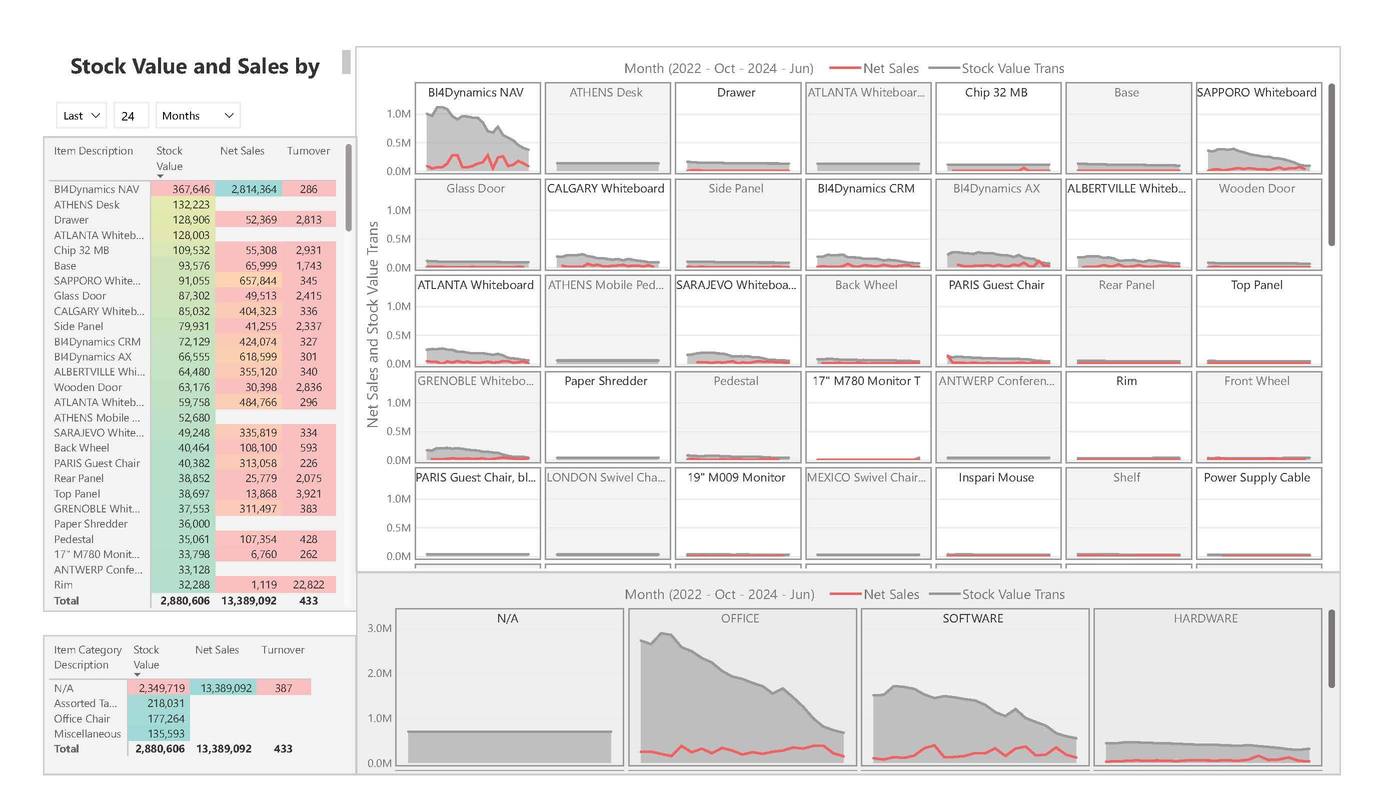
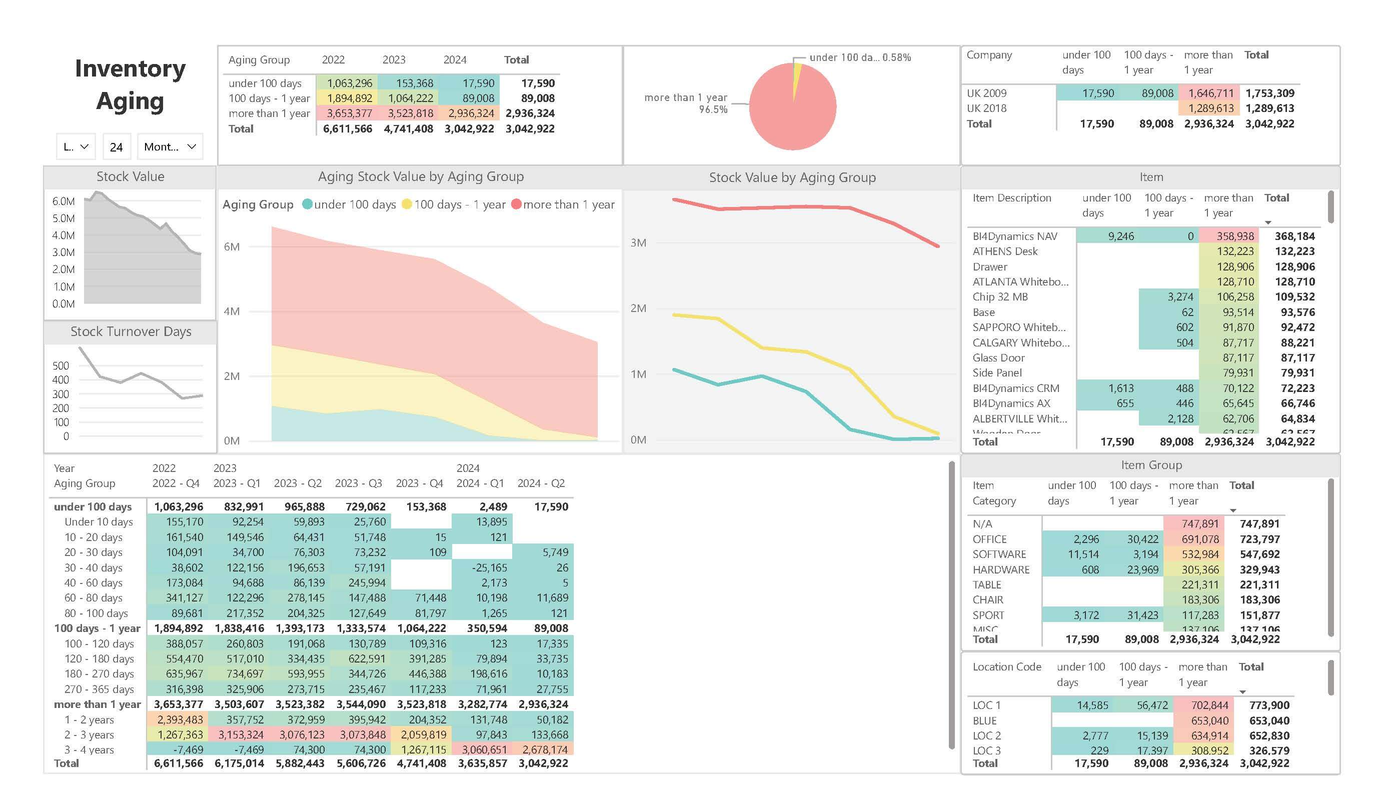
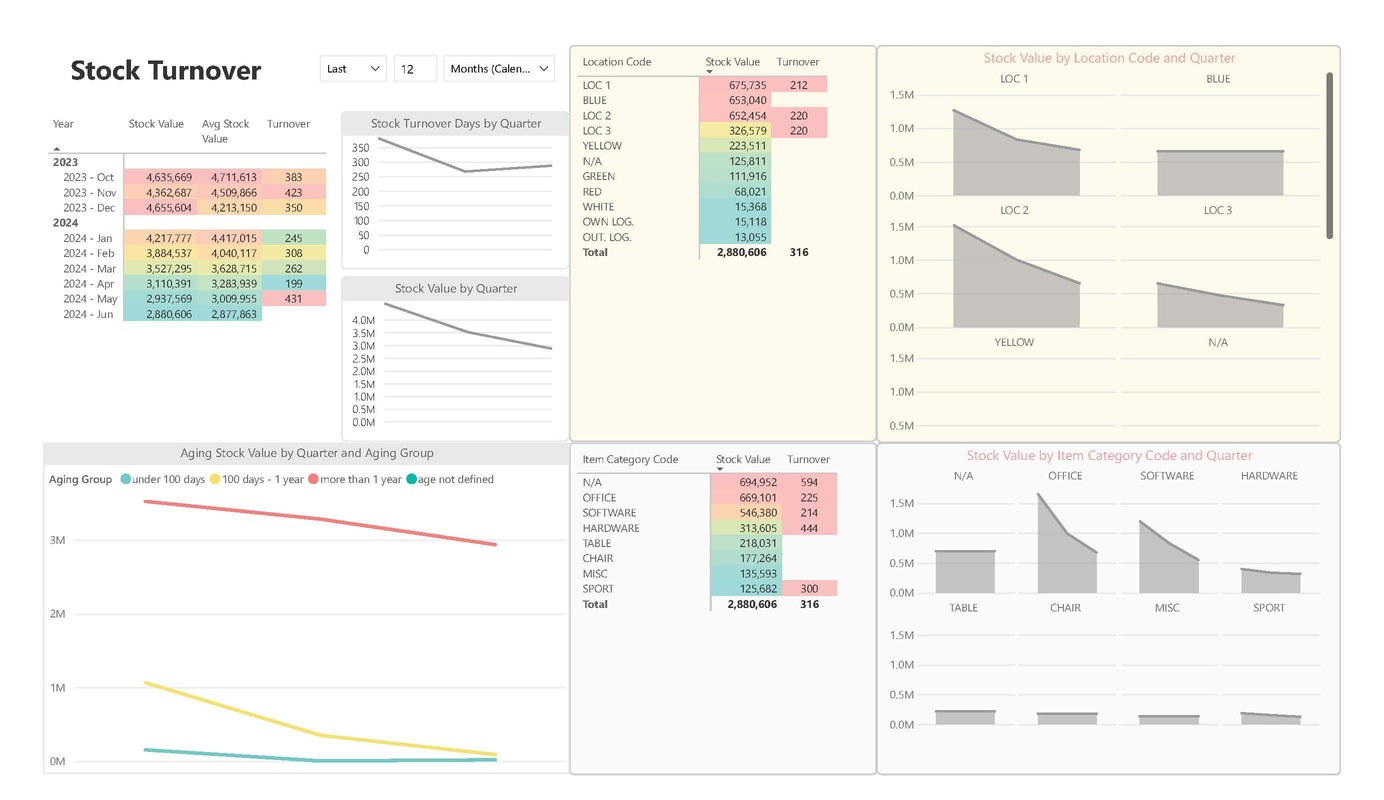
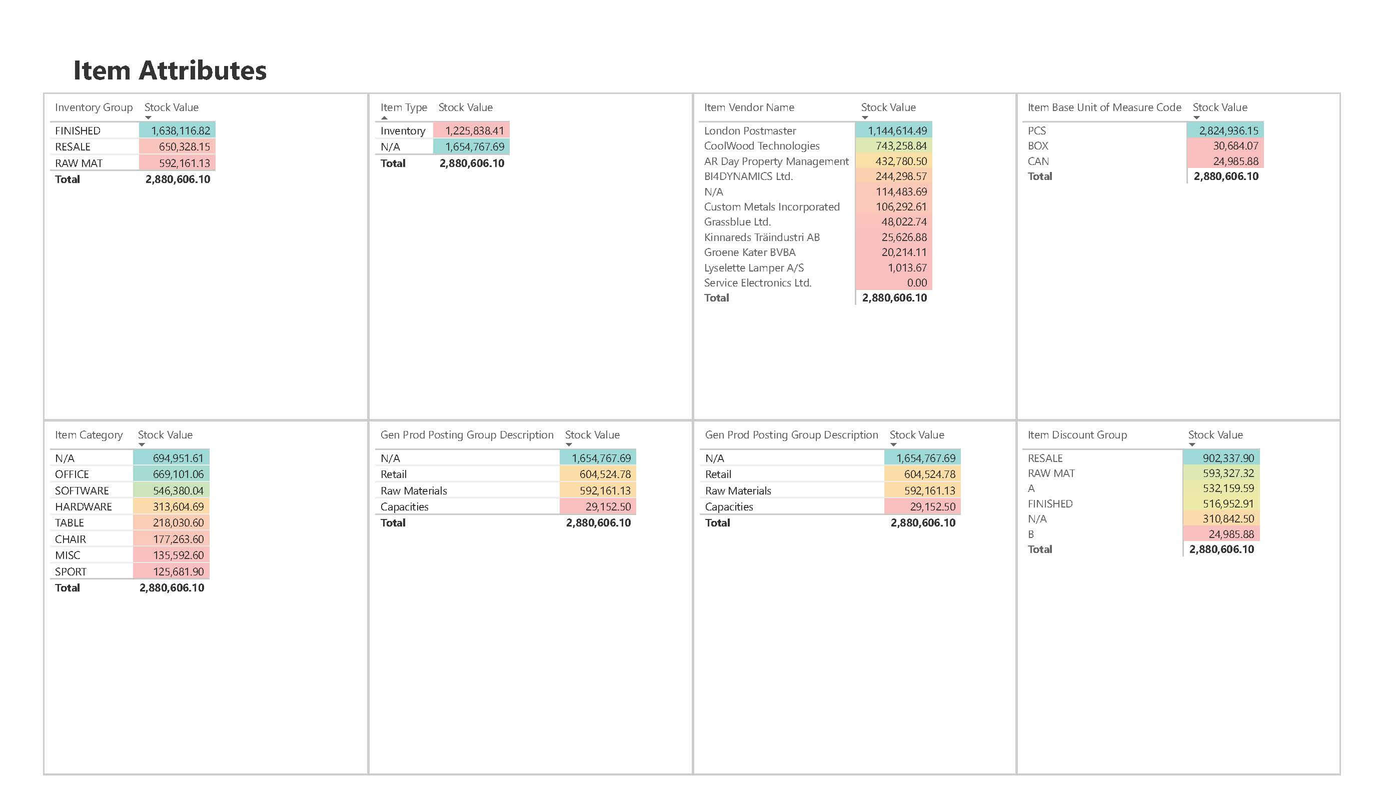
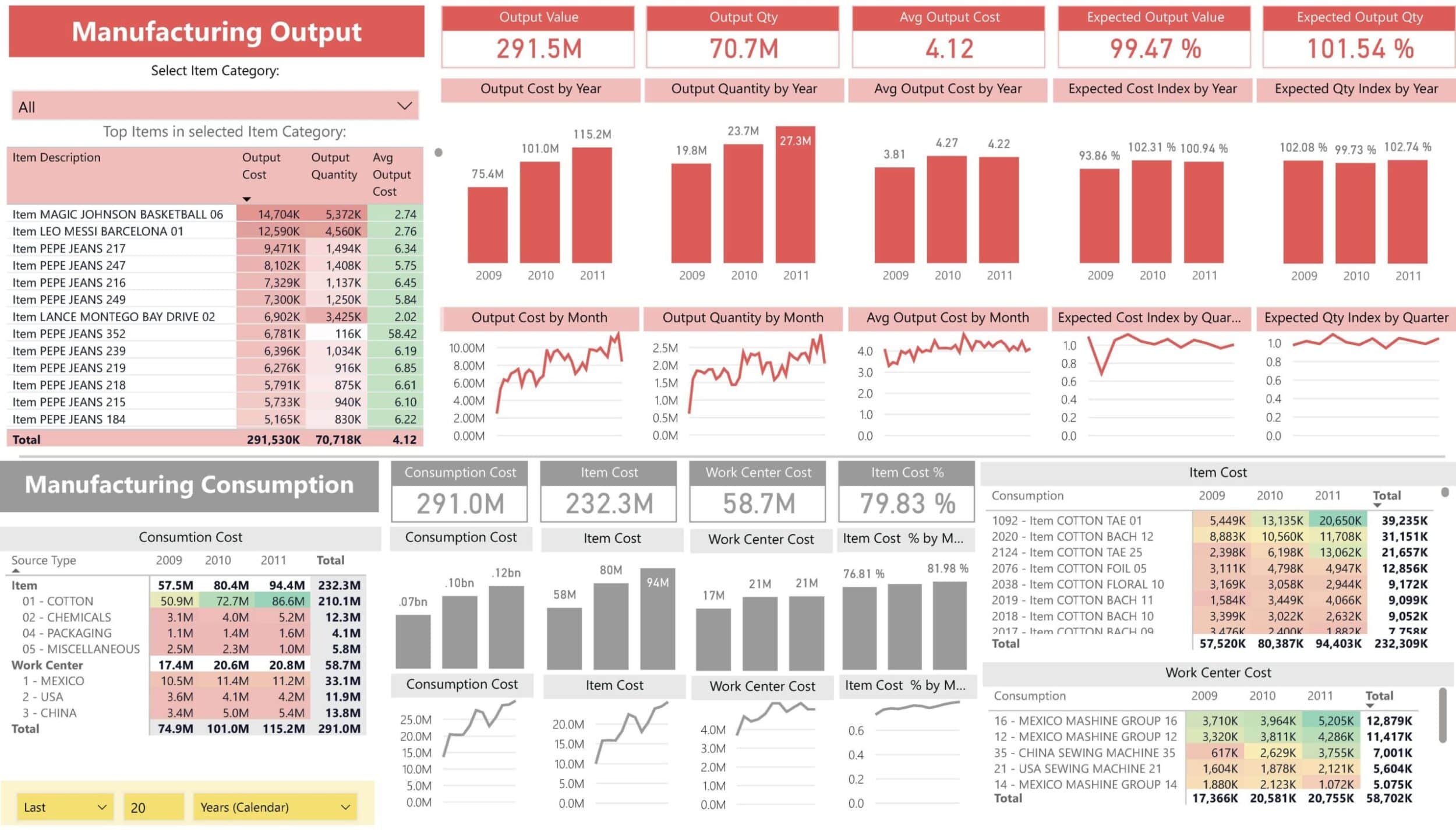
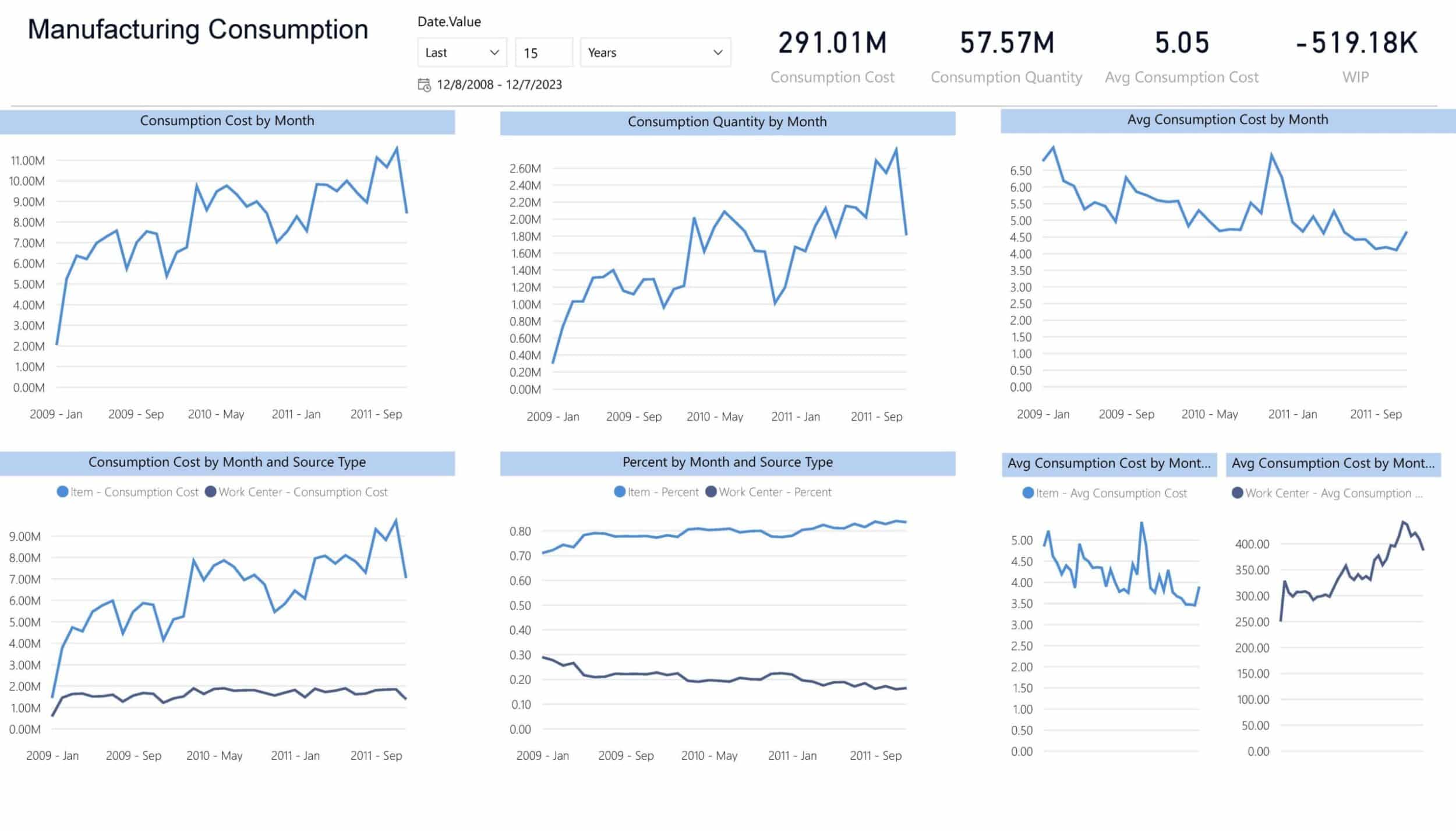
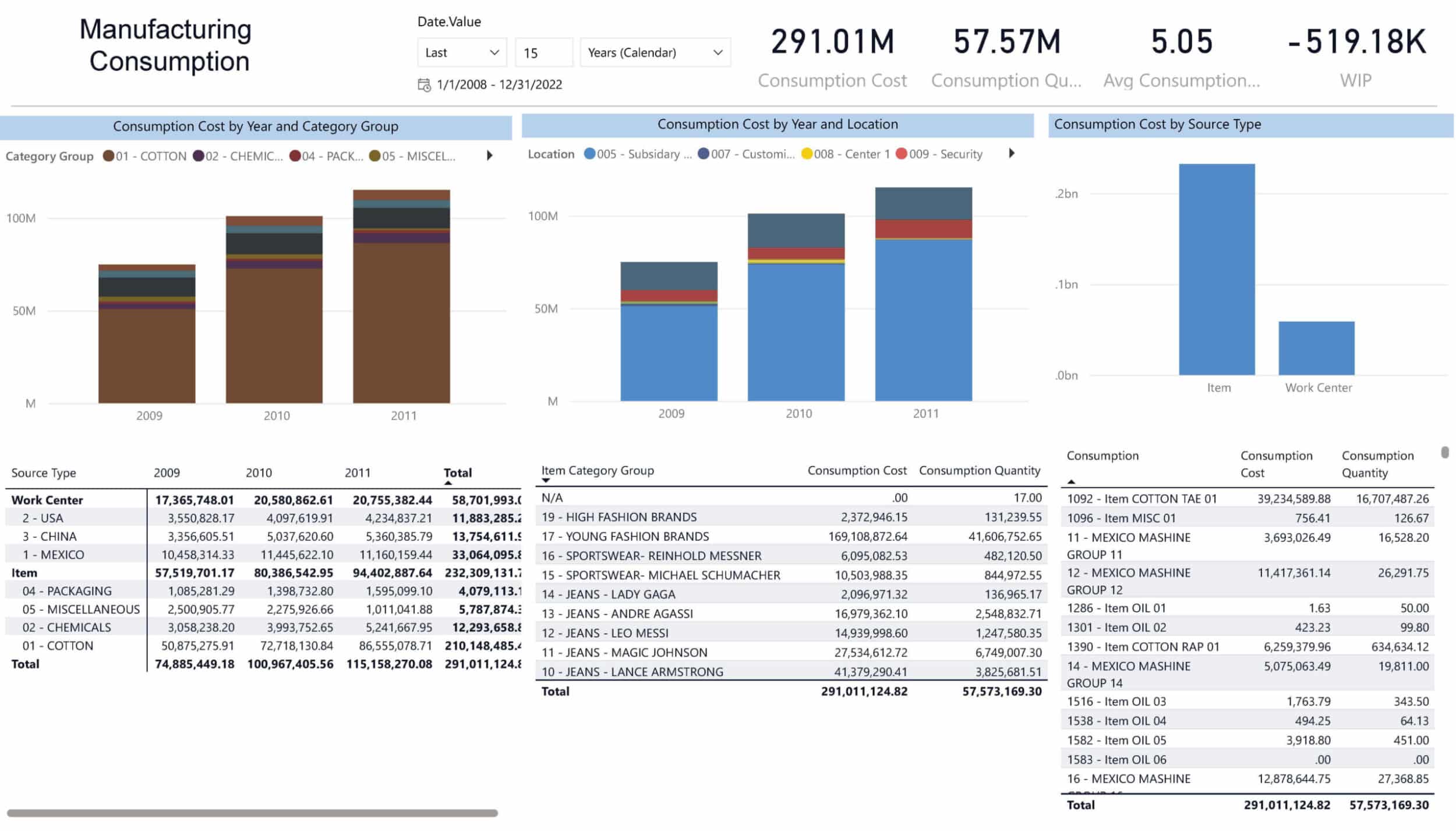
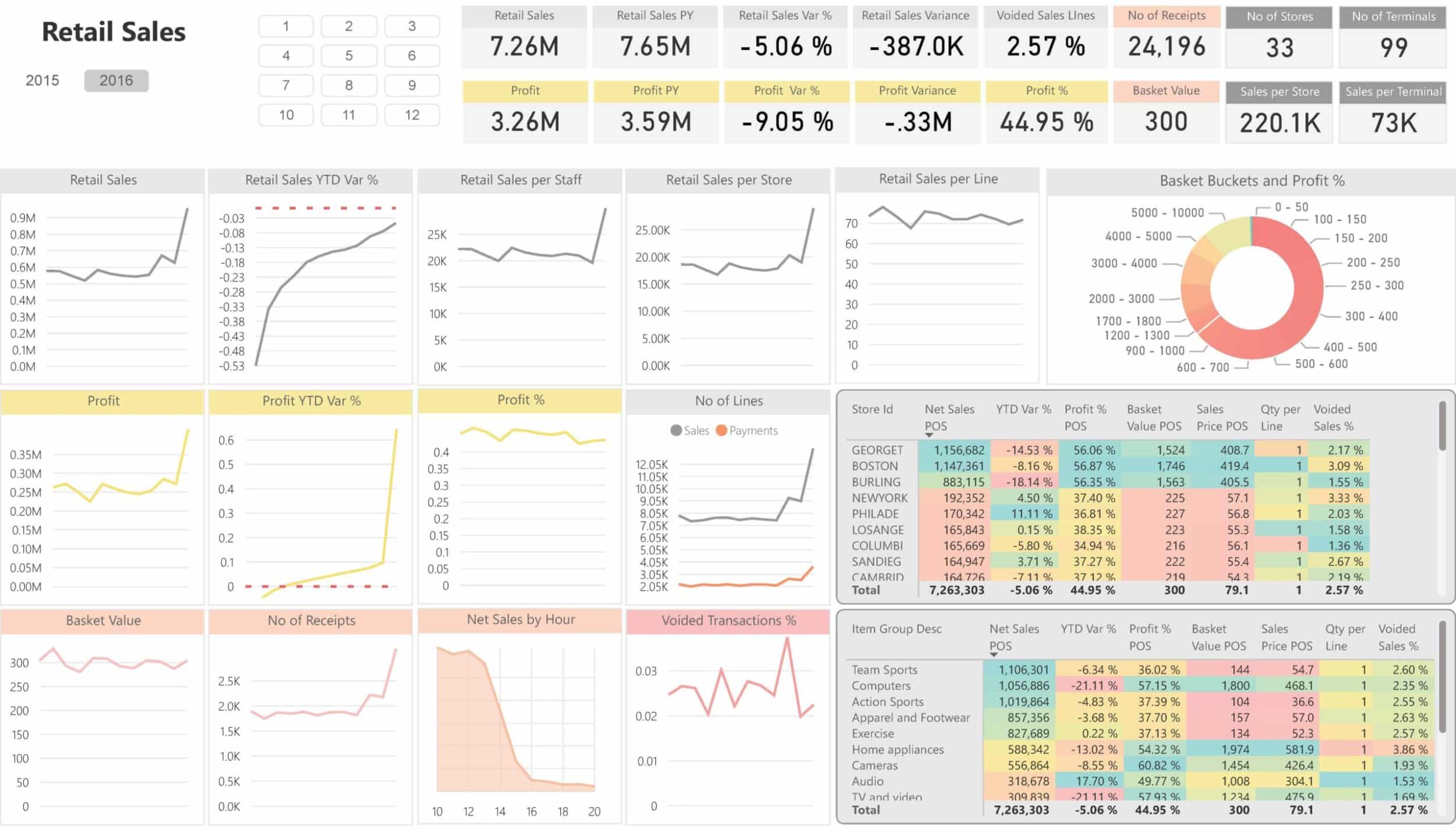
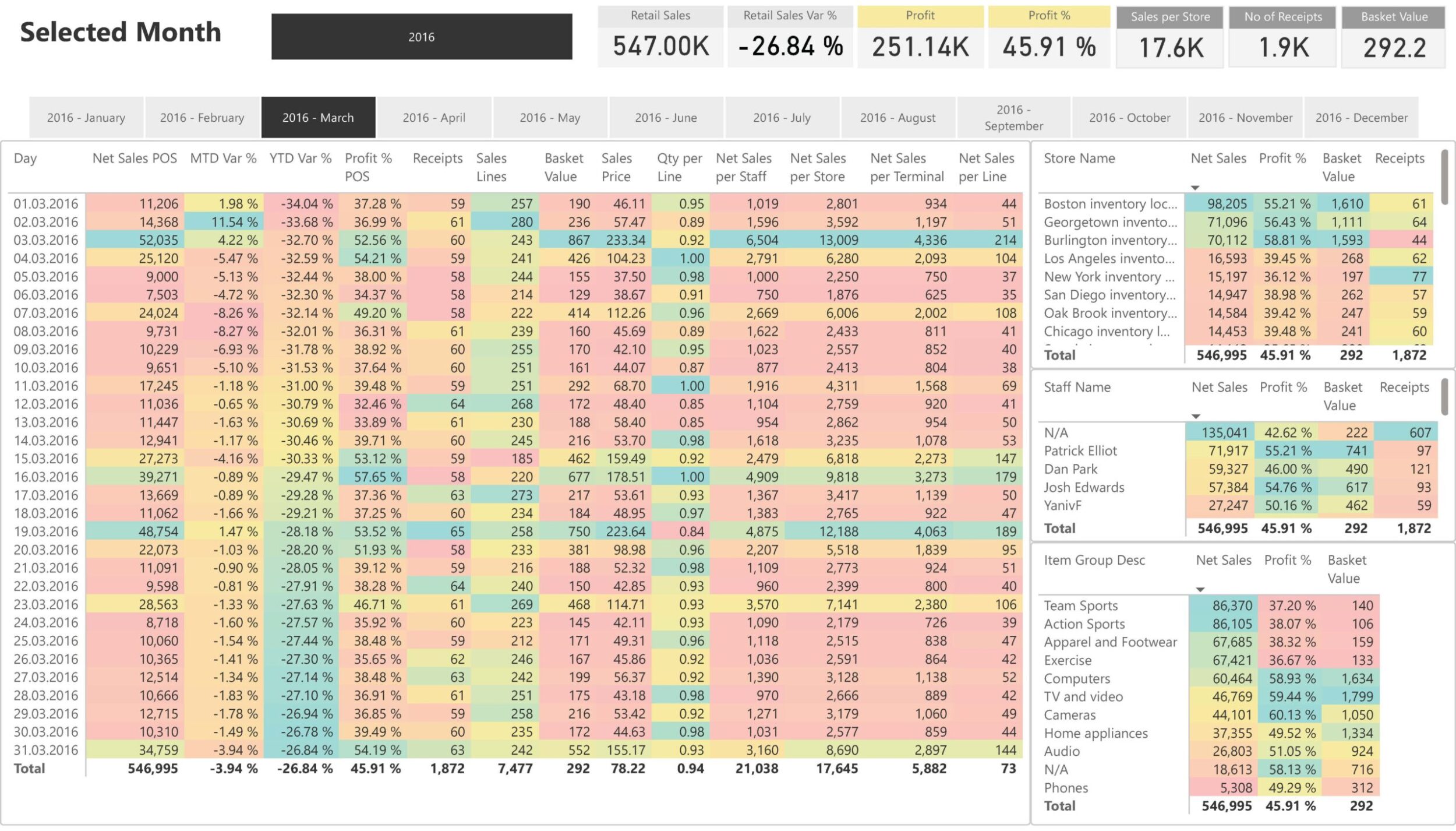
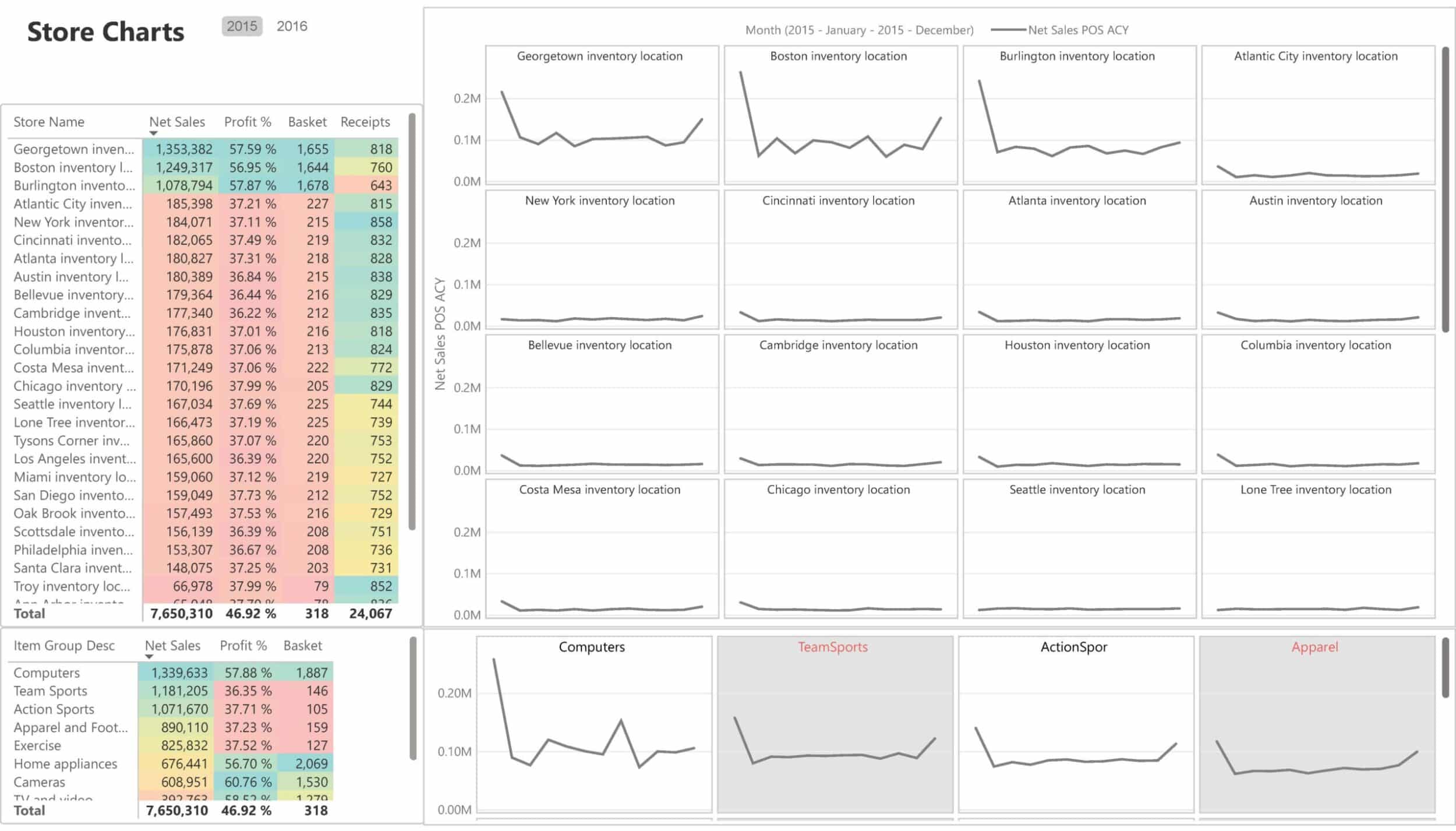
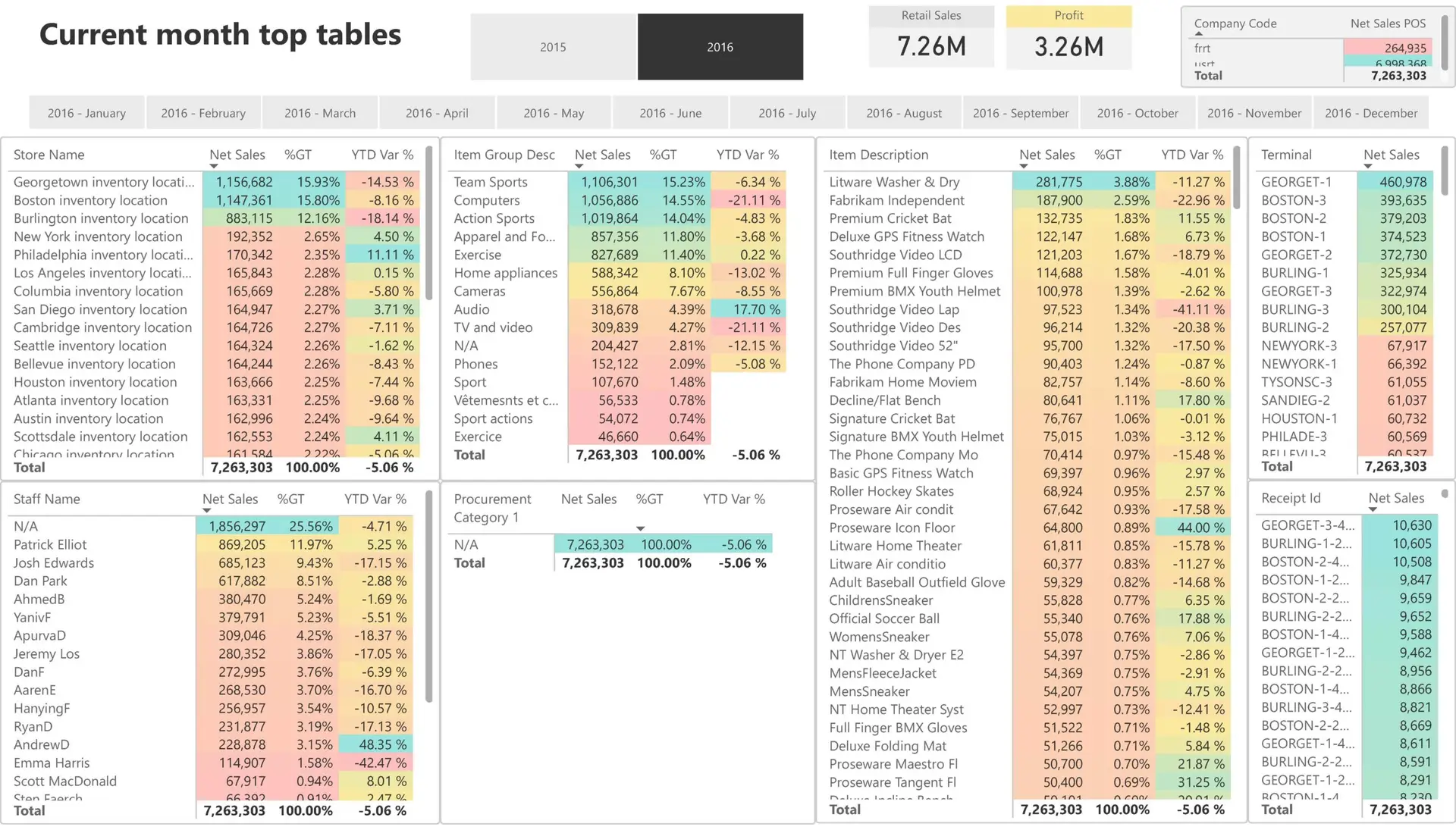
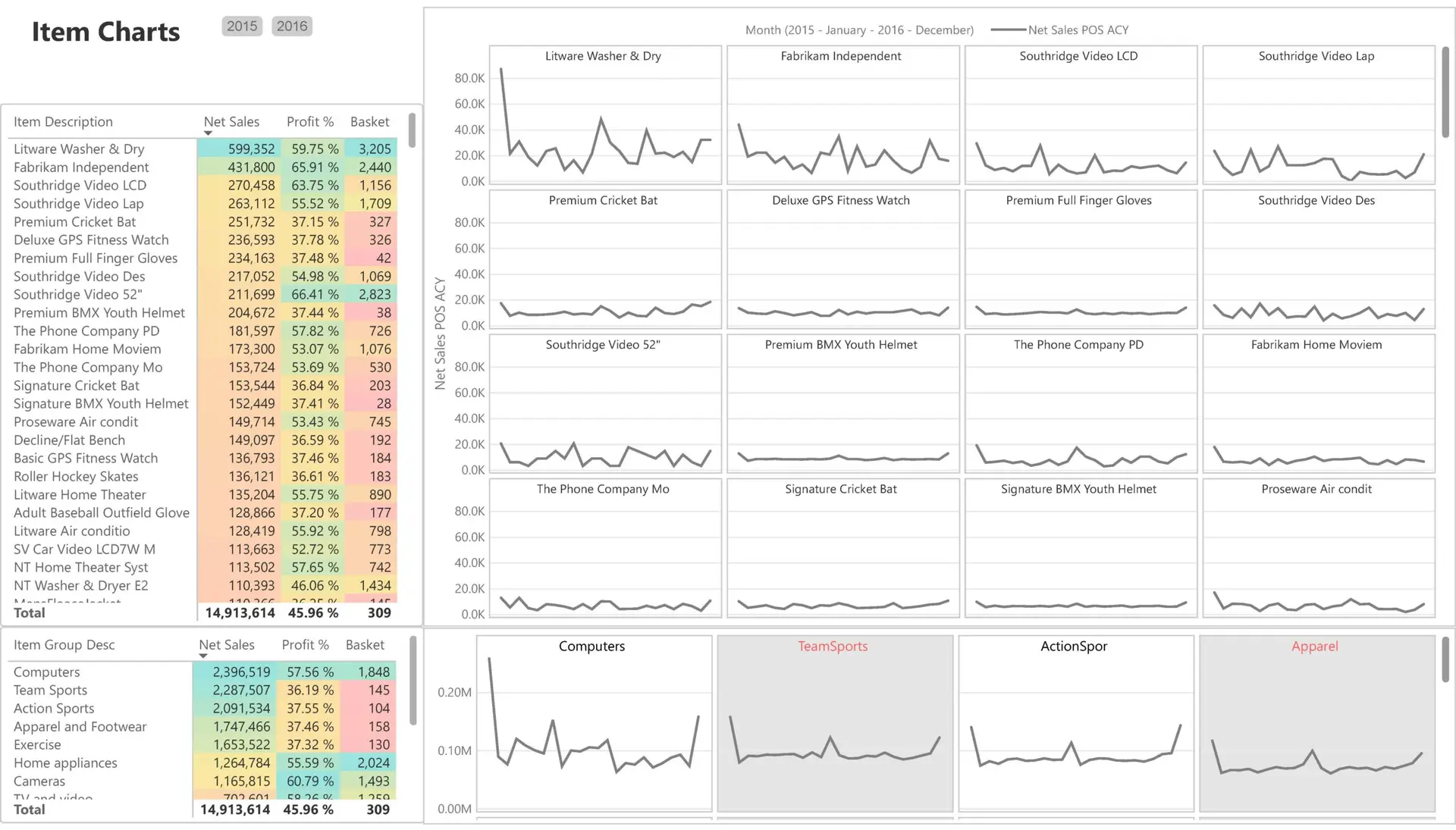
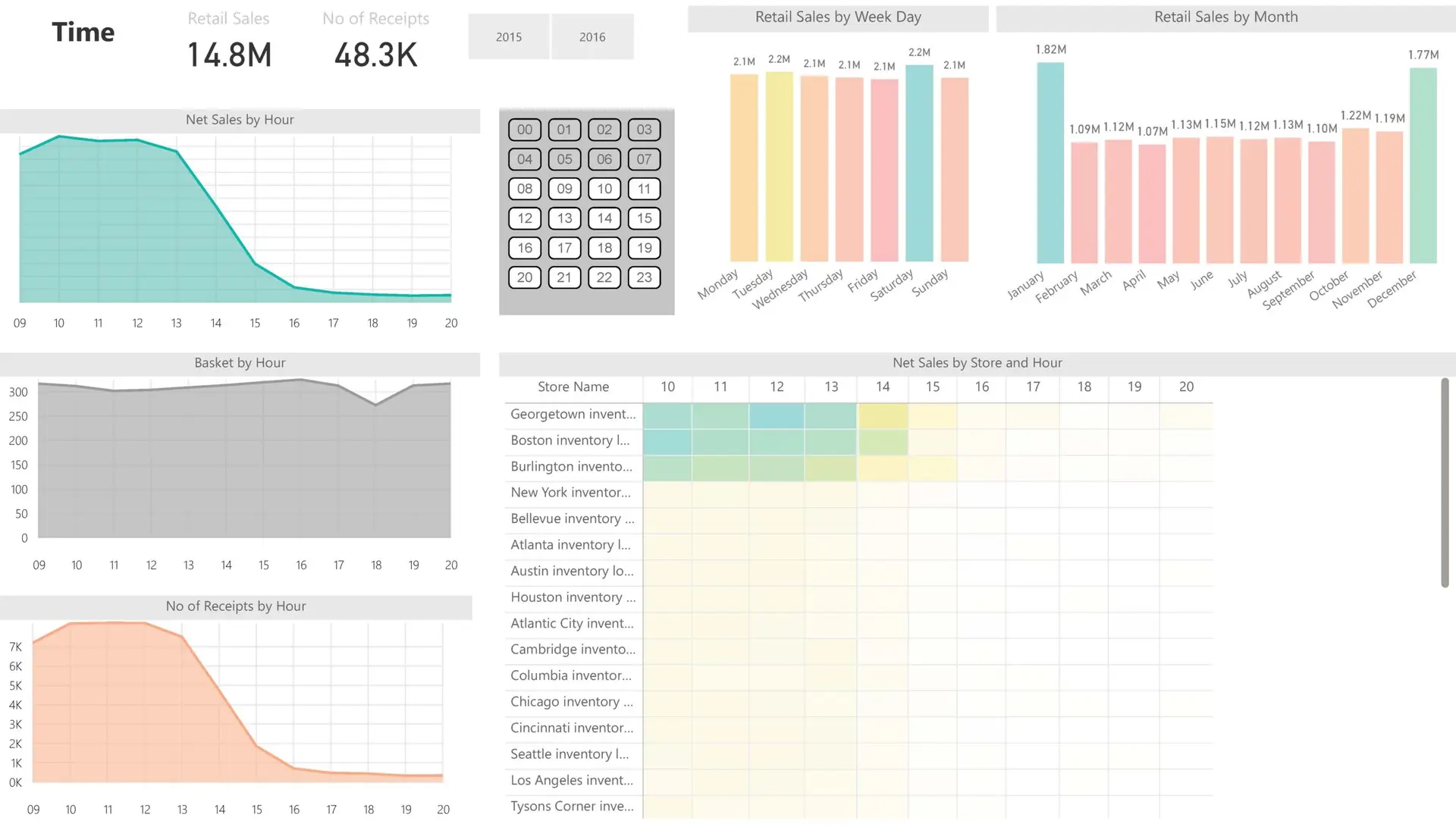
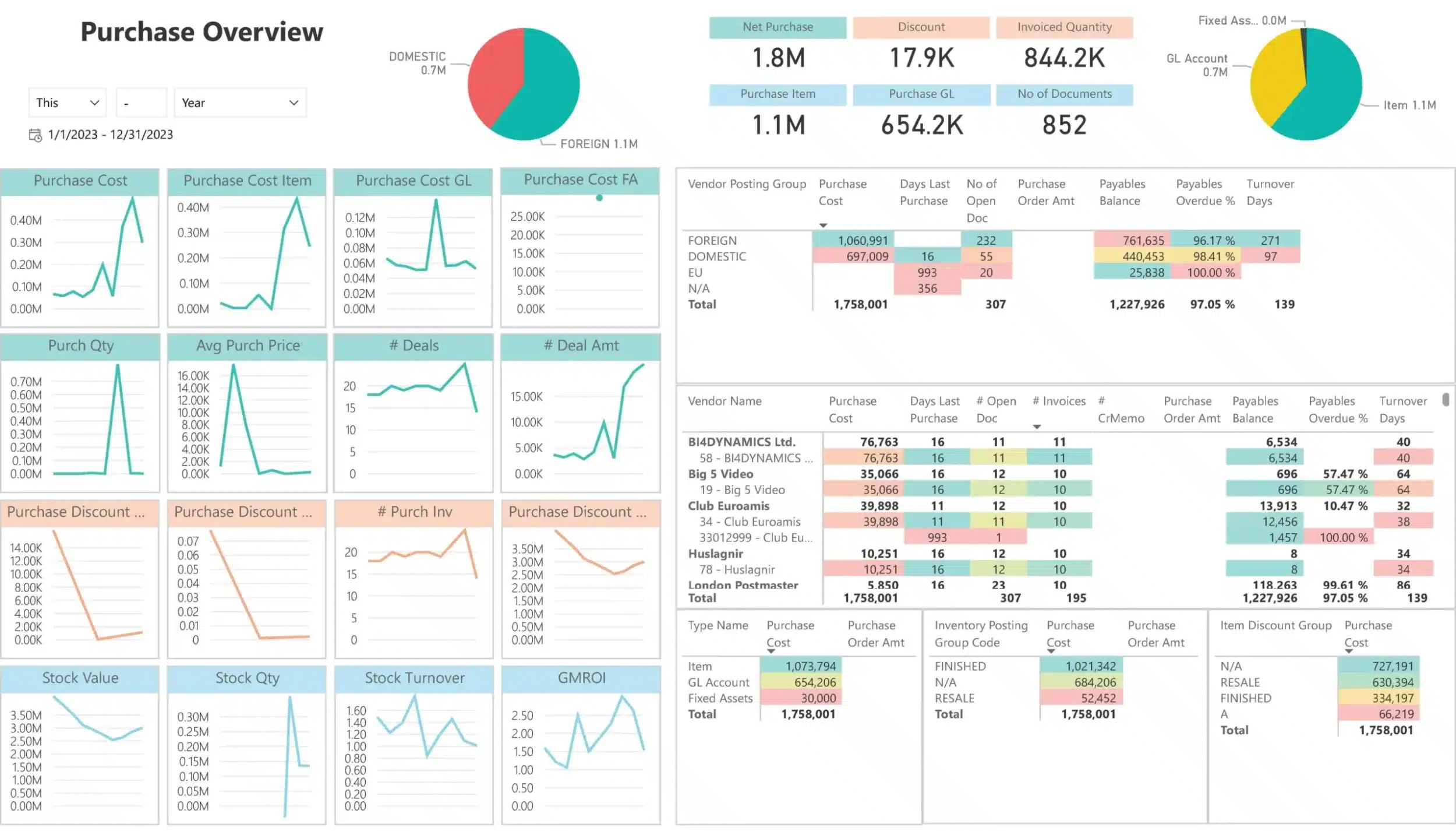
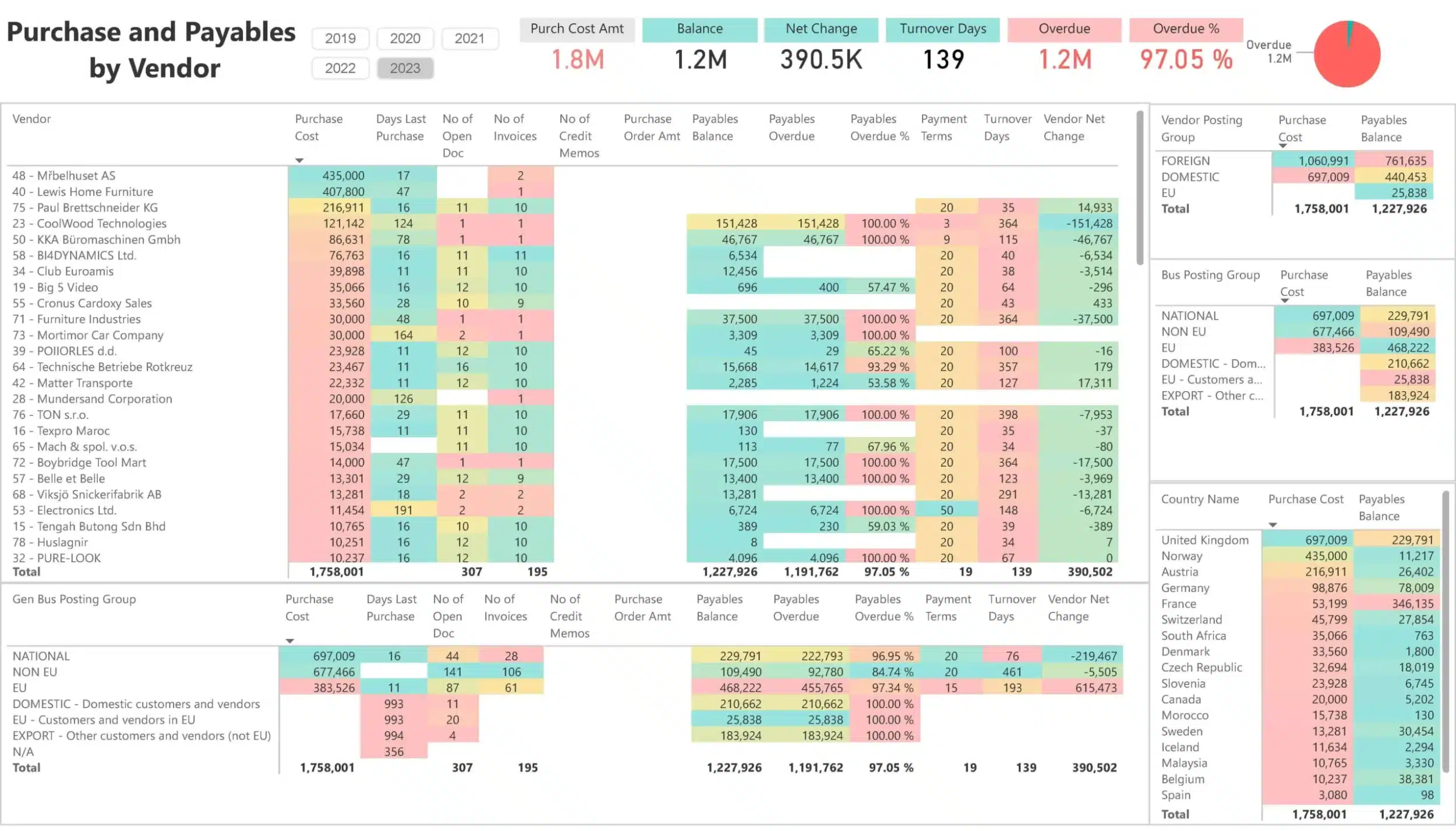
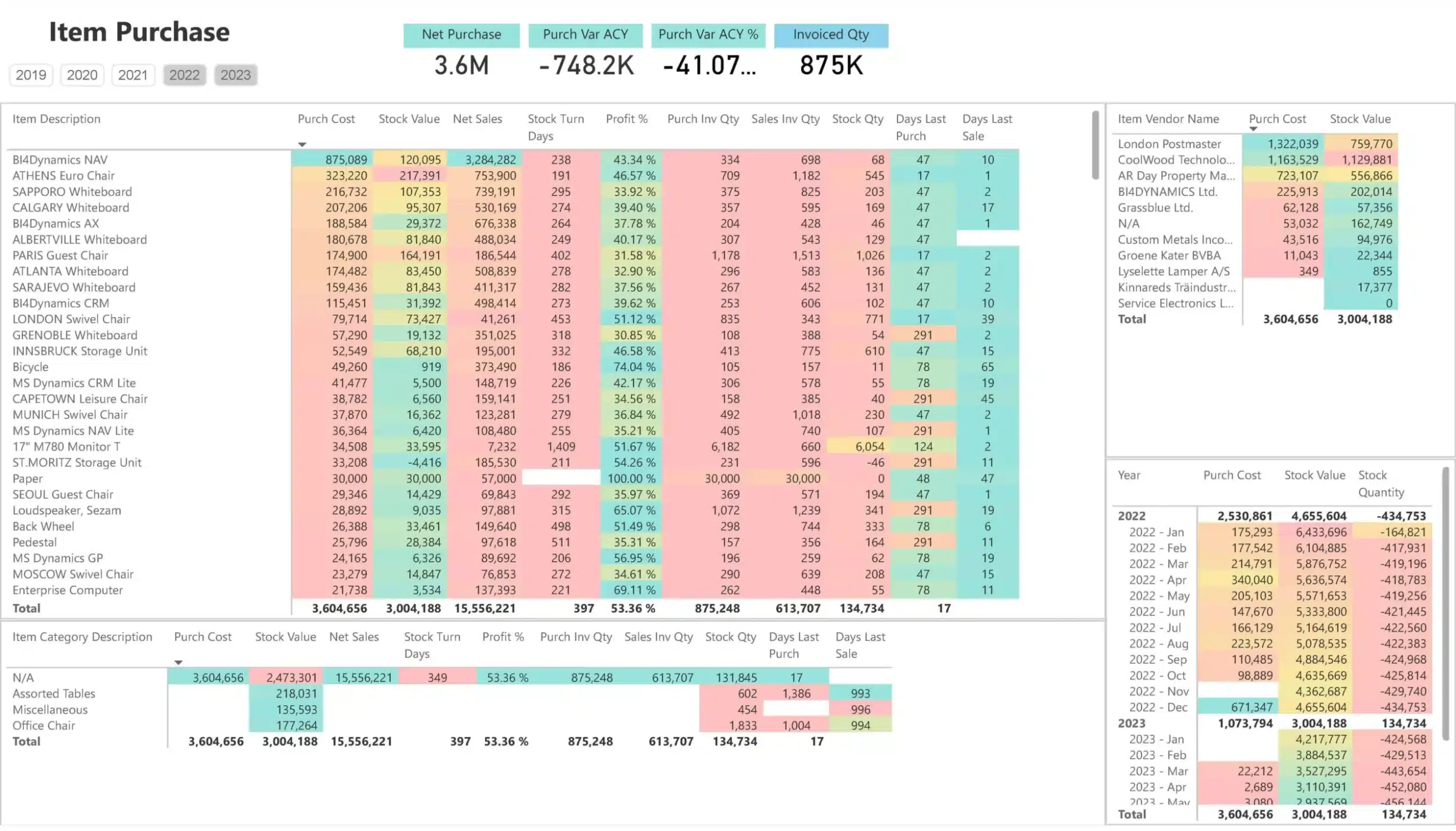
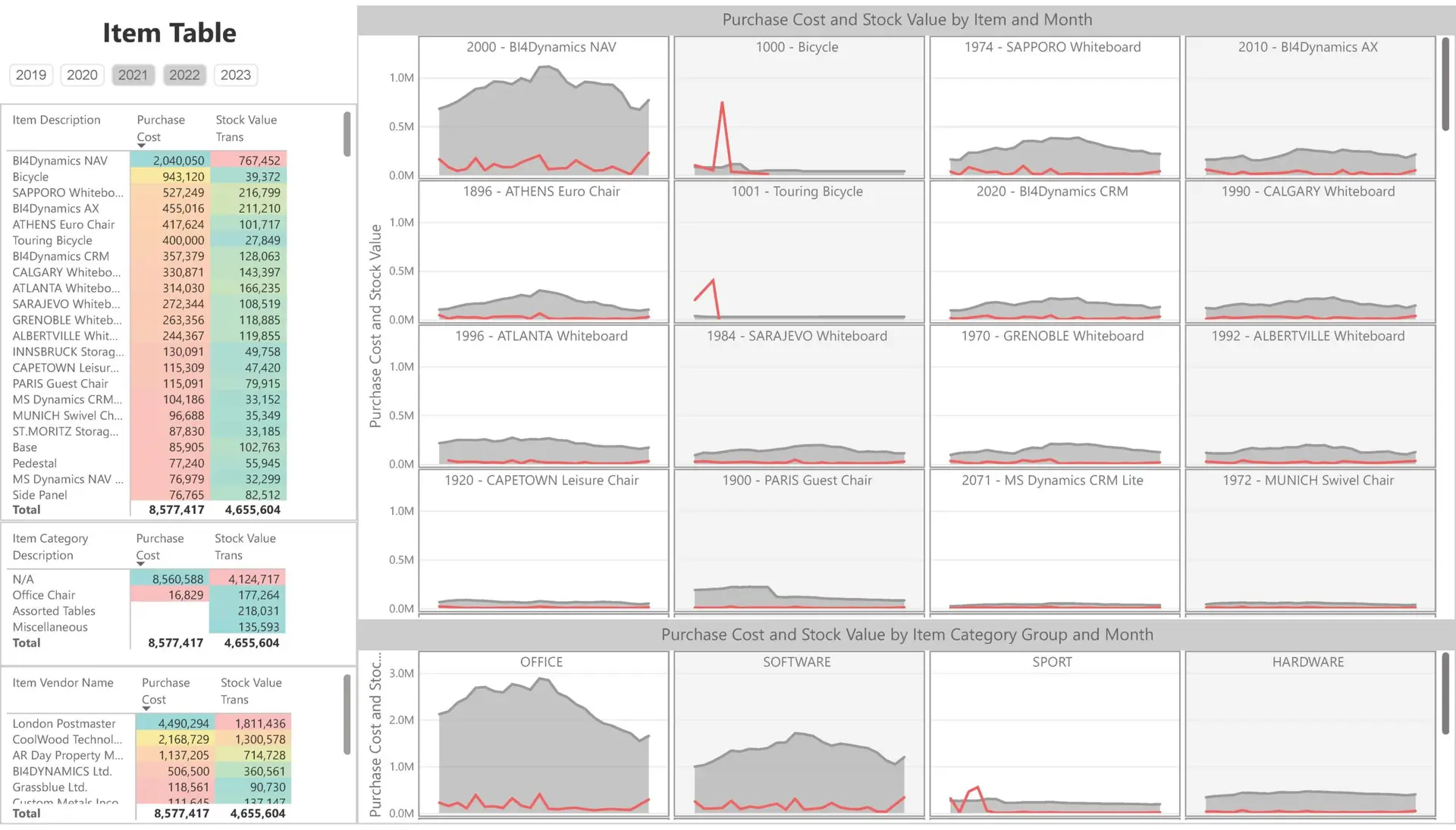
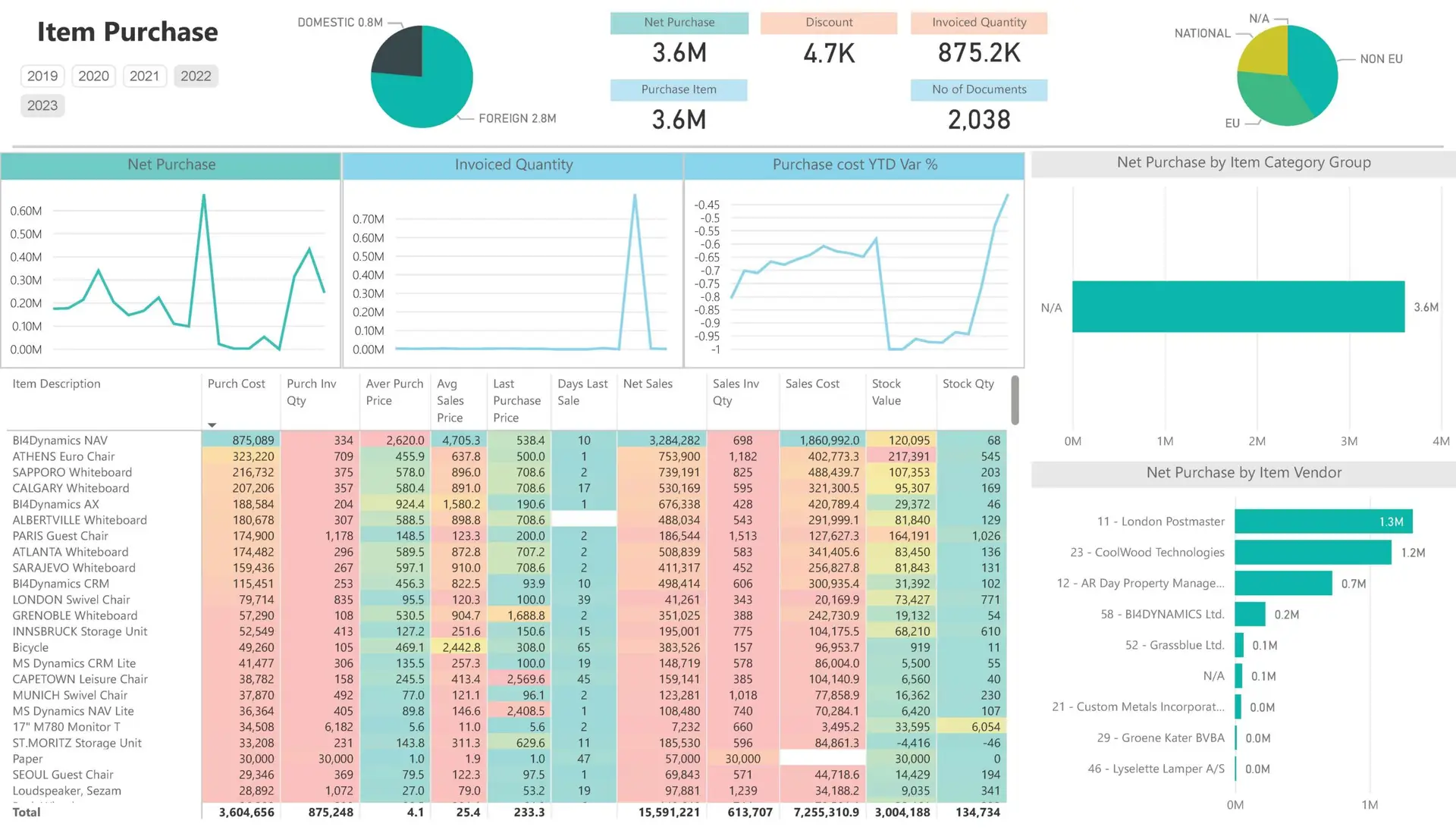
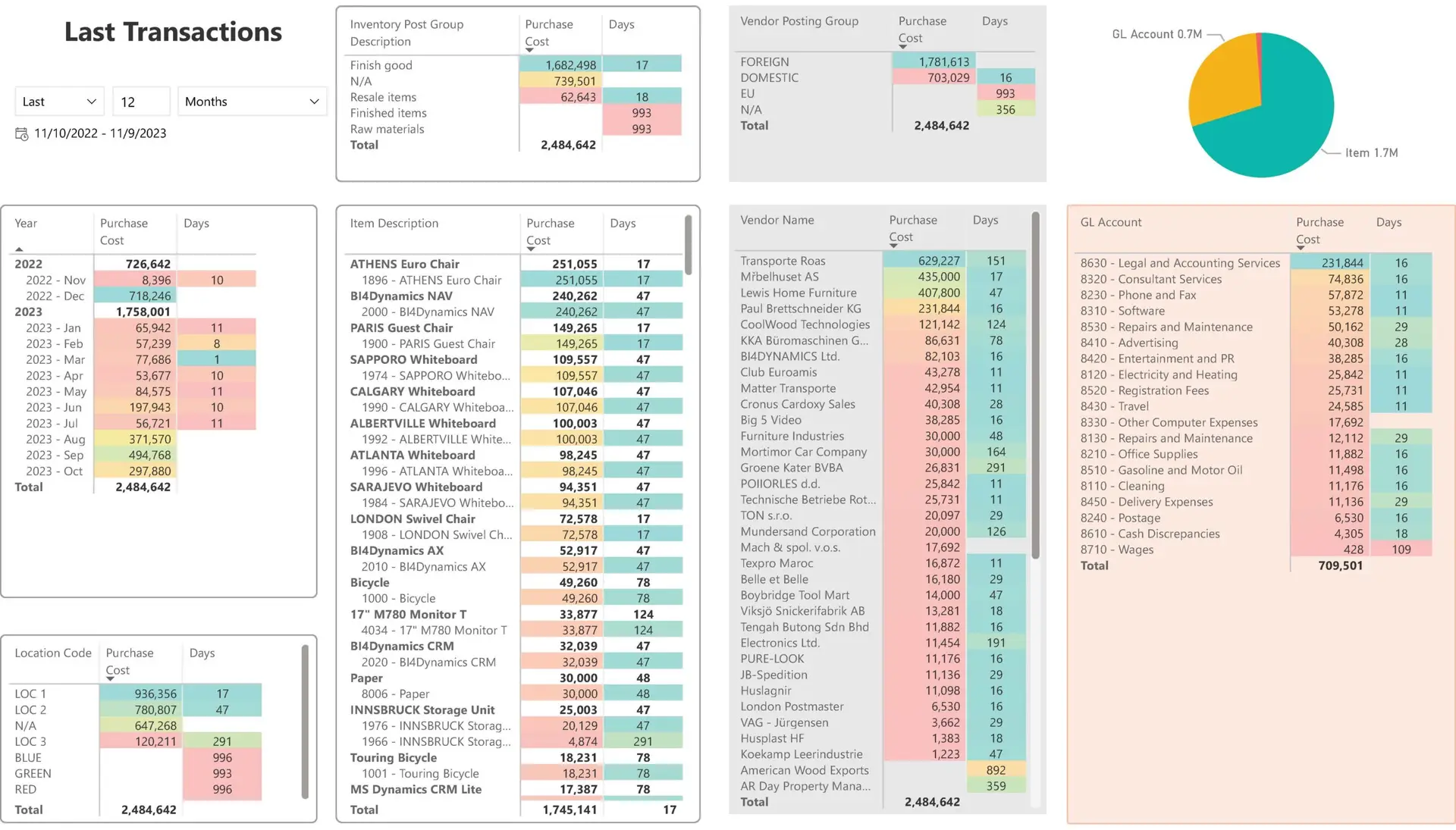
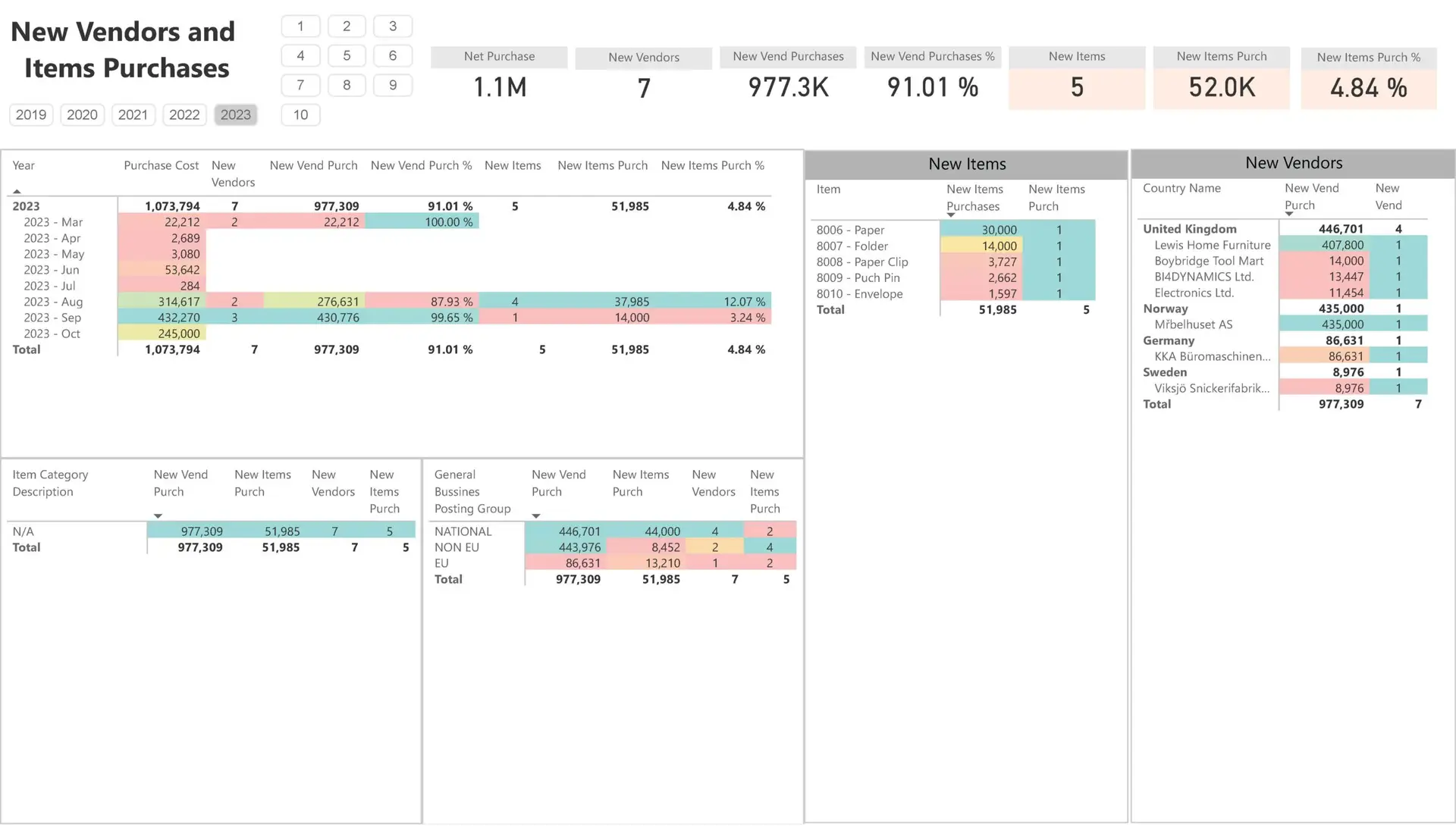
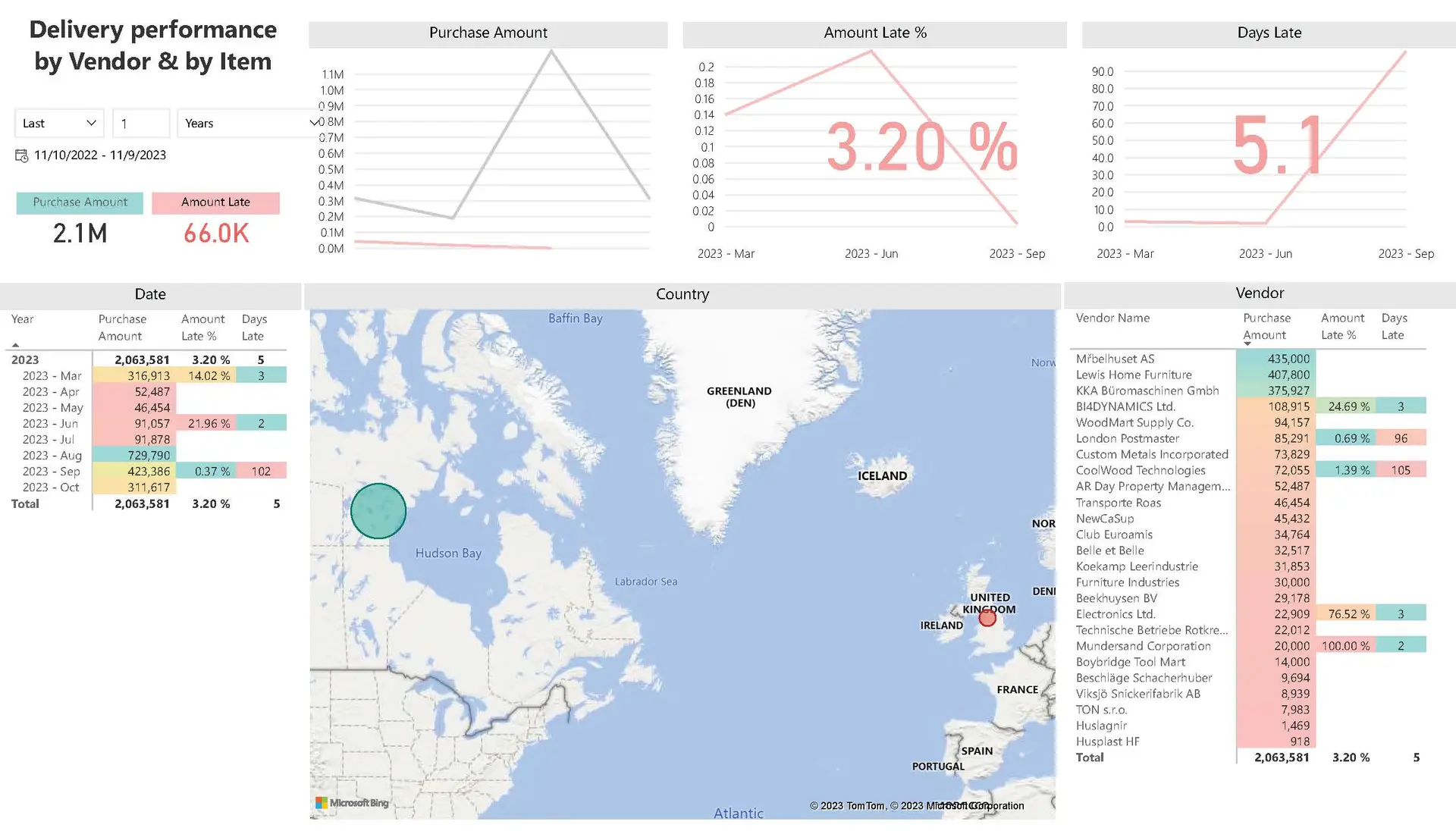
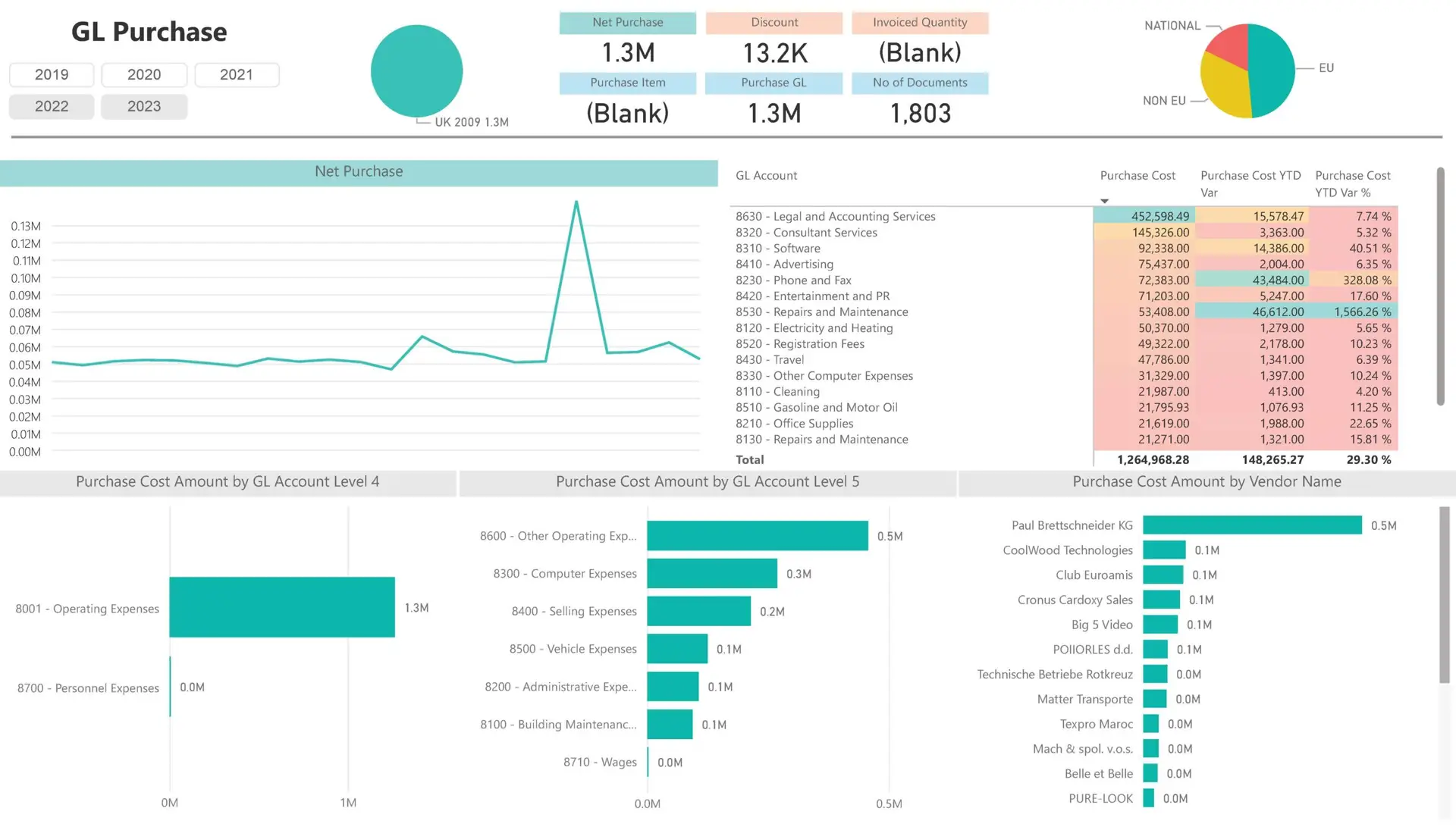
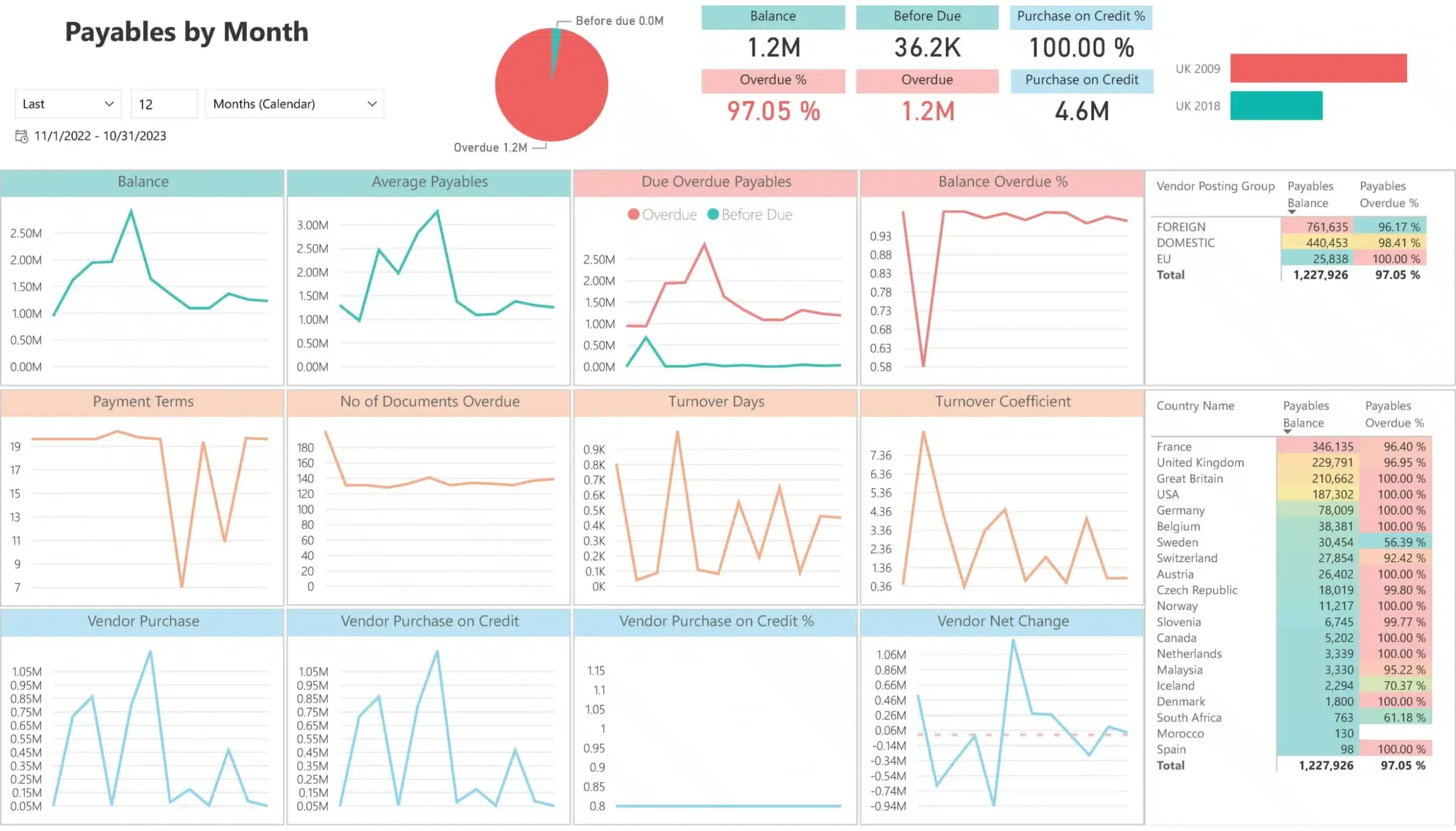
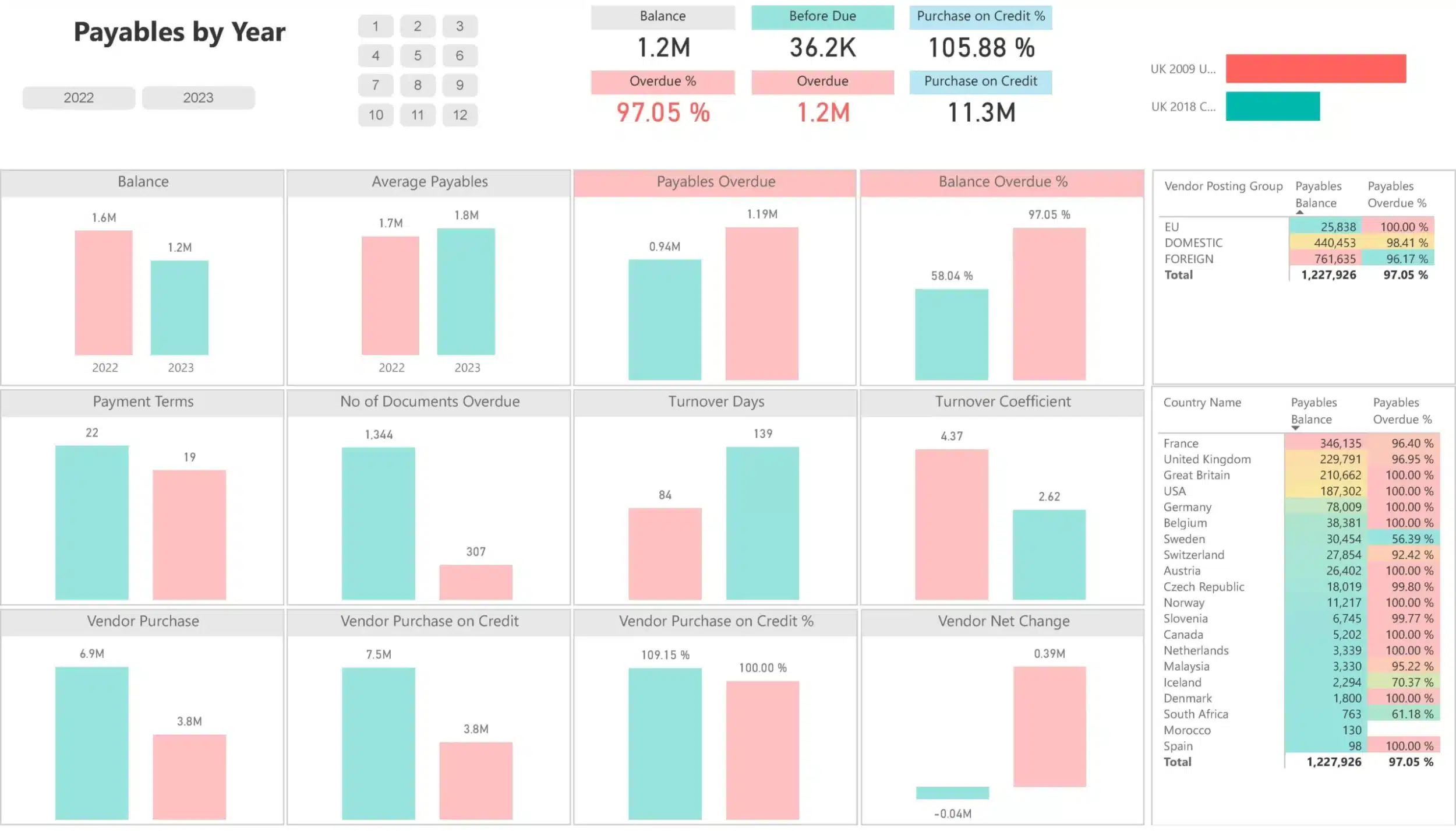
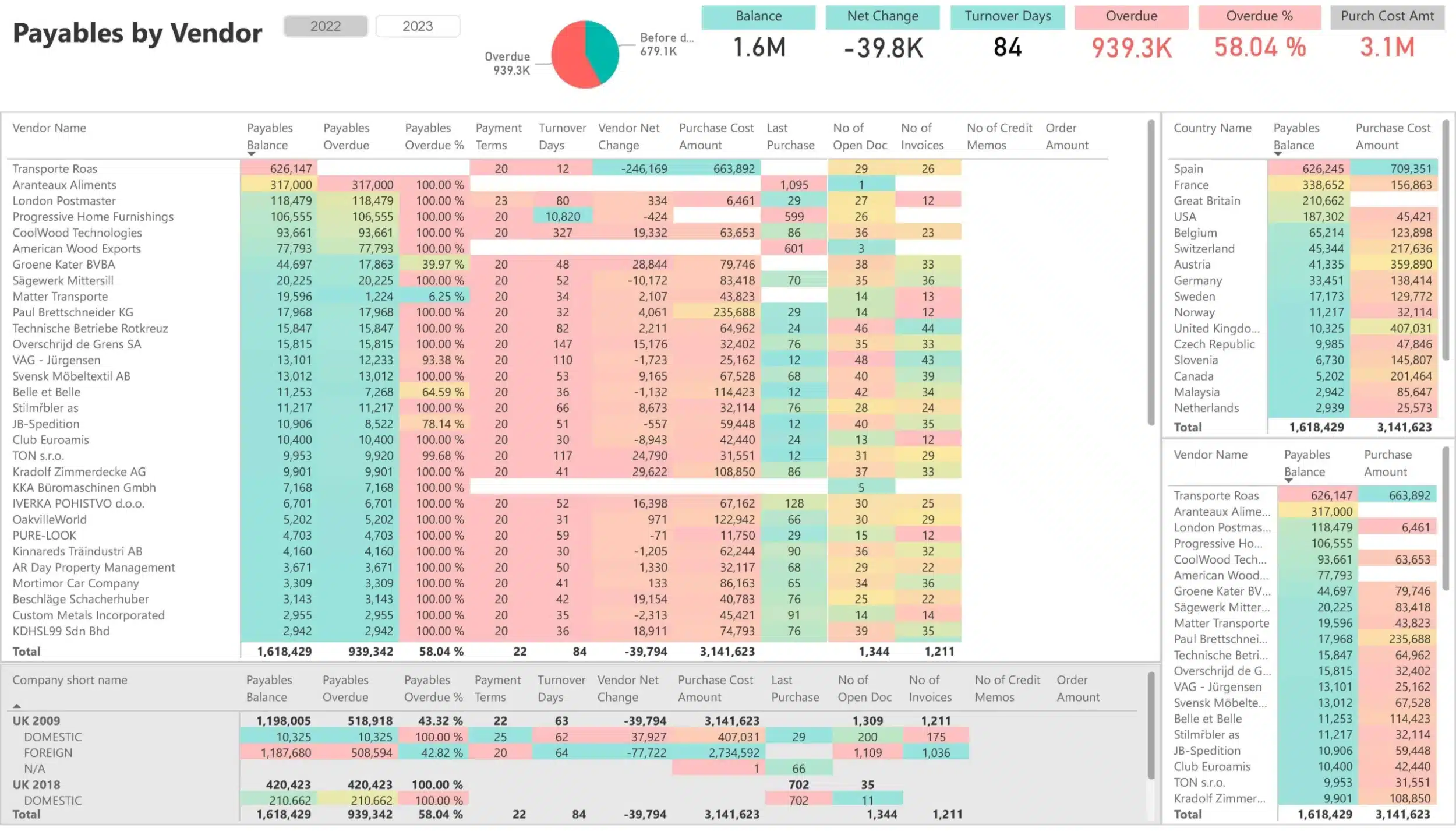
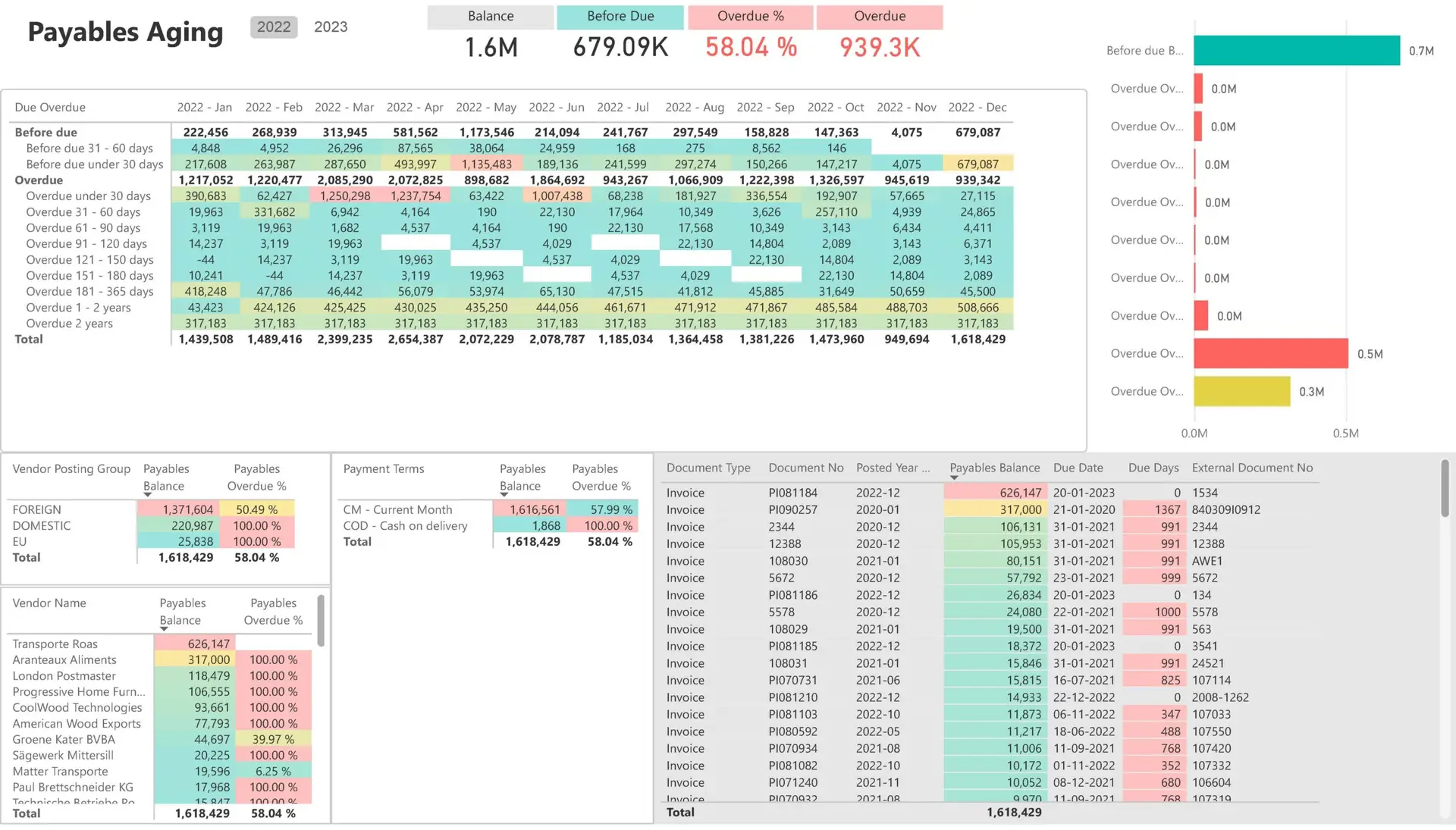
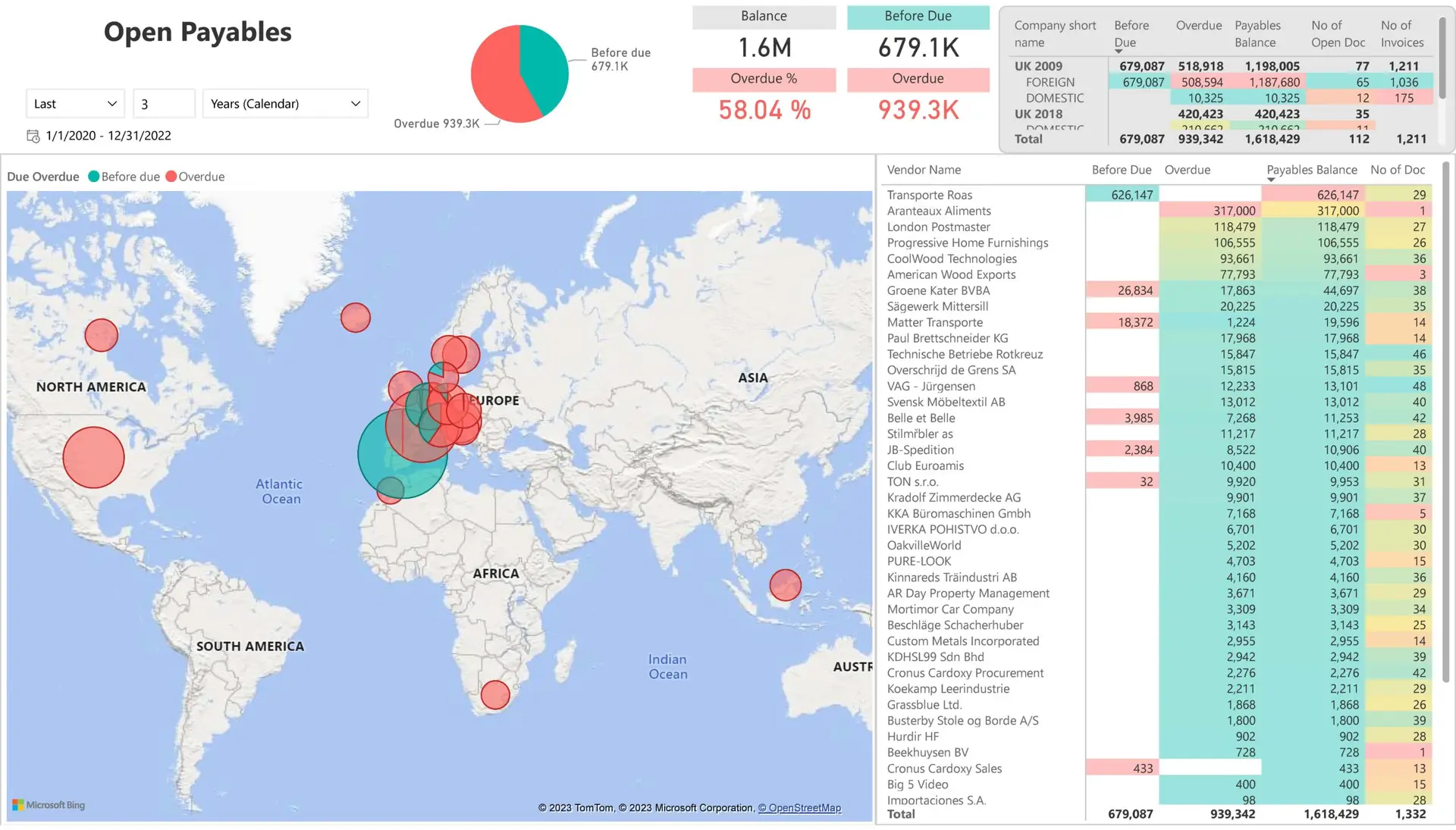
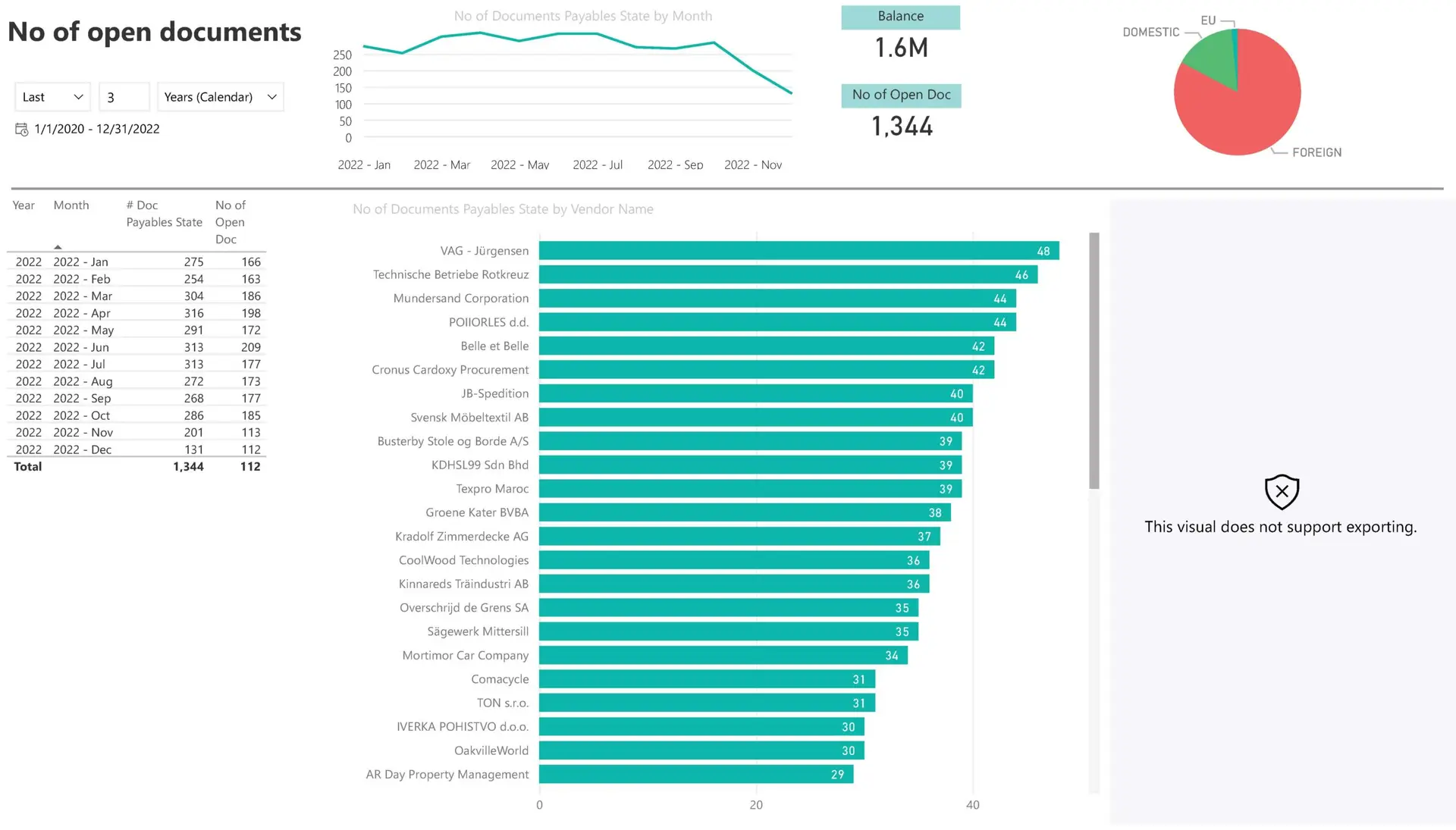
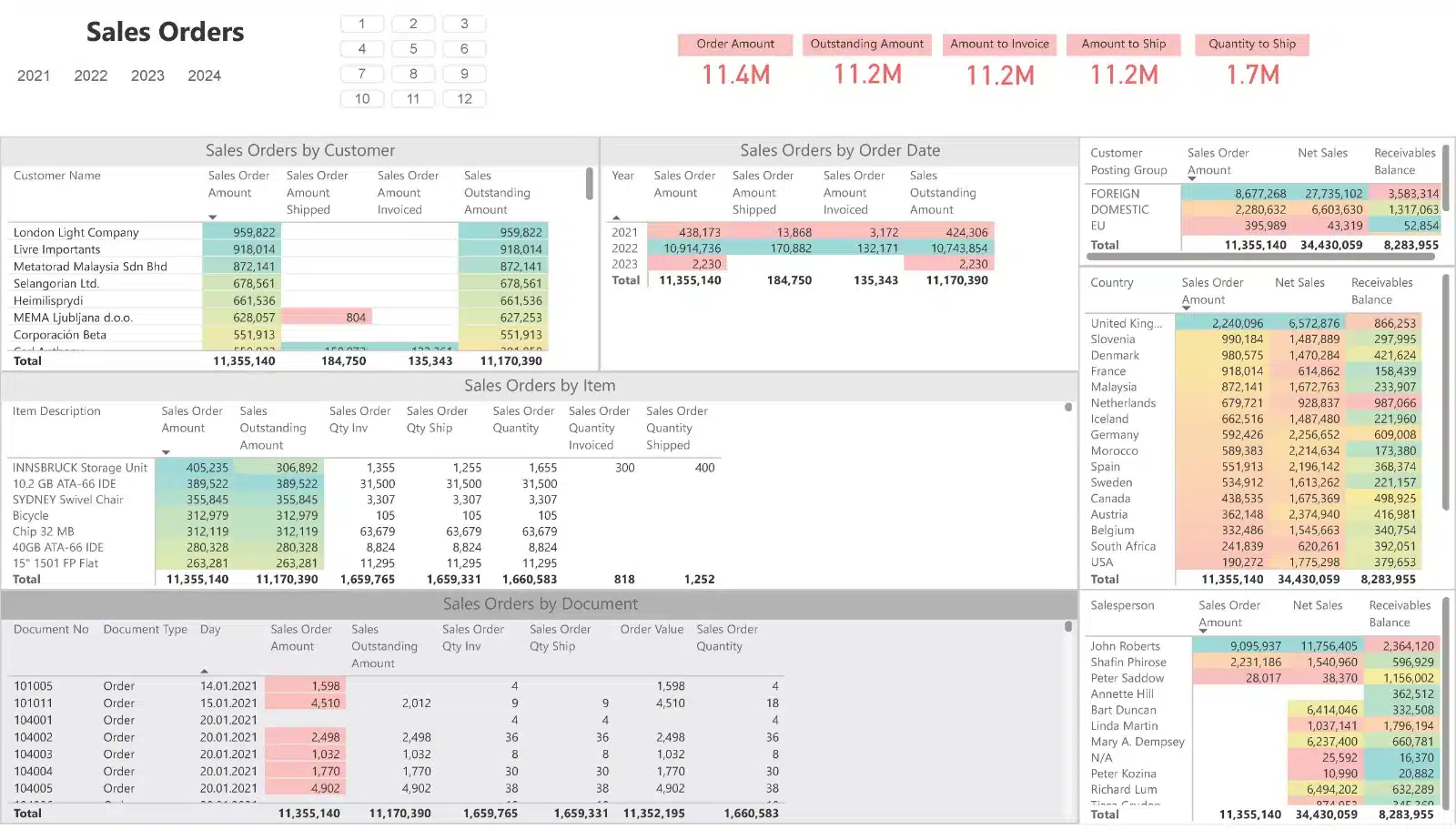
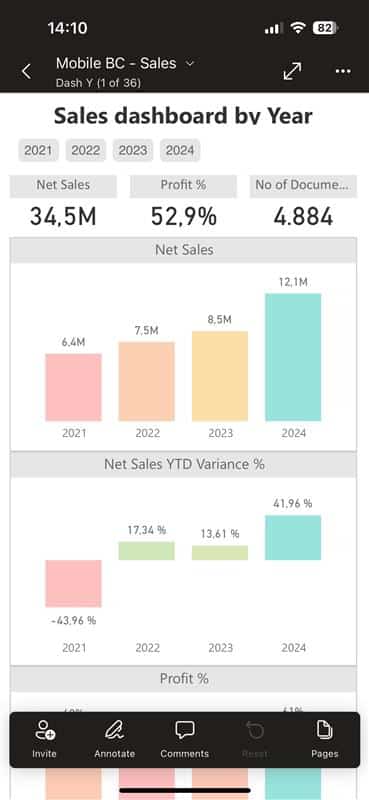
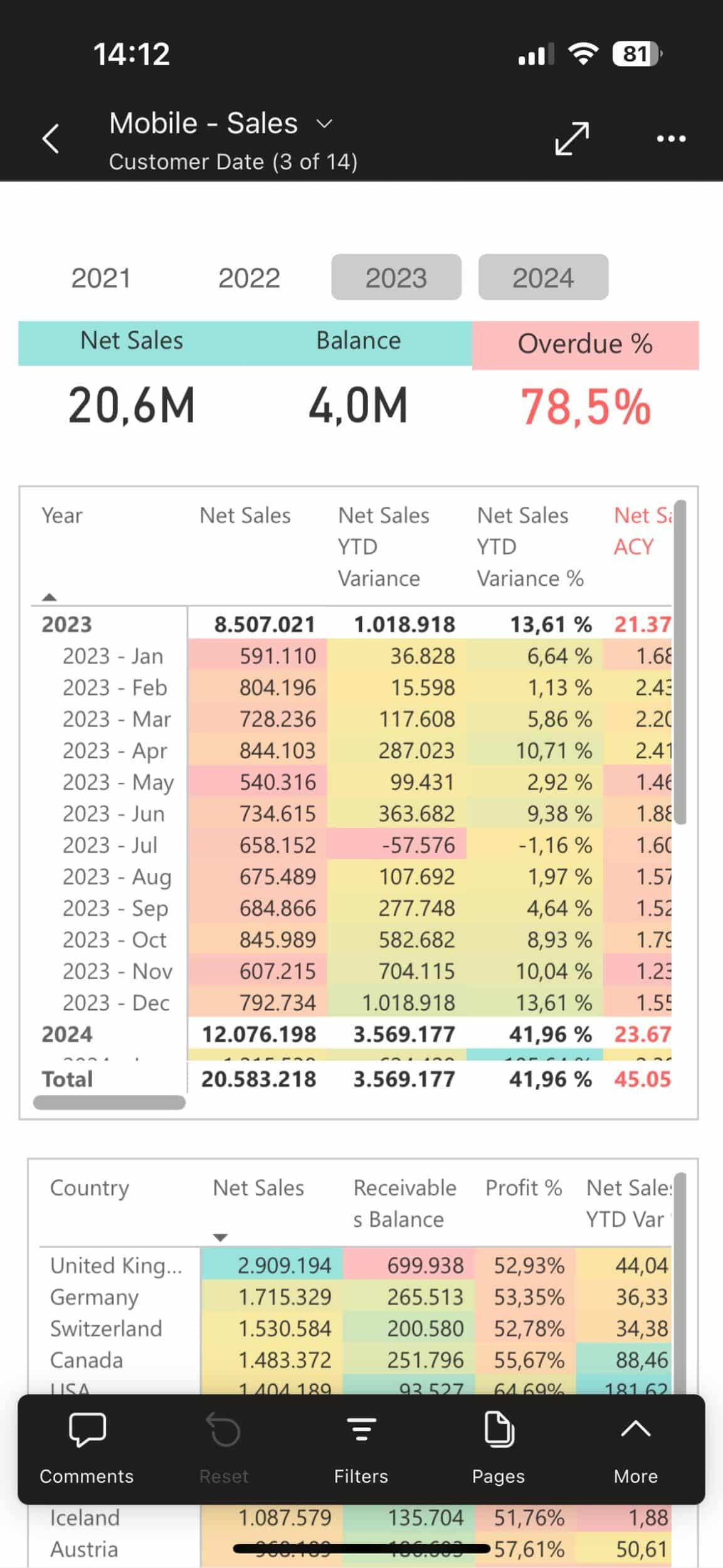
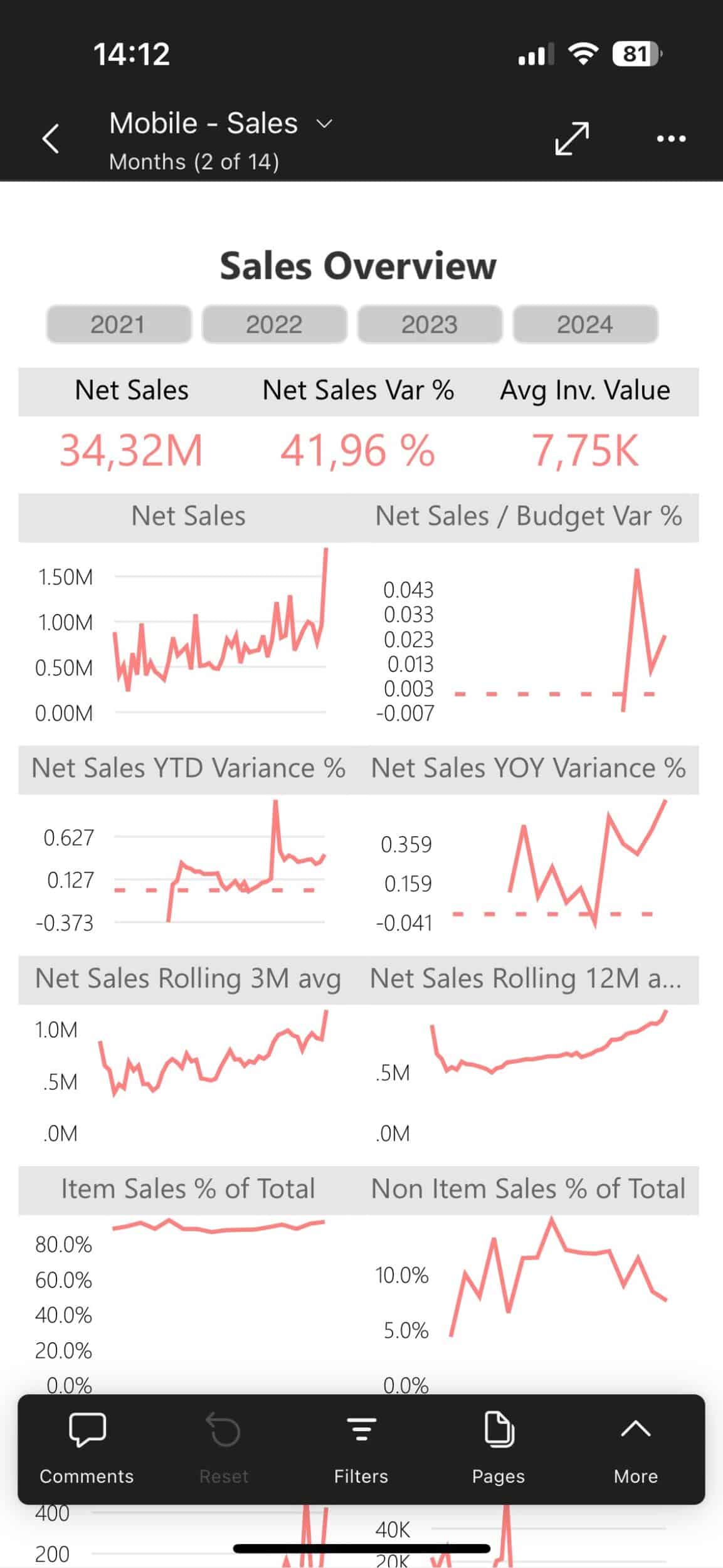
Boardroom-Ready Power BI Dashboards
for All Your Business Areas - Desktop Web & Mobile
How it works?
BI4Dynamics simplifies the transformation of complex Microsoft Dynamics ERP data into actionable business intelligence through a straightforward process:
- Extract, Transform, Load (ETL): Data is extracted from your Dynamics system, transformed and loaded to a robust Data Warehouse – Including any external data source that Power BI Datamart supports.
- Modeling and Customizations: Save time on modeling, by extending our ready-to-use model to meet your specific customizations needs — no coding needed.
- Analysis and Reporting: Leverage thousands of ready-to-use KPIs and pre-built reports to gain immediate insights and make informed decisions.
By following these steps, BI4Dynamics empowers your business with deep insights and efficient reporting, turning raw data into a strategic asset.
What's the True Cost of Your Custom BI?
No-code development with Metadata information
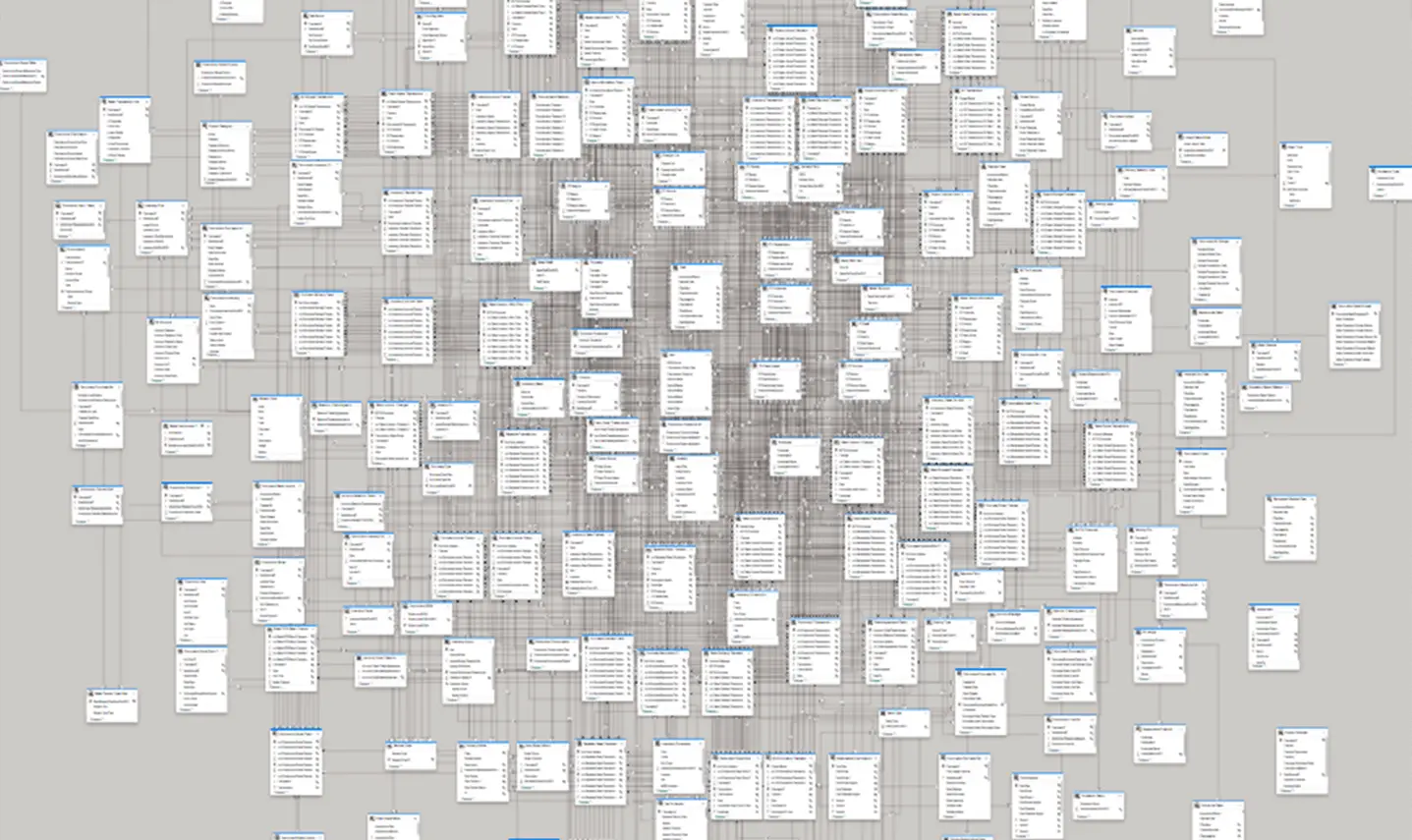
Our application connects to your Microsoft Dynamics and provides information about the model, including the number of tables, columns, primary keys, and table relations.
Our intuitive wizard lets you:
– Add any Dynamics field without touching the code
– Build dashboards that speak your business language
– Transform reports in minutes, not months
Old Way vs. New Way
Less Time, Less Money
Building a custom Power BI project can be time-consuming, costly, and often fails to deliver immediate results.
Data warehouse automation offers a faster, more scalable solution with pre-built reports, automatic data validation, and no-code customization options.
| Old Way | New Way (BI4Dynamics) | |
|---|---|---|
| Content | Scope and quality varies and depends on partner’s BI experience | 12 areas, 50 transactional tables, 150 dimensions, 3100 measures |
| Scalability | Limited with large datasets | Highly scalable Data Warehouse engine |
| Development | Manual effort. Requires Power Query and DAX skills | Metadata-based and Wizard-driven code generation |
| Data Validation | Manual validation needed | A part of the BI model |
| Project Cost | High. Project is service intensive | Reasonable and predictable software subscription fee |
| Error Handling | Requires ongoing manual work | Automated email notifications and control dashboard |
| Implementation Time | Unknown | Days |
Enterprises Trust Us For Data Warehouse Automation Out-of-the-box Reporting Fast Implementation Enhanced Data Quality Great Support
Enhance
Your Decision-Making
with Comprehensive BI Solutions
You can join any data source ranging from NAV 2009 to the latest D365 Business Central, and from AX R3 to D365 F&O.
Leading Enterprises Trust Us For
Data Warehouse
Automation
Out-of-the-box
Reporting
Fast
Implementation
Enhanced
Data Quality
Great Support
Team


Why Start from Zero When You Can Begin as a Hero?
Overcome Your Reporting Challenges Effortlessly. Gain Insights at the Speed of Your Business.
Empower Your Team with Self-Service BI
Start immediately with a robust, pre-configured BI solution or tailor it to meet specific business requirements.
Powerful Dashboards
Utilize 150 pre-built Power BI dashboards featuring drag-and-drop capabilities, designed based on best practices from over 1,000 successful BI implementations.
Effortless Customization
Wizard-Driven customizations: Tailor reports without technical skills. Bring in any field from Microsoft Dynamics without writing a single line of code.
Seamless Integration
Horizontaly integrate external data sources with Power BI datamart into our Data Warehouse Automation for a comprehensive data view.
No-code
development
Bring Any Dynamics Field Faster Than Ever Without Coding
Tailor your BI solution effortlessly with our no-code, five-step Wizard. Bring any field from your Dynamics faster than ever before, combining auto-generated code and custom SQL without any programming knowledge.
Customize and integrate external data sources in just a few clicks, simplifying complex tasks and focusing on valuable insights for informed decision-making.
Integrate any MS Dynamics version or external data
Use Power Query-based BI4Dynamics ETL and Power BI Datamart for corporate BI models. Build composite models with Power BI Premium or Azure Analysis Services, adding any source supported by Power BI Desktop, for departmental reports.
Any source supported by Power BI Desktop
Featured feedback from
our trusted community of 1000+ clients


Less Modeling, More Insights
Implementation
in a Few Hours
Proven out-of-the-box insights
across all Dynamics areas
Drag and Drop
Pre-made Reports
Fully customizable 150+ Ready-to-use Power BI reports with 3000+ KPIs
Self-Service
Customizations
Add any field from Dynamics
with a click of the mouse
Frequently Asked Questions
BI4Dynamics Main FAQ
Why should we focus more on modeling than on individual Power BI reports?
Modeling provides a foundation for combining dimensions and measures dynamically, unlocking deeper insights compared to static, report-focused approaches.
What are the limitations of Power BI for Business Intelligence?
Power BI is an excellent tool for small-scale projects but often struggles with complex transformations and large datasets, requiring additional solutions for scalability.
Can BI4Dynamics handle large datasets effectively?
Yes, it processes terabytes of data efficiently using advanced SQL Server features, including indexing and partitioning, ensuring seamless performance.
What makes BI4Dynamics user-friendly for Business Intelligence?
Its no-code/low-code interface, combined with metadata-driven automation, simplifies model creation and reduces the need for technical expertise.
What does the BI4Dynamics implementation process involve?
The BI4Dynamics implementation process is divided into several key steps:
1. Prerequisites: Ensure system requirements are met, including hardware and software specifications.
2. Installation and Configuration: We open a license and schedule a 2-hour session with your IT and our implementation team to assist with the installation on your server. We only ask for RDC to fine-tune the installation.
3. Analytical Layer Deployment: Choose from three options – On-Premises Analysis Services, Azure Analysis Services, or Power BI Premium, based on your needs and infrastructure.
4. Power BI & Excel Reports: Connect your Power BI and Excel dashboards to the BI4Dynamics Data Warehouse. Over 150 pre-defined Power BI dashboards are included.
5. Customizations (Optional): Address any unique analytical needs you may have, either through our Development Wizard or by outsourcing to our skilled team.
6. Workshop: An 2 hours orientation workshop for business users is conducted to provide in-depth information and examples.
7. Support: Our implementation and development team can answer any questions and guide you through best practices.
This structured approach is also applicable to the Free Trial. It ensures a smooth and efficient implementation, allowing your organization to quickly benefit from the powerful analytics capabilities of BI4Dynamics.
What is the granularity level of reports?
You can drill down to the document level without the need for aggregation.
How can I integrate external data sources?
You can integrate external data sources using:
1. Corporate BI model – Power Query-based BI4Dynamics ETL Power BI Datamart: Adding any external database using Power Query-based BI4Dynamics ETL and Power BI Datamart.
2. Department Power BI Report – Bulid a composite model using Power BI Premium or Azure Analysis Service: Extending BI4Dynamics Corporate Tabular Model by adding any source supported by Power BI Desktop.
Can BI4Dynamics handle data from multiple companies and different currencies?
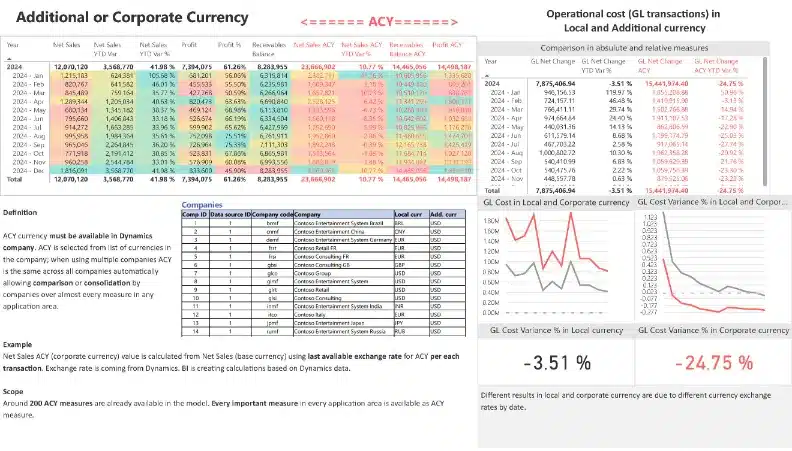
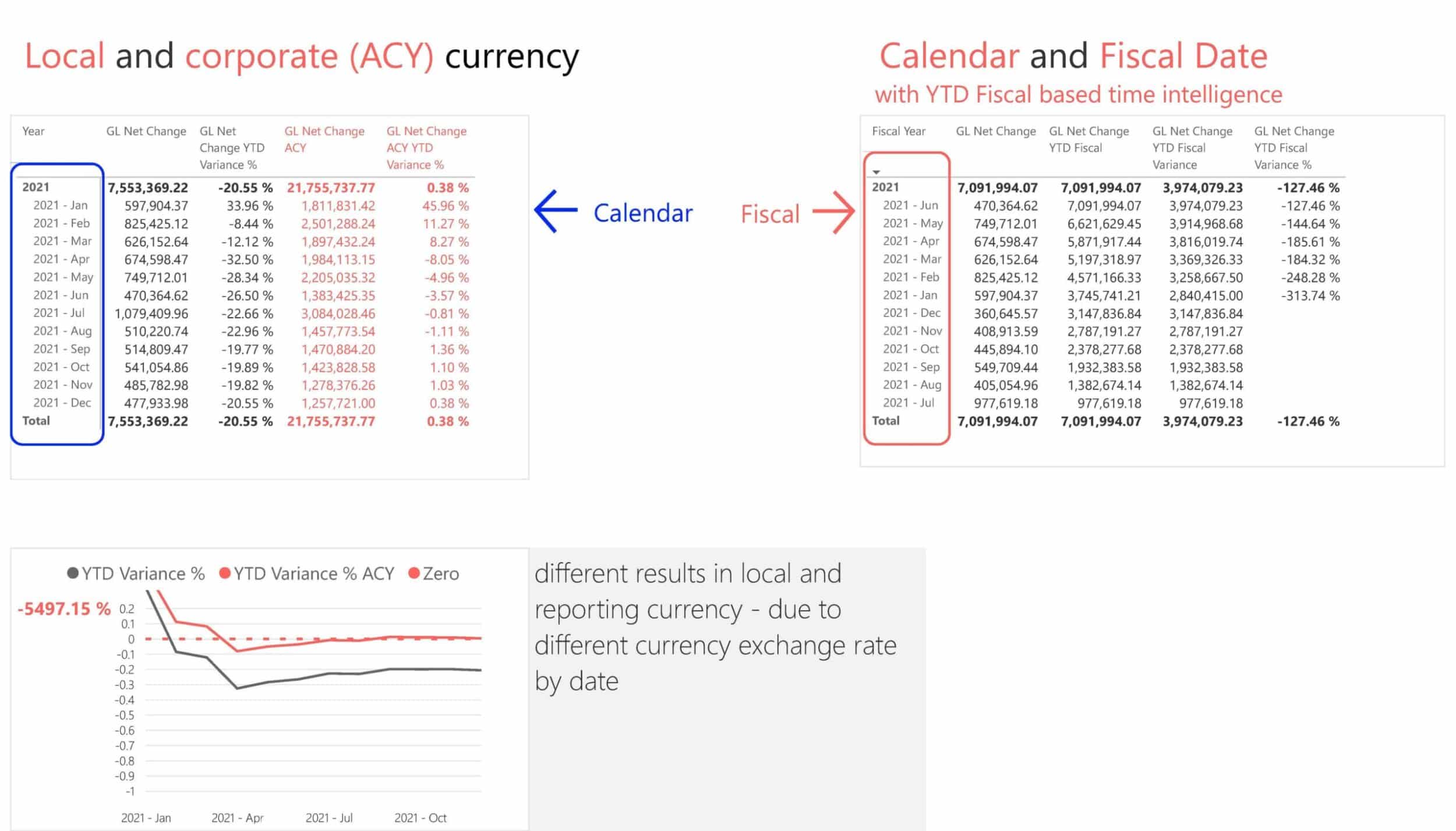
Absolutely. BI4Dynamics allows you to add multiple companies into a single Data Warehouse. You can also gain access to unlimited global dimensions across companies; in addition to supporting local and corporate currencies.
How can I set up and customize my BI solution? Is it hard to do?
You can do that easily by using the BI4Dynamics Wizard to build and customize your BI Solution in five steps. This means you’ll be utilizing the same tool as our developers use. Additionally, if required, you can integrate automatically generated code with custom SQL code
Will I face any issues with Dynamics upgrades when integrating various data sources?
No, BI4Dynamics addresses data migration problems that can be caused by Dynamics upgrades by directly joining new and archived databases in the BI4Dynamics Data Warehouse.
Can I integrate on-premise Dynamics (legacy) with cloud D365?
Yes, you can join any data source ranging from NAV 2009 to the latest D365 Business Central, and from AX R3 to D365 F&O.
Do I need to create custom reports or model data in Power BI with BI4Dynamics?
No, BI4Dynamics eliminates the need for developing custom reports in Dynamics or modeling in Power BI. You can automatically generate a data warehouse, analytical model, and project documentation without writing a single line of code.